49
To set Depth Alarm:
1) Press Menu to enter into menu setting.
2) Repeatedly Press Menu to switch to ALARM menu.
3) Use the Up / Down Arrow to select Depth Alarm option.
4) Press Ent to enter into setting.
5) Use the Up / Down Arrow to change the value.
6) Press Ent to confirm and exit the setting.
Fish Alarm
The Fishfinder sound an alarm tone when it detects what it
determines to be a fish.
To set the System Reset:
1) Press Menu to enter into menu setting
2) Repeatedly Press Menu to switch to ALARM menu
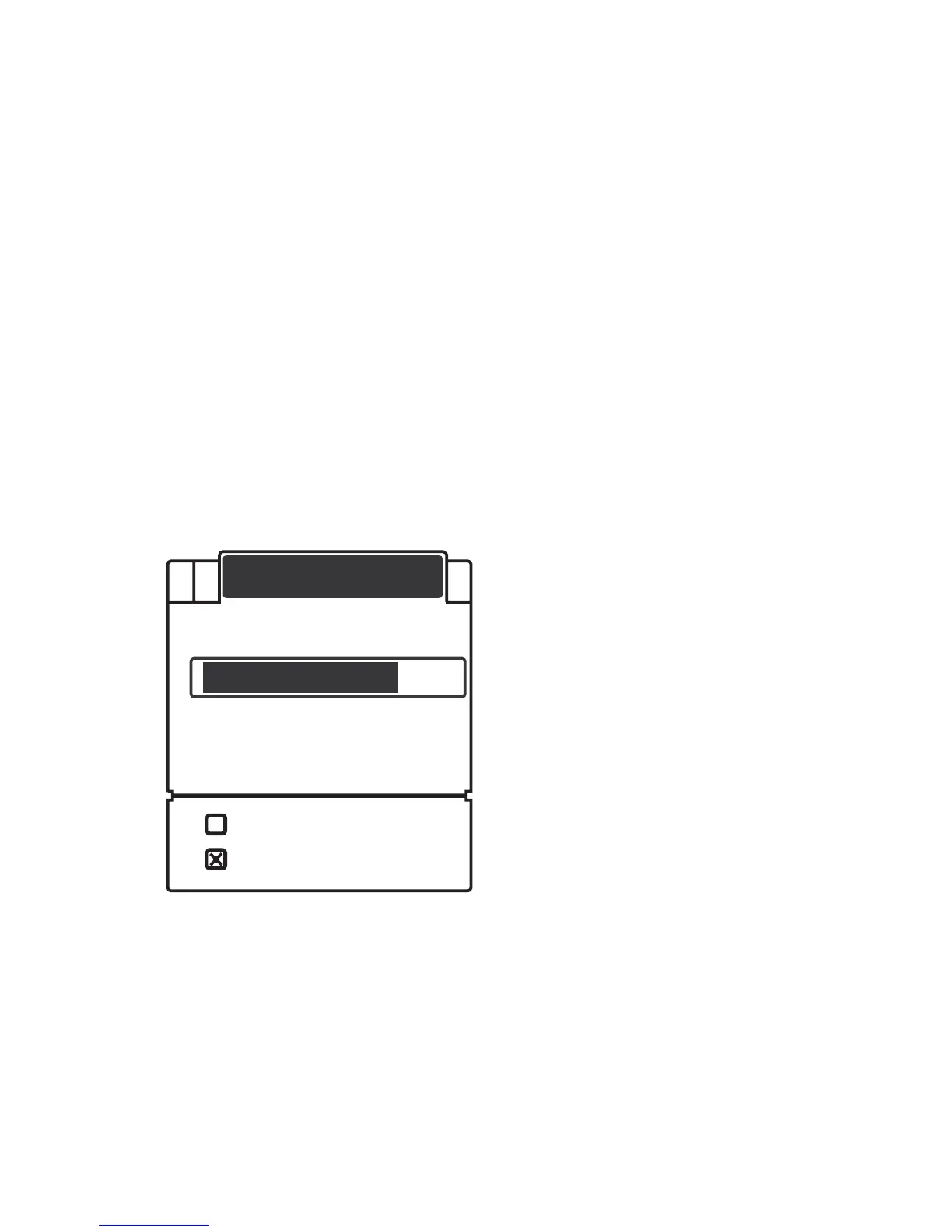
3) Use the Up / Down Arrow to select Fish Alarm option.
ALARM
Depth Alarm
Fish Alarm
Main Battery
Boat Battery
Off
On


 To Next Page