42
2. Display
Depth Range
Depth Range determines in which portion the bottom will display
in thescreen.( For example, if the actual depth is 10m, and the
current Depth Range is 20m, then the bottom will display on 50%
portion of the screen).
There are total 10 levels for the depth range setting:
a) With feet unit: 10, 15, 25, 35, 50, 70, 85, 100, 131, Auto
b) With meter unit: 3, 5, 8, 10, 15, 20, 25, 30, 40, Auto
The default setting is Auto, which will keep the bottom always
display in a proper portion on the screen. However in some certain
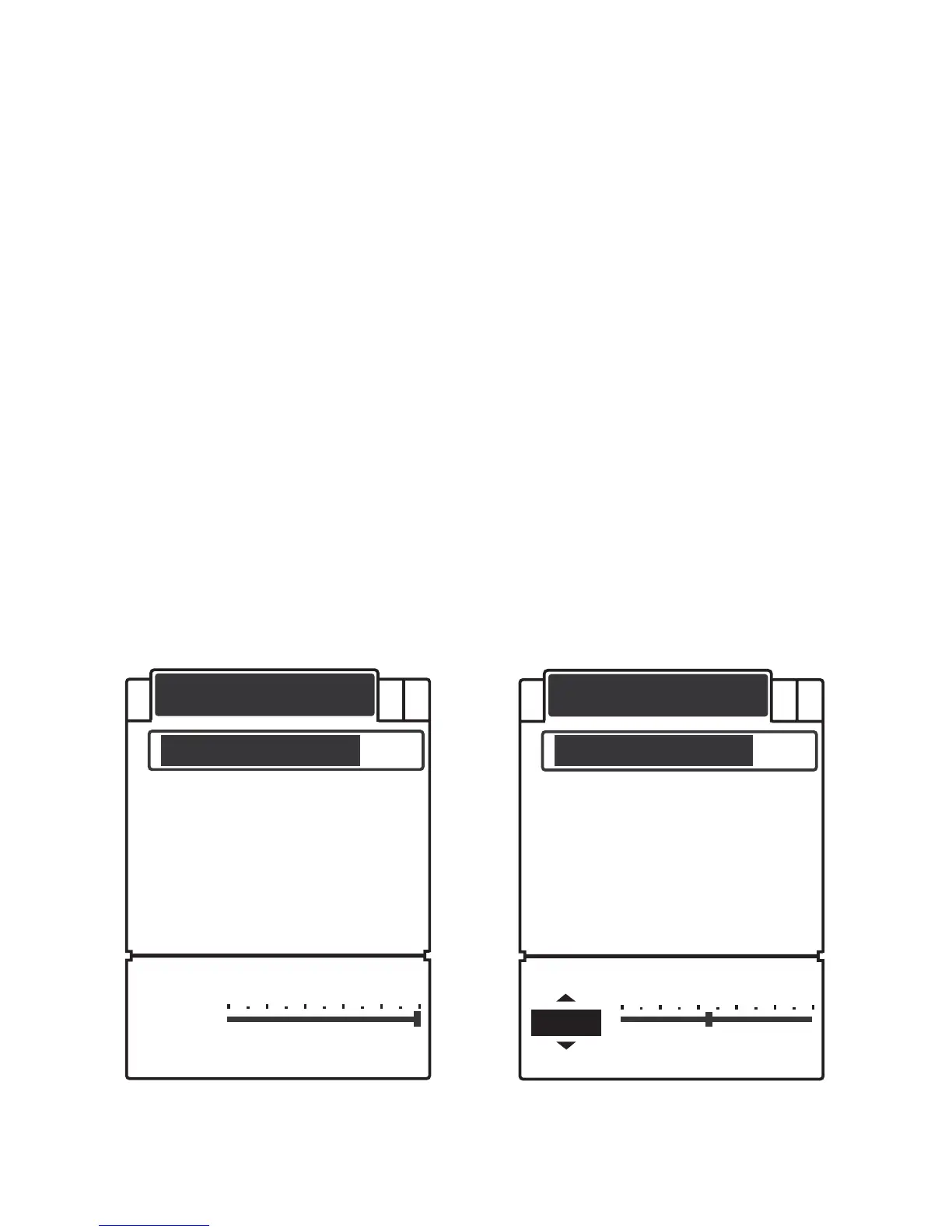
situation, you could also manually select a depth range:
DISPLAY
Depth Range
Zoom Range
Backlight
Contrast
Overlap Data
Auto.
DISPLAY
Depth Range
Zoom Range
Backlight
Contrast
Overlap Data
20m
A B


 To Next Page