7
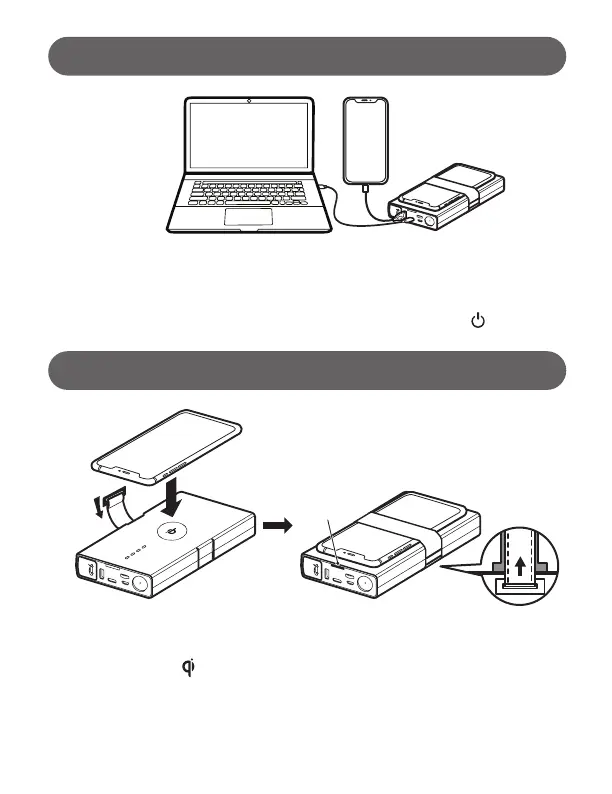
We recommend using the original charging cable that came with your mobile
device, or an approved cable certied by the mobile device manufacturer. Three
mobile devices can be charged at the same time by utilizing USB-A, USB-C
Output ports & wireless charging pad. To begin charging, press once.
NOTE: The wireless charging feature only works on devices that allow Qi (inductive) wireless
charging. Only use the wireless charging pad with Qi-certied devices.
CHARGING YOUR MOBILE DEVICES:
WIRELESSLY CHARGING YOUR MOBILE DEVICES:
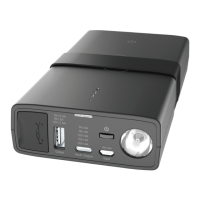
Press the power button once to enable wireless charging function.
When the green LED turn on, place the device on top of WIRELESS
CHARGING ICON to start. You may need to adjust the orientation to
have the best charging.
Wireless Charger
Indicator
(Green LED)



 To Next Page