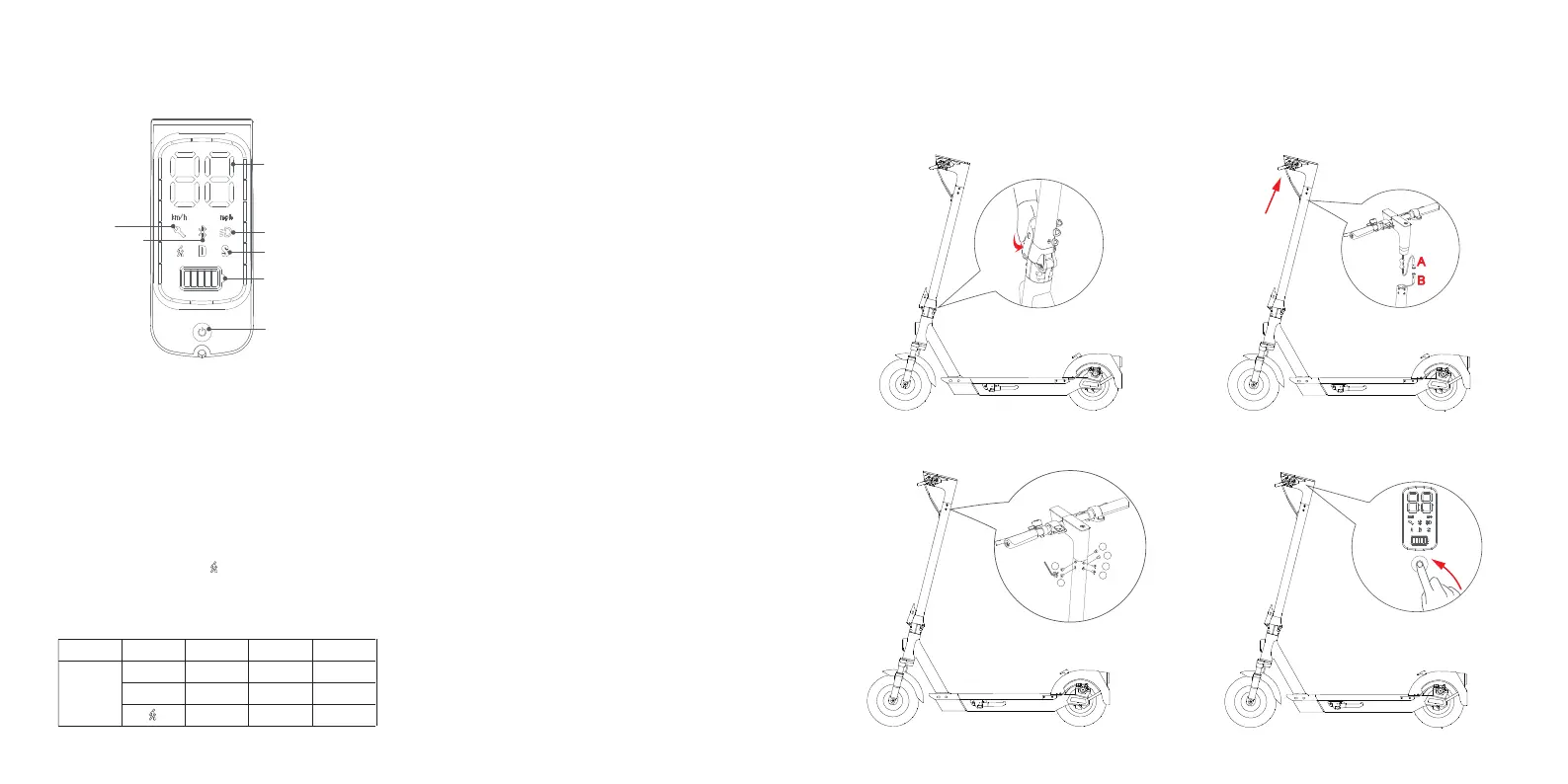
4 Dashboard
5 Scooter assembly
3. Use the accompanying hexagon spanner to intall
4 screws in the order 1-2-3-4-5-6.
4. Check if your scooter can be started
normally.
2. Install the handlebar on the front tube
in the correct direction.
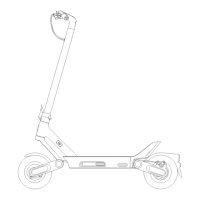
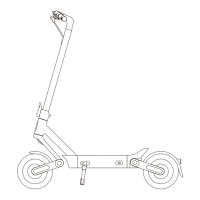
1. Unfold the front tube to the maximum position,
press the folding and quick-releasing handle until
a “crack” sound appears. Unfold the kickstand
to support the scooter.
05 06
eKFV
20km/h
15km/h
6km/h
EN
25km/h
15km/h
6km/h
UL
30km/h
15km/h
6km/h
Mode
S
D
KS6 Pro
1.Speedometer: Display the current speed and error
code.
2.Error: The lit wrench indicates that the scooter has
detected an error (please refer to page 17 for
details).
3.Bluetooth: The lit icon indicates that the scooter has
been successfully connected to the Bluetooth and
your scooter will beep.
4.Headlight: When the headlight is on, the icon is lit.
5.Three modes available.“ ”for Pedestrian mode with
a maximum speed of 3.7mph (6kmph), "D" for
Standard mode and "S" for Sport mode (high speed).
Rear tail lamp will remain on when on the pedestrian
mode.
6.Battery level: The battery power is indicated by 5 bars,
each representing approximately 20% of a full battery.
7.Power button (multi-functional): Short press to turn on
the scooter and long press to turn it off. The scooter
will be turned off automatically after 3mins without
any scooter or App operation.
When the scooter is on, single press the button to
shift between modes, and the scooter beeps upon
successful operation.
When the scooter is on, double press the button to
turn on/off headlight, and the scooter beeps upon
successful operation.
When the scooter is on, triple press the button to shift
speed unit of kmph or mph, and the scooter beeps
upon successful operation.
1. Speedometer
2. Error
3. Bluetooth
4. Headlight
5. Power Mode
6. Battery Level
7. Power Button
(Multi-Functional)
Headlight
A
B
1
6
2
5
3
4


 To Next Page