VX-6R OPERATING MANUAL54
AUTOMATIC LAMP ILLUMINATION ON SCAN STOP
The VX-6R will automatically illuminate the LCD/Keypad Lamp whenever the scanner
stops on a signal; this allows you to see the frequency of the incoming signal better at night.
Note that this will, of course, increase the battery consumption, so be sure to switch it off
during the day (the default condition for this feature is “ON”).
The procedure for disabling the Scan Lamp is:
1. Press the
[
F/W
]
key, then press the
[
0
(
SET
)]
key to enter the Set mode.
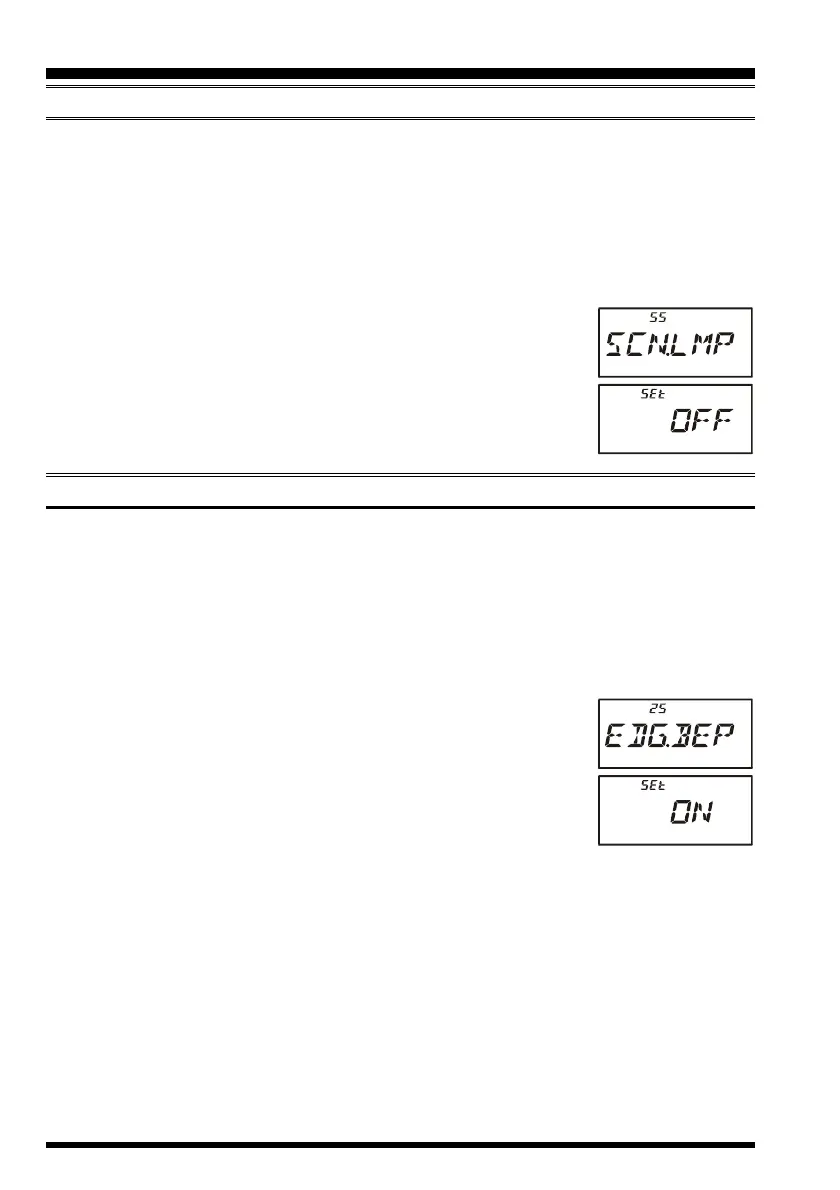
2. Rotate the DIAL knob to select Set Mode Item 55: SCN.LMP.
3. Press the
[
0
(
SET
)]
key momentarily to enable adjustment of this
Set Mode Item.
4. Rotate the DIAL knob to set this Set Mode Item to “OFF.”
5. When you have made your selection, press the PTT key to save
the setting and exit to normal operation.
BAND EDGE BEEPER
The VX-6R will automatically “beep” when a band edge is encountered during scanning
(either in standard VFO scanning or during PMS operation). You may also enable this
feature (band edge beeper) to sound the beeper when the frequency reaches the band edge
while tuning using the DIAL knob.
The procedure for enabling the Band-Edge Beeper is:
1. Press the
[
F/W
]
key, then press the
[
0
(
SET
)]
key to enter the Set mode.
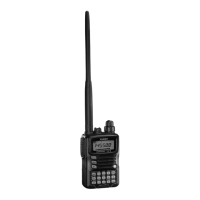
2. Rotate the DIAL knob to select Set Mode Item 25: EDG.BEP.
3. Press the
[
F/W
]
key momentarily to enable adjustment of this
Set Mode Item.
4. Rotate the DIAL knob to set this Set Mode Item to “ON.”
5. When you have made your selection, press the PTT key to save
the setting and exit to normal operation.
SCANNING



 To Next Page