Quick Guide
17
AUDIOGRAM 3 Owner’s Manual
7
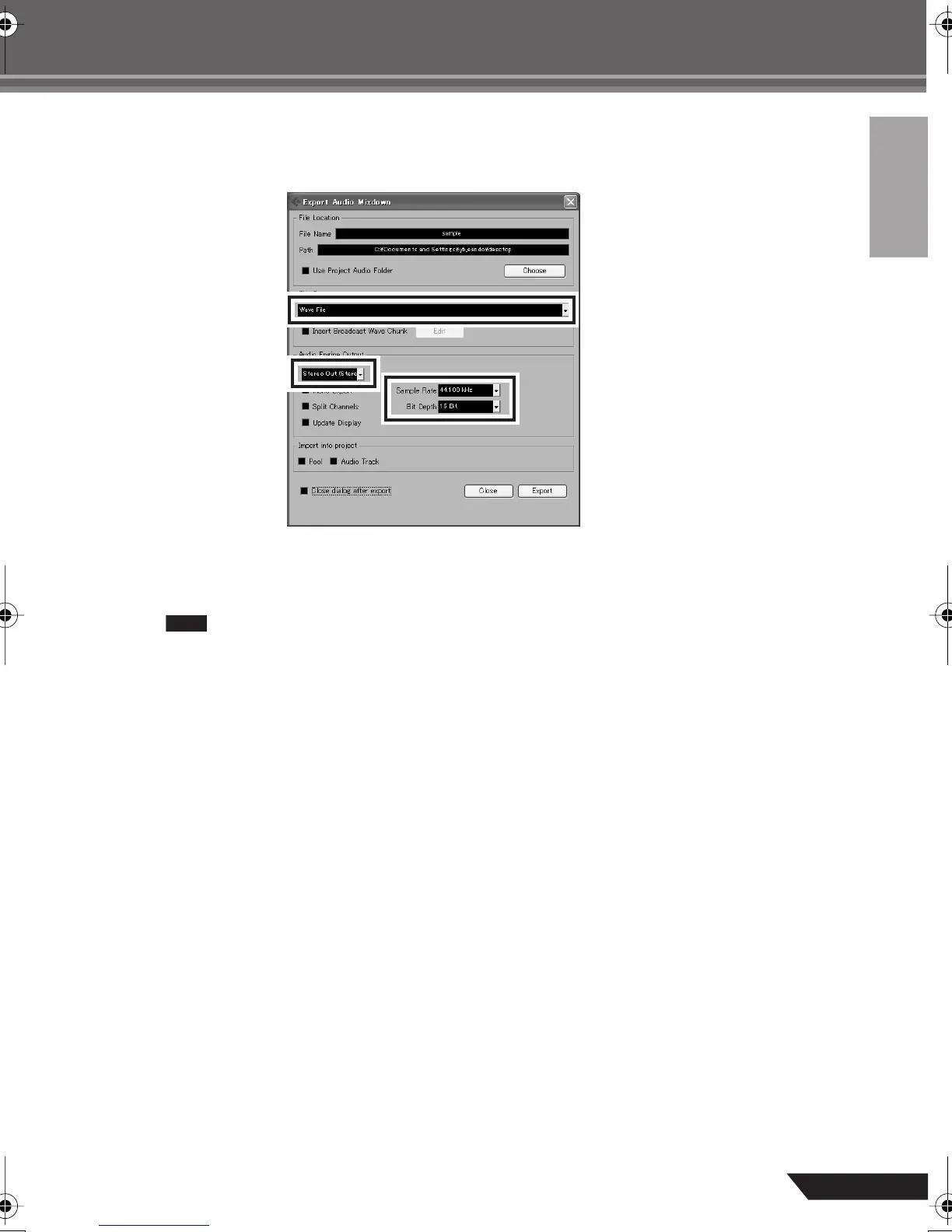
Enter a file name and select a destination for the file as well as a file type.
If you intend to use the file to create an audio CD, select the WAV file type (AIFF on Macintosh OS X),
Stereo Out (stereo), 44.1 kHz, and 16 bit.
8
Click [Export].
Progress of the mixdown operation will be shown in a progress window. When the progress window
closes the mixdown is complete.
Files created by mixdown can be directly played back using the Windows Media Player, or
iTunes.
audiogram3en.book Page 17 Wednesday, April 2, 2008 2:40 PM



 To Next Page