8
H.
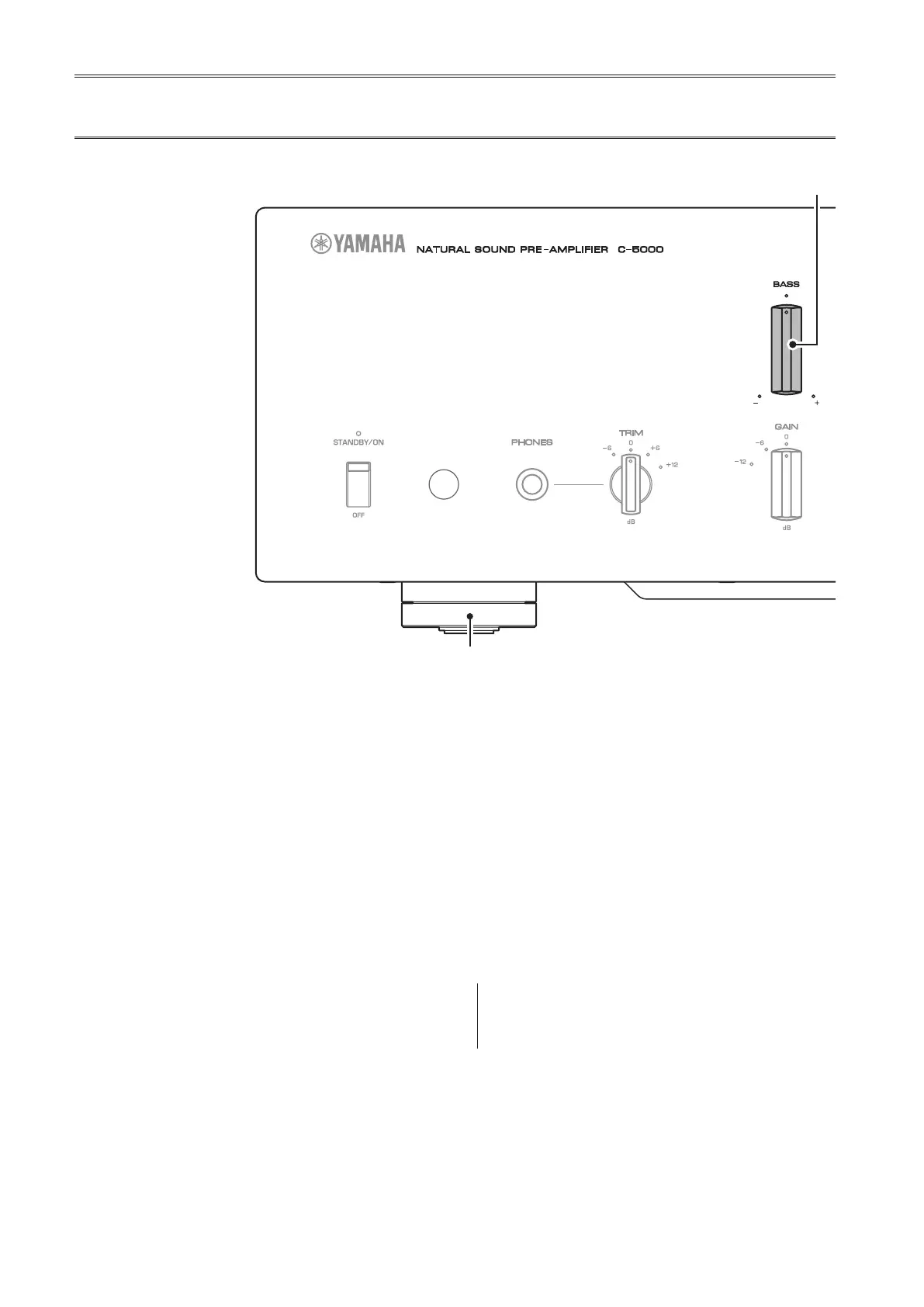
BASS control
Adjusts the low-frequency response in the range from
−10 dB to +10 dB (in 0.5 dB steps). The center position
produces a at response.
I.
TREBLE control
Adjusts the high-frequency response in the range from
−10 dB to +10 dB (in 0.5 dB steps). The center position
produces a at response.
J.
BALANCE control
Adjusts the audio output balance between the left and
right speakers in the range from L (the right channel is
muted) to R (the left channel is muted) to compensate
for sound imbalances caused by speaker locations or
listening room conditions.
K.
EXT. DIRECT switch/indicator
If you press the EXT. DIRECT switch once, the EXT.
DIRECT indicator will light up, and the audio source
input at the EXT. IN jacks will be output at the connected
output jacks. For more information, refer to “Connecting
another preamplier” (page 23) and “Selecting the
input and output” (page 28).
If you press the EXT. DIRECT switch again or rotate
the INPUT selector, the signal specied by the INPUT
selector will become the input source, and the EXT.
DIRECT indicator will turn off.
Note
If EXT. DIRECT is selected, no signal will be output at the
LINE 2 OUT (recording) jacks nor at the PHONES jack.
Front panel


 To Next Page