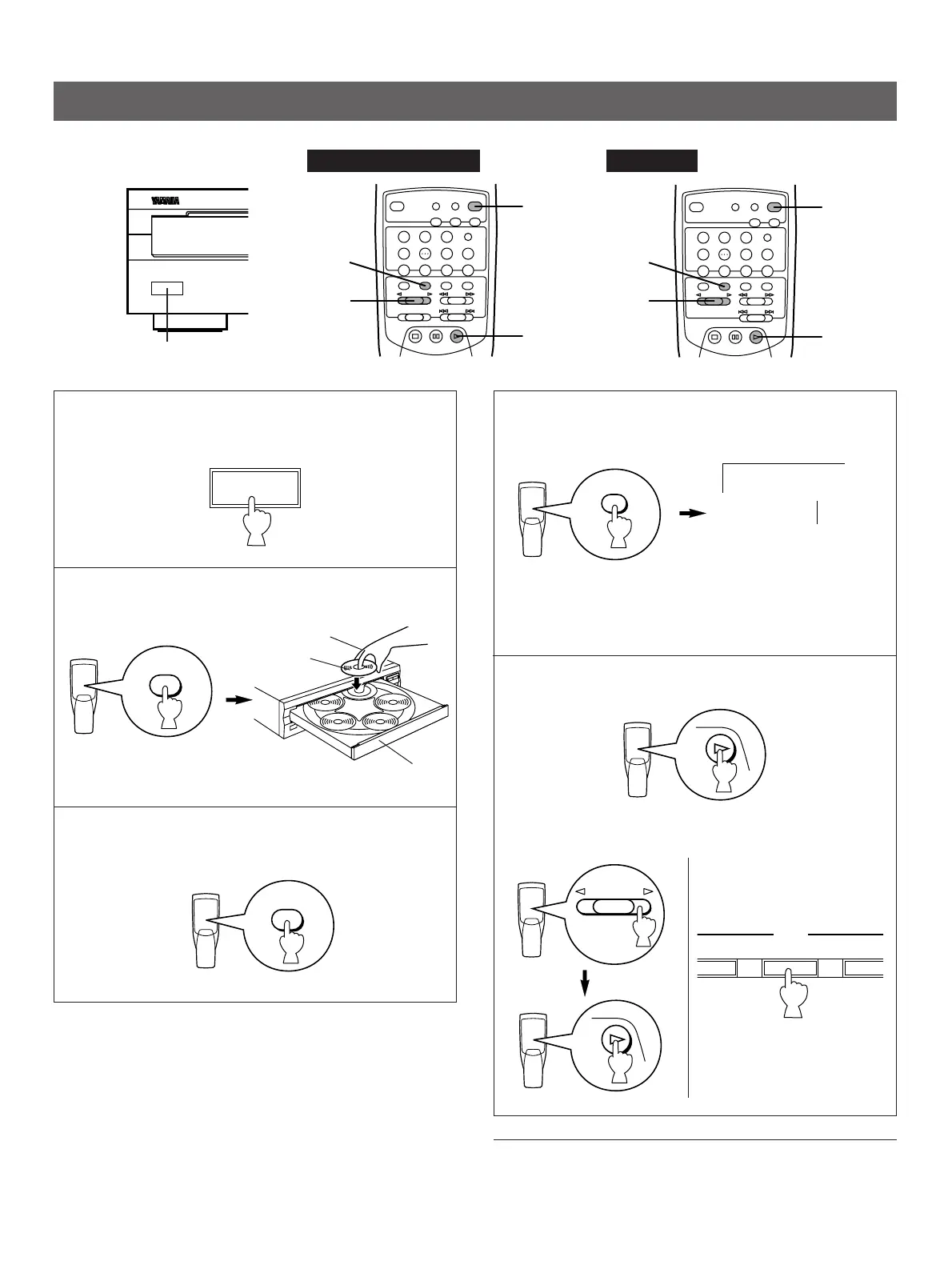
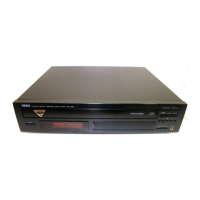
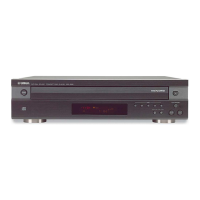
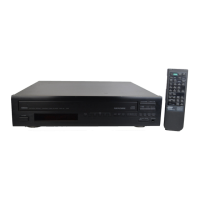
1 Turn the power on.
2 Open the disc tray and load discs.
3 Close the disc tray
4 Select a desired disc play mode (1DISC or 5DISC)
confirming it on the display.
“1DISC” mode: The unit will play a designated disc only.
“5DISC” mode: The unit will play all discs on the tray in
sequence.
5 Start play from the first track of the disc 1.
* If necessary, select a desired disc by using the DISC SKIP
button or a DISC-select button.
To turn off the power
Press the POWER switch again.
Shows the selected disc
mode.
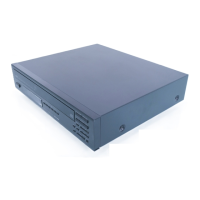
Disc tray
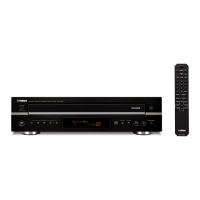
This manual describes how to operate this unit by using the remote control transmitter.
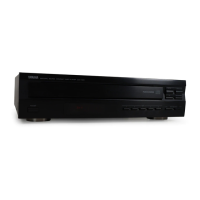
To operate this unit on the front panel, use the corresponding buttons on the front panel.


 To Next Page