EasyManua.ls Logo

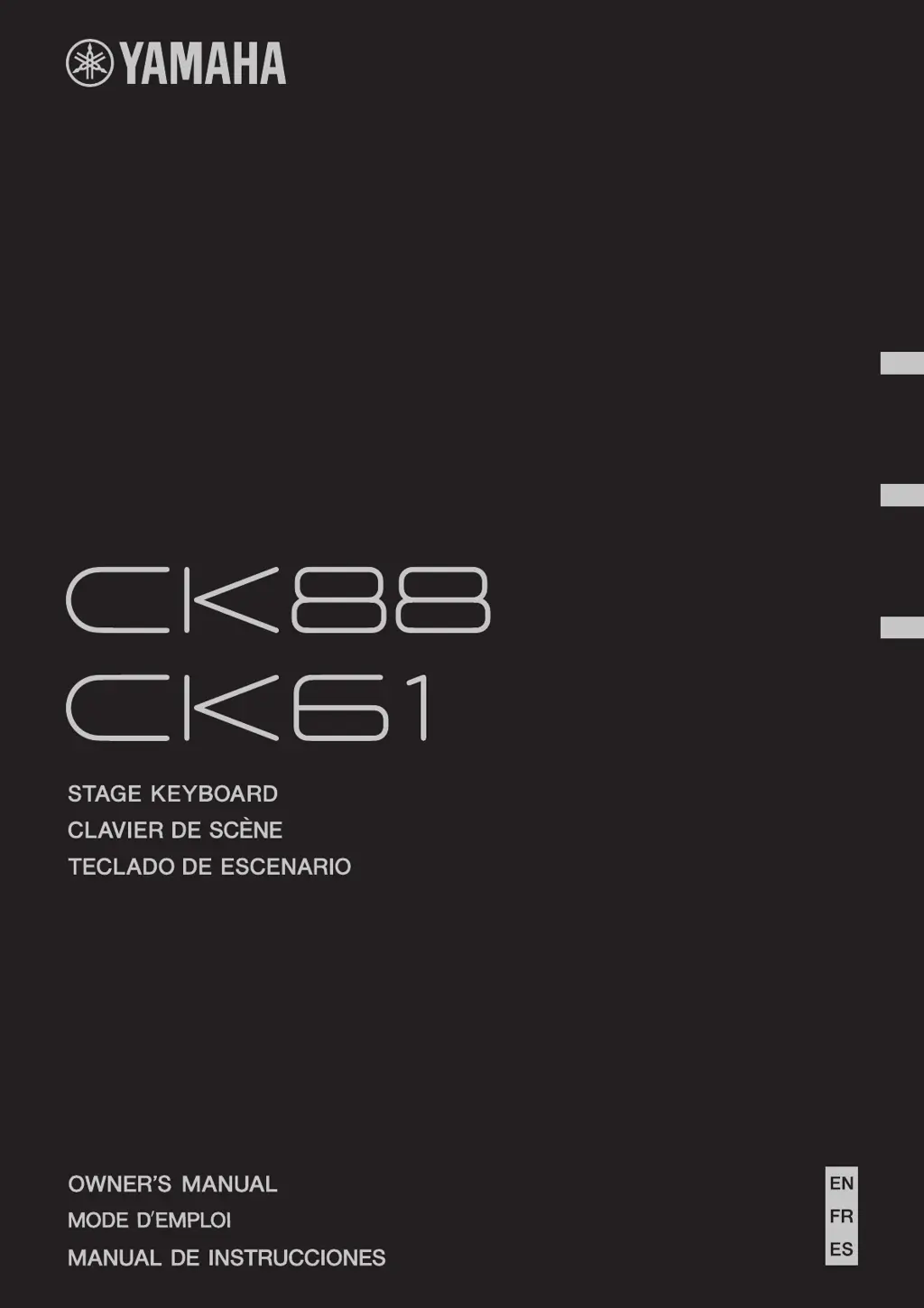
Yamaha CK61 - User Manual

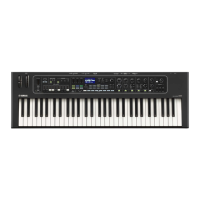
Yamaha CK61
80 pages
Print Icon
To Next Page IconTo Next Page
Loading...
EnglishFrançaisEspañol

Table of Contents

Questions and Answers

Summary

Compliance Information

FCC Information (U.S.A.)

Explains FCC compliance rules and precautions for product usage.

Safety Precautions

Important Safety Instructions

Lists crucial safety guidelines for product usage to prevent hazards.

Graphical Symbols Explanation

Explains the meaning of safety symbols used in the manual.

Regulatory Compliance

Simplified EU Declaration of Conformity

States the product's compliance with European Union directives.

Precautions for Safe Operation

General Warnings

Lists essential safety precautions to avoid injury or hazards during operation.

Power Supply Precautions

Details safety guidelines related to power connection and usage.

Water and Fire Hazards

Advises on avoiding water exposure and fire hazards during operation.

Operational Safety and Handling

Battery Handling Precautions

Covers safety measures for battery use, insertion, and storage.

Handling and Location Guidelines

Provides advice on product placement and physical handling to prevent damage.

Notices and Maintenance

About the CK88 and CK61

Main Features

Highlights the key capabilities, controls, and connectivity of the CK series.

Sound Management System

Understanding Live Sets

Explains the concepts of Live Set Sounds and Live Set Pages for sound organization.

Setting Up the Keyboard

Using the AC Adaptor

Provides instructions for connecting and using the AC adapter for power.

Powering the Keyboard

Using Batteries

Explains how to insert and use batteries for portable operation.

Initial Setup and Power Management

USB Flash Drive Operations

USB Device Precautions

Lists important safety and usage guidelines for USB flash drives.

Formatting and Protecting USB Drives

Explains how to format and protect USB flash drives from data loss.

Basic Operations

Creating and Saving Live Set Sounds

Guides on sound creation process and storing edited sounds.

Advanced Live Set Features

Applying Effects to External Audio

Details how to use effects on A/D input signals like microphones.

Managing Live Set Sounds

Editing and Swapping Live Set Sounds

Covers renaming, swapping, copying, and initializing Live Set Sounds.

USB Live Set Sound Management

Saving Live Set Sounds to USB

Instructions for saving Live Set Sounds to a USB drive as backup files.

Loading Live Set Sounds from USB

Instructions for loading Live Set Sounds from a USB drive.

Advanced Settings - Live Set Configuration

Live Set (SETTINGS) Button Operation

Explains how to use the SETTINGS button for Live Set editing.

Sound Settings

Details Mono/Poly, Portamento, and Unison settings for each part.

Advanced Settings - Part Sound Parameters

Advanced Settings - Layer, Split, and EQ

Advanced Settings - Controller Assignments

Advanced Settings - Function and External Control

Advanced Settings - Master Keyboard Mode

Master Keyboard Mode Activation

Explains how to enable and configure Master Keyboard mode for external control.

Zone Settings and MIDI Transmission

Details zone configuration and MIDI transmission parameters for master keyboards.

Advanced Settings - Master Keyboard MIDI Control

Master Keyboard MIDI Transmission Settings

Details MIDI transmission parameters for master keyboard zones.

Advanced Settings - A;D Input Processing

Advanced Settings - Global Configuration

Advanced Settings - MIDI Configuration

MIDI Port and Channel Settings

Explains MIDI port usage and channel configuration for communication.

Advanced Settings - MIDI, Audio, and Display

Advanced Settings - Keyboard and Pedal Configuration

Advanced Settings - Job Functions

Live Set and Part;Effect Management

Covers operations like swapping, copying, and initializing sets/parts.

Edit Recall and Factory Reset

Explains recalling edits and performing a factory reset for troubleshooting.

Advanced Settings - File and Bluetooth Operations

File Management via USB

Details saving, loading, renaming, deleting, and formatting files using USB.

Shortcut Operations

Effect List

Effect List - Modulation and Time-Based Effects

Using External Devices

USB [TO HOST] Terminal Precautions

Safety and usage guidelines for the USB host connection to computers.

Connecting Smart Devices via Bluetooth

Instructions for Bluetooth pairing and audio playback from smart devices.

Connecting to External Devices

Connecting to a Computer

Steps for connecting the CK to a computer for music production and DAW use.

MIDI and External Keyboard Integration

MIDI Terminal Configuration

Details MIDI port settings, channels, and local control for MIDI communication.

Data List - MIDI Control Change Numbers

Data List - MIDI Data Format

MIDI Data Format - System Messages

Data List - MIDI Data Tables

Data List - MIDI Parameter Tables (Zone Settings)

Data List - Live Set Part Parameters

Other Information

Troubleshooting Common Issues

Provides solutions for common operational problems like no sound or unexpected power off.

Troubleshooting and Resetting

Resolving Specific Operational Issues

Offers solutions for distorted sound, pedal issues, and USB errors.

Factory Reset Procedure

Explains how to restore the CK to its factory default state.

Other Information - Display Messages

Summary

Compliance Information

FCC Information (U.S.A.)

Explains FCC compliance rules and precautions for product usage.

Safety Precautions

Important Safety Instructions

Lists crucial safety guidelines for product usage to prevent hazards.

Graphical Symbols Explanation

Explains the meaning of safety symbols used in the manual.

Regulatory Compliance

Simplified EU Declaration of Conformity

States the product's compliance with European Union directives.

Precautions for Safe Operation

General Warnings

Lists essential safety precautions to avoid injury or hazards during operation.

Power Supply Precautions

Details safety guidelines related to power connection and usage.

Water and Fire Hazards

Advises on avoiding water exposure and fire hazards during operation.

Operational Safety and Handling

Battery Handling Precautions

Covers safety measures for battery use, insertion, and storage.

Handling and Location Guidelines

Provides advice on product placement and physical handling to prevent damage.

Notices and Maintenance

About the CK88 and CK61

Main Features

Highlights the key capabilities, controls, and connectivity of the CK series.

Sound Management System

Understanding Live Sets

Explains the concepts of Live Set Sounds and Live Set Pages for sound organization.

Setting Up the Keyboard

Using the AC Adaptor

Provides instructions for connecting and using the AC adapter for power.

Powering the Keyboard

Using Batteries

Explains how to insert and use batteries for portable operation.

Initial Setup and Power Management

USB Flash Drive Operations

USB Device Precautions

Lists important safety and usage guidelines for USB flash drives.

Formatting and Protecting USB Drives

Explains how to format and protect USB flash drives from data loss.

Basic Operations

Creating and Saving Live Set Sounds

Guides on sound creation process and storing edited sounds.

Advanced Live Set Features

Applying Effects to External Audio

Details how to use effects on A/D input signals like microphones.

Managing Live Set Sounds

Editing and Swapping Live Set Sounds

Covers renaming, swapping, copying, and initializing Live Set Sounds.

USB Live Set Sound Management

Saving Live Set Sounds to USB

Instructions for saving Live Set Sounds to a USB drive as backup files.

Loading Live Set Sounds from USB

Instructions for loading Live Set Sounds from a USB drive.

Advanced Settings - Live Set Configuration

Live Set (SETTINGS) Button Operation

Explains how to use the SETTINGS button for Live Set editing.

Sound Settings

Details Mono/Poly, Portamento, and Unison settings for each part.

Advanced Settings - Part Sound Parameters

Advanced Settings - Layer, Split, and EQ

Advanced Settings - Controller Assignments

Advanced Settings - Function and External Control

Advanced Settings - Master Keyboard Mode

Master Keyboard Mode Activation

Explains how to enable and configure Master Keyboard mode for external control.

Zone Settings and MIDI Transmission

Details zone configuration and MIDI transmission parameters for master keyboards.

Advanced Settings - Master Keyboard MIDI Control

Master Keyboard MIDI Transmission Settings

Details MIDI transmission parameters for master keyboard zones.

Advanced Settings - A;D Input Processing

Advanced Settings - Global Configuration

Advanced Settings - MIDI Configuration

MIDI Port and Channel Settings

Explains MIDI port usage and channel configuration for communication.

Advanced Settings - MIDI, Audio, and Display

Advanced Settings - Keyboard and Pedal Configuration

Advanced Settings - Job Functions

Live Set and Part;Effect Management

Covers operations like swapping, copying, and initializing sets/parts.

Edit Recall and Factory Reset

Explains recalling edits and performing a factory reset for troubleshooting.

Advanced Settings - File and Bluetooth Operations

File Management via USB

Details saving, loading, renaming, deleting, and formatting files using USB.

Shortcut Operations

Effect List

Effect List - Modulation and Time-Based Effects

Using External Devices

USB [TO HOST] Terminal Precautions

Safety and usage guidelines for the USB host connection to computers.

Connecting Smart Devices via Bluetooth

Instructions for Bluetooth pairing and audio playback from smart devices.

Connecting to External Devices

Connecting to a Computer

Steps for connecting the CK to a computer for music production and DAW use.

MIDI and External Keyboard Integration

MIDI Terminal Configuration

Details MIDI port settings, channels, and local control for MIDI communication.

Data List - MIDI Control Change Numbers

Data List - MIDI Data Format

MIDI Data Format - System Messages

Data List - MIDI Data Tables

Data List - MIDI Parameter Tables (Zone Settings)

Data List - Live Set Part Parameters

Other Information

Troubleshooting Common Issues

Provides solutions for common operational problems like no sound or unexpected power off.

Troubleshooting and Resetting

Resolving Specific Operational Issues

Offers solutions for distorted sound, pedal issues, and USB errors.

Factory Reset Procedure

Explains how to restore the CK to its factory default state.

Other Information - Display Messages

Yamaha CK61 Specifications

General IconGeneral
Display typeLCD
Built-in displayYes
USB ports quantity1
6.35 mm (1⁄4-inch) input3
Battery typeAA
DC input voltage12 V
Power source typeBattery, DC
Number of batteries supported8
Batteries includedNo
Product typeDigital synthesizer
Product colorBlack
Sound effectsDelay, Reverberation
RMS rated power12 W
Number of speakers2
Sound effects quantity48
Keyboard number of keys61
Preset programs quantity80
Maximum polyphony (notes)128
Package depth410 mm
Package height240 mm
Package weight1100 g
Weight and Dimensions IconWeight and Dimensions
Depth291 mm
Width910 mm
Height109 mm
Weight5600 g

Related product manuals