
 To Next Page
J
James JohnsonAug 17, 2025
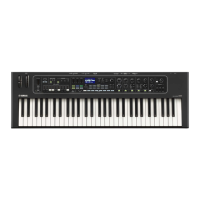
Why is there no sound coming from my Yamaha CK88?
- MMichael AlexanderAug 17, 2025
There are several reasons why your Yamaha Electronic Keyboard might not be producing sound: * Ensure that all the Part [ON/OFF] buttons are set to ON. * Check that the Part volume is not turned fully down by using the Part Volume sliders to adjust the volume. * Verify that Local Control is set to On, as setting it to Off will prevent the internal tone generator from playing sound. * Confirm the SPEAKERS switch is set to ON. * If headphones are connected, disconnect them, as the built-in speakers may be muted. Then set the SPEAKERS switch to ON. * Check that both the keyboard and any connected external audio devices are powered on and that their volumes are appropriately adjusted.
 General
 Weight and Dimensions