6
Playing the Demo Song
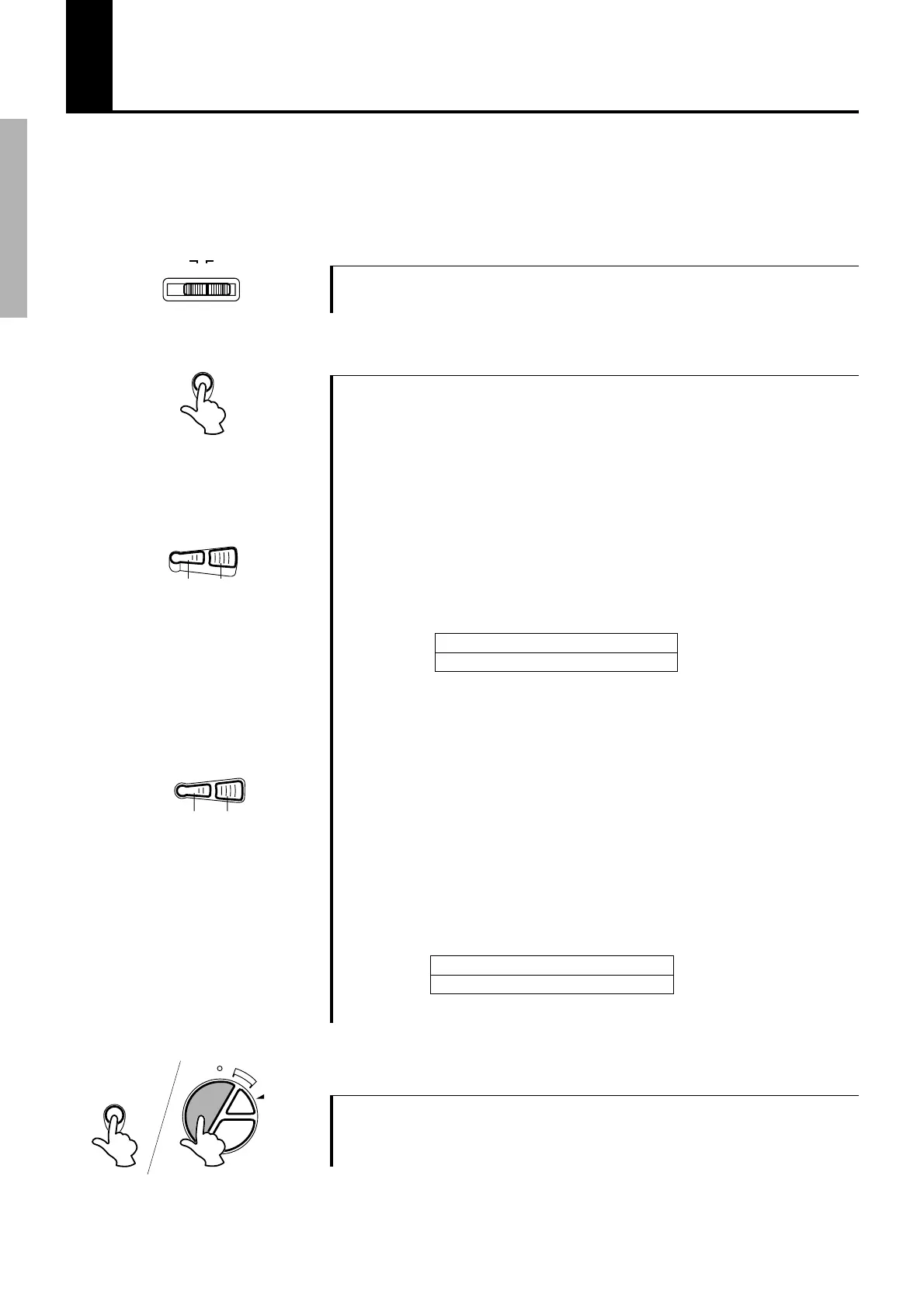
1 Turn on the power
Turn the [POWER] switch ON.
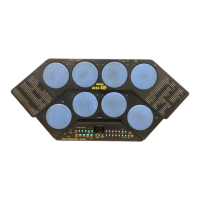
To give you idea of the DD-50’s possibilities, it comes with a demonstration song. To playback
the demo song:
POWER
OFF ON
Press the [DEMO] button, the demo song will start playback.
2 Start the Demo Song
MASTER VOLUME
Small Large
SONG
VOLUME
Small Large
● MASTER VOLUME
The overall volume level of the DD-50 is controlled by two [MAS-
TER VOLUME] buttons (10 volume levels L0-L9).
Press the large [MASTER VOLUME] button to increase the
overall volume by one level. Press the small [MASTER VOL-
UME] button to decrease the overall volume one level. Holding
down either of the buttons increases or decreases the volume level
rapidly.
● SONG VOLUME
The song’s volume level is controlled by the two [SONG VOL-
UME] buttons (10 volume levels L0-L9). (Demo Song, Song see
page 10)
The SONG VOLUME can be used to adjust the balance between
the song accompaniment and your own performance on the pads.
Press the large [SONG VOLUME] button to increase the song
volume by one level. Press the small [SONG VOLUME] button to
decrease the song volume by one level. Holding either of the
buttons increases or decreases the song volume level rapidly.
DEMO
L0 < L5 > L9
Small < Volume Level > Large
*When the MASTER VOLUME is set to L0, the song’s volume is silenced.
L0 < L5 > L9
Small < Volume Level > Large
* When the SONG VOLUME is set to L0, the song’s volume is silenced.
3 Stop the Demo Song
To stop playback, press either the [DEMO] button again or the
[START/STOP] button.
BREAK/
TAPSTART
START/
STOP
A-B
REPEAT
REC.
DEMO


 To Next Page