20
E. Adjusting the Hammer Shank Stopper Unit
Step 1. Check if the hammer shank stopper do not disturb the dampers or hammers
movement during normal playing. OK Step 2
Hammer shank stopper height/lateral adjustment is necessary if any disturbing
happens. Step 4
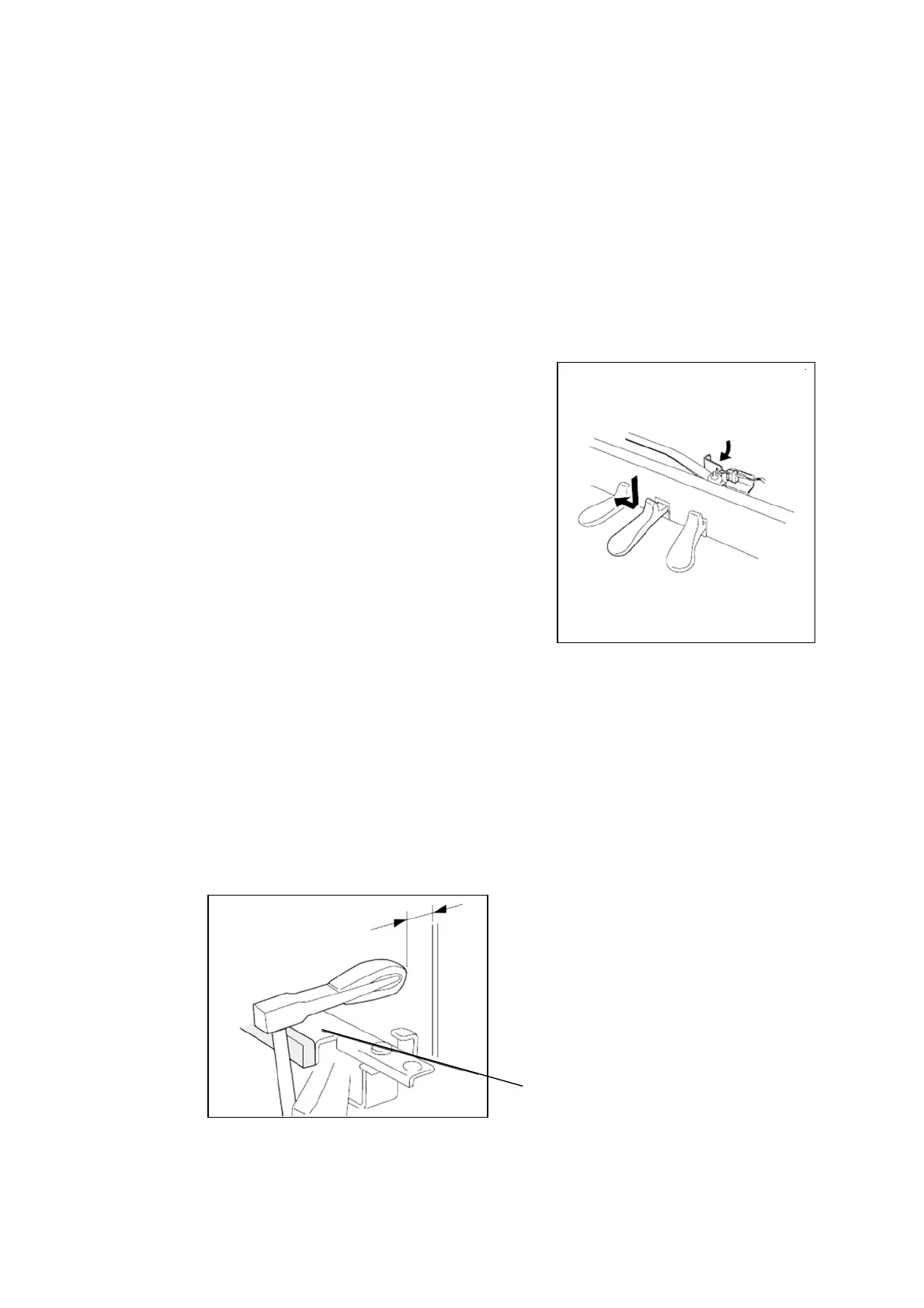
Step 2. Turn on the power then depress and lock the
center pedal to enter the quiet mode.
The hammer shank stopper moves 8mm
toward front.
Check if the acoustic sound doesn’t come out
during playing keyboard with Mezzo forte
level. If no sound comes, then the distance
between hammer head and strings will be
within 4.5mm-7mm when the hammer shank
touches the shank stopper cushion. OK
Shank stopper must be adjusted to the front
if the acoustic sound comes.
If the balance of the same section is not even
(ex. Bass). Step 3
Note: Hammer let off adjustment must be
1mm wider than the adjusted quiet
mode distance.
Hammer shank stopper
22







 To Next Page