MX-100B
How to Format Disks
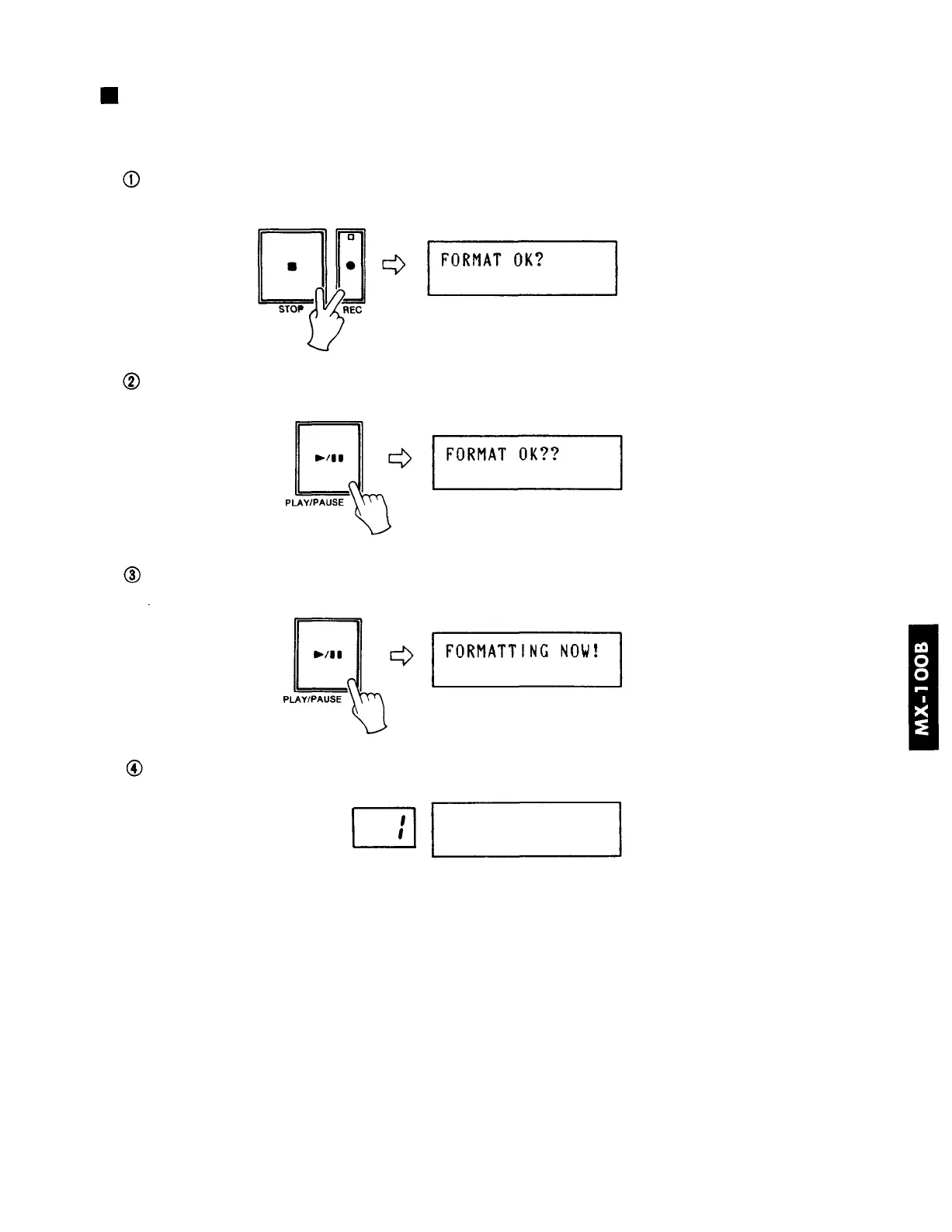
After inserting a disk, press the Rec. button while keeping the Stop button depressed. You can
release these buttons when the display reads "FORMAT OK?".
In answer to the above message, press the Play/Pause button. (If you should decide not to
proceed with formatting, remove the disk instead.)
Reconfirm the above question by again pressing the Play/Pause button. (If you decide not to
proceed with formatting, remove the disk instead.)
After a few minutes, formatting is completed and the display will change as follows.
4







 To Next Page