II-25
Press [PLAY] to start: Keys 1 to 88 at minimum pressure (single note scale)
* Since the piano does not have sensors, there are no
OFFSET and VEL values. Standard data from full-
function models are installed for the playback tables.
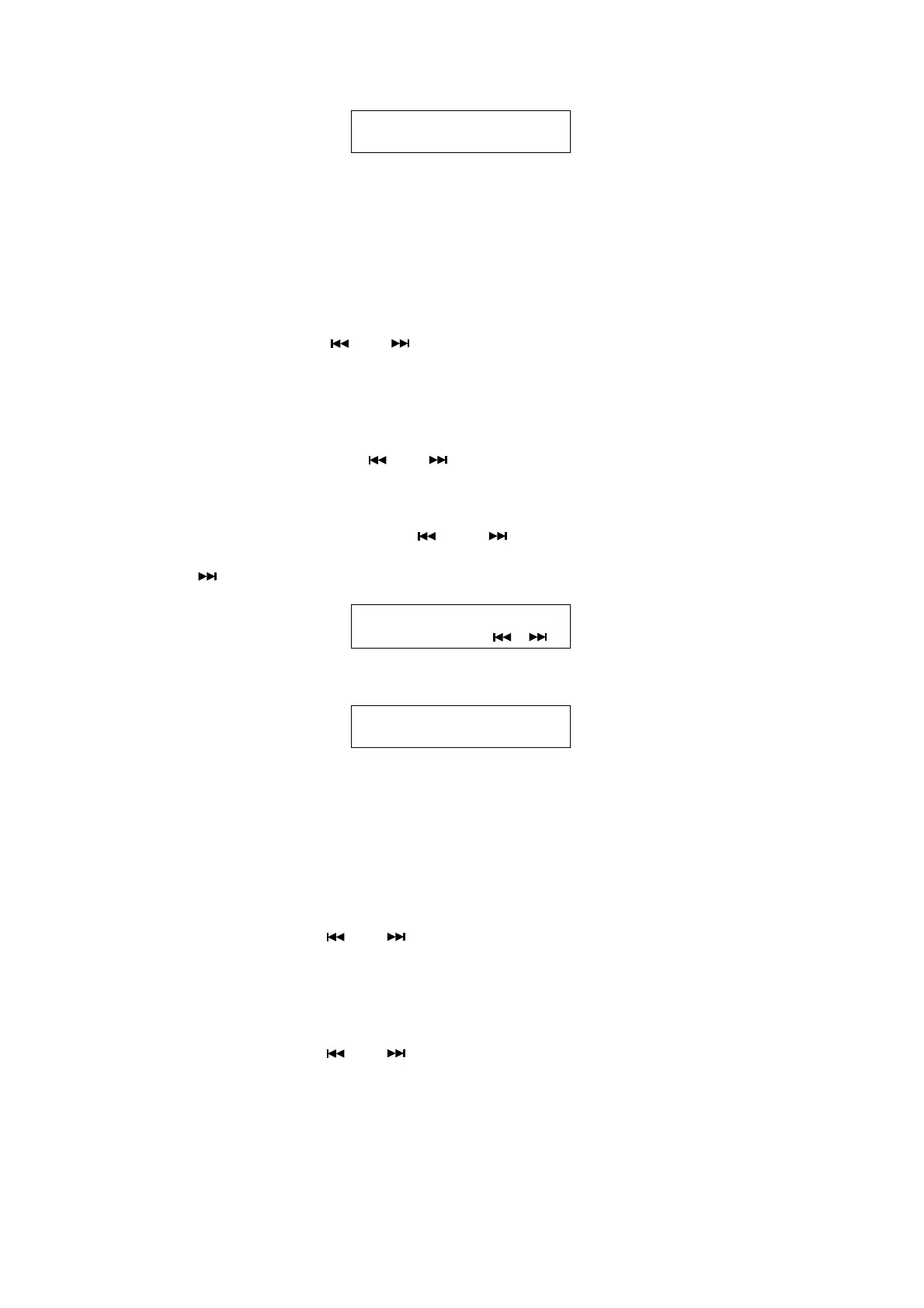
KEY: Key Number
PPP: Minimum playback-data value
Check for: Evenness of tone (check by ear)
• ONE-KEY CORRECTION
Key No.: Select using [ ] or [ ].
PPP: Adjust using dial or [+/YES] [–/NO] (to 03 or above)
After setting, press [PLAY] to continue measurement.
Press [STOP] to write new data to memory.
• ALL-KEY CORRECTION
Key No.: Select using [ ] or [ ].
PPP: Use [←][→] to adjust all 88 keys at the same time.
● PRO Models
Enter maintenance mode: Hold down [ ] and [ ] and switch on the power.
Press [+/YES] once.
Press [ ] 3 times.
Press [+/YES] to start: Keys 1 to 88 at minimum pressure (single note scale)
* Since this model uses a servo system, there are no
OFFSET values.
KEY: Key Number
PPP: Minimum playback-data value
VEL: Measured velocity against playback data measured by sensor.
(Actual key speed, not MIDI velocity)
• ONE-KEY CORRECTION
Key No.: Select using [ ] or [ ].
PPP: Adjust using dial or [+/YES] [–/NO]
After setting, press [PLAY] to continue measurement.
Press [STOP] to write new data to memory.
• ALL-KEY CORRECTION
Key No.: Select using [ ] or [ ].
PPP: Use [←][→] to adjust all 88 keys at the same time.
KEY=XX
PPP=XX
Keyboard adjustment
(YES, , )
Keyboard adjustment
KEY=XX PPP=XXX VEL=XXX







 To Next Page