II-34
5-5 Checking the Sensors
1. Pedal Sensors
Check whether the sensors are correctly detecting the pedal position.
● Pedal drive models (excluding MPX70 and PRO)
For soft/shift and sustain pedals, use the PK-CTL SHEET menu’s “PDL SNS TEST” (pedal sensor
test).
For the sostenuto pedal, use “SOSTENUTO PEDAL TEST” on the SENSOR SHEET menu.
● MPX70
Use “A/D&PORT TEST” on the PK-CTL SHEET menu.
● DKVPRO
Use “PMC SENSOR TEST” on the PMC SHEET menu.
● DGT2IIX, DGT7
Use “PEDAL DEPTH” on the SENSOR SHEET menu.
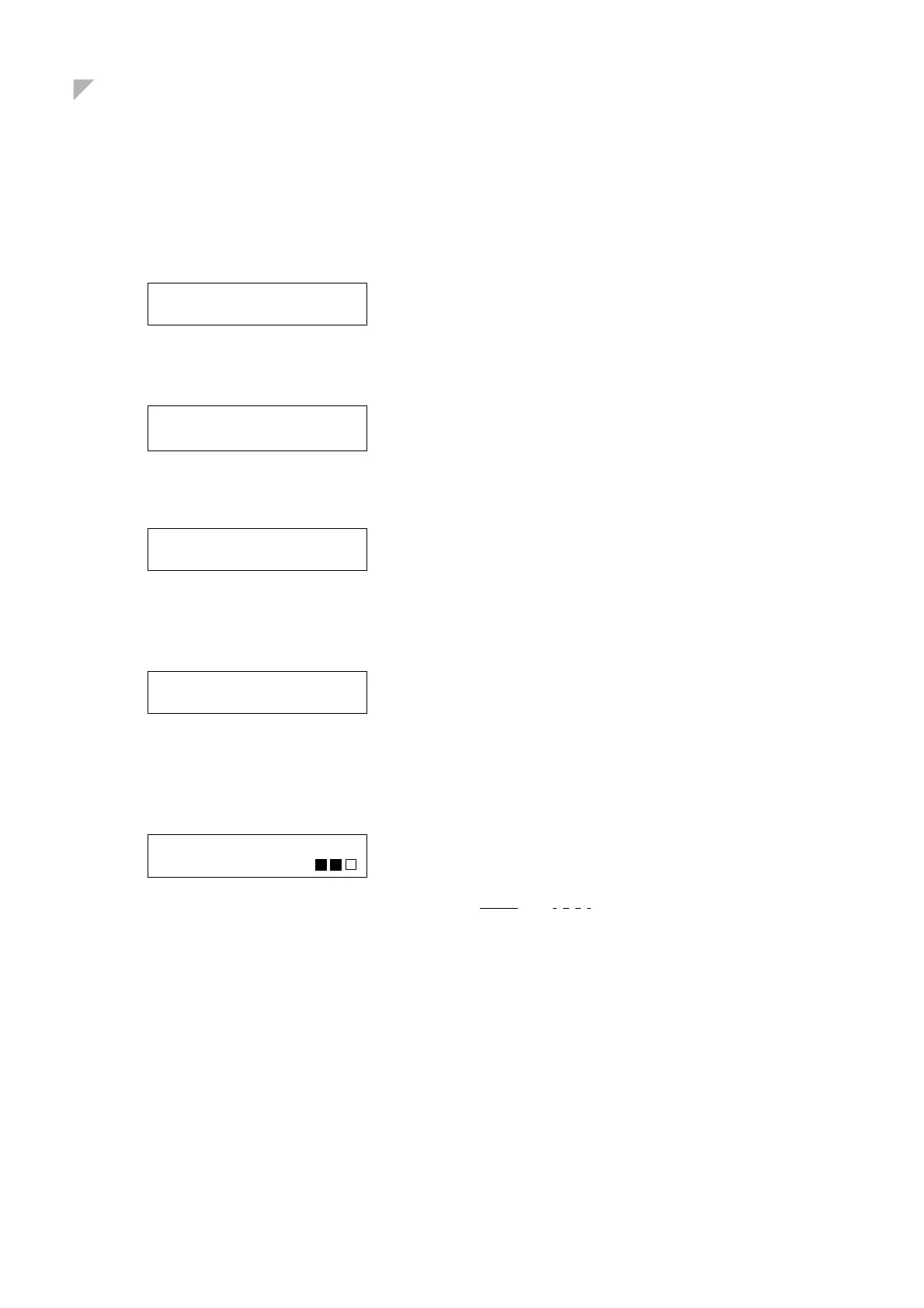
(1) PDL SNS TEST
S=20 L=009
Confirm that S (soft/shift) and L (sustain) value changes
continuously as you change the pedal position with your
foot.
(3) SOSTENUTO
PEDAL TEST
Step down on the pedal and confirm that the buzzer
sounds.
SFT LOUD MUTE S
01 093 00 00
Displace the pedal while watching the display.
SFT: Soft pedal. OFF/01 ON/00
LOUD: Loud pedal OFF/90–127; ON/0–20
PMC sensor test
S=556 SOS=OFF L=423
Operate the pedal while watching the display.
S: Soft pedal. Buzzer and “*” when phase Z comes ON.
L: Loud pedal Buzzer and “*” when phase Z comes ON.
SOS: Sostenuto pedal Buzzer when pedal comes ON.
(3) PEDAL DEPTH TEST
SUSTAIN PEDAL DEPTH
Operate the sustain/shift pedal and confirm that you hear
three levels of sound, with the levels also indicated on
the display.
(1. , 2. , 3. )
Operate the sostenuto pedal and confirm that the display
correctly indicates ON and OFF.
...............







 To Next Page