DVD SETUP MENU OPTIONS
30 En
■ General setup
Selecting DVD-Audio or DVD-Video
[GENERAL SETUP PAGE] - [DVD-AUDIO]
DVD-AUDIO MODE
Select this to playback the contents of the DVD-
Audio.
DVD-VIDEO MODE
Select this to playback the contents of the DVD-
Video.
– The DVD-AUDIO indicator lights up when a DVD-
Audio disc is playing.
– When you select DVD-VIDEO MODE, the
DVD-AUDIO indicator goes out.
Locking/Unlocking discs for viewing
Not all discs are rated or coded by the manufacturer of
the disc. You can prevent playback of a specific disc
by locking the disc. You can lock up to 40 discs on this
DVD receiver.
[GENERAL SETUP PAGE] - [DISC LOCK]
UNLOCK
Select this to unlock the disc and allow future
playback.
LOCK
Select this to lock playback of the current disc.
Subsequent access to a locked disc requires a six-digit
password. The default password is ‘000 000’ (see
“Changing the password” on page 38).
Programming disc tracks
Program: Track
(except for Picture CD/SA-CD/MP3/WMA/
DivX
®
)
You can playback the contents of a disc in the desired
order by programming the tracks to be played. You
can store up to 20 tracks per disc with a maximum of
10 discs.
1 Press PROG on the remote control.
OR
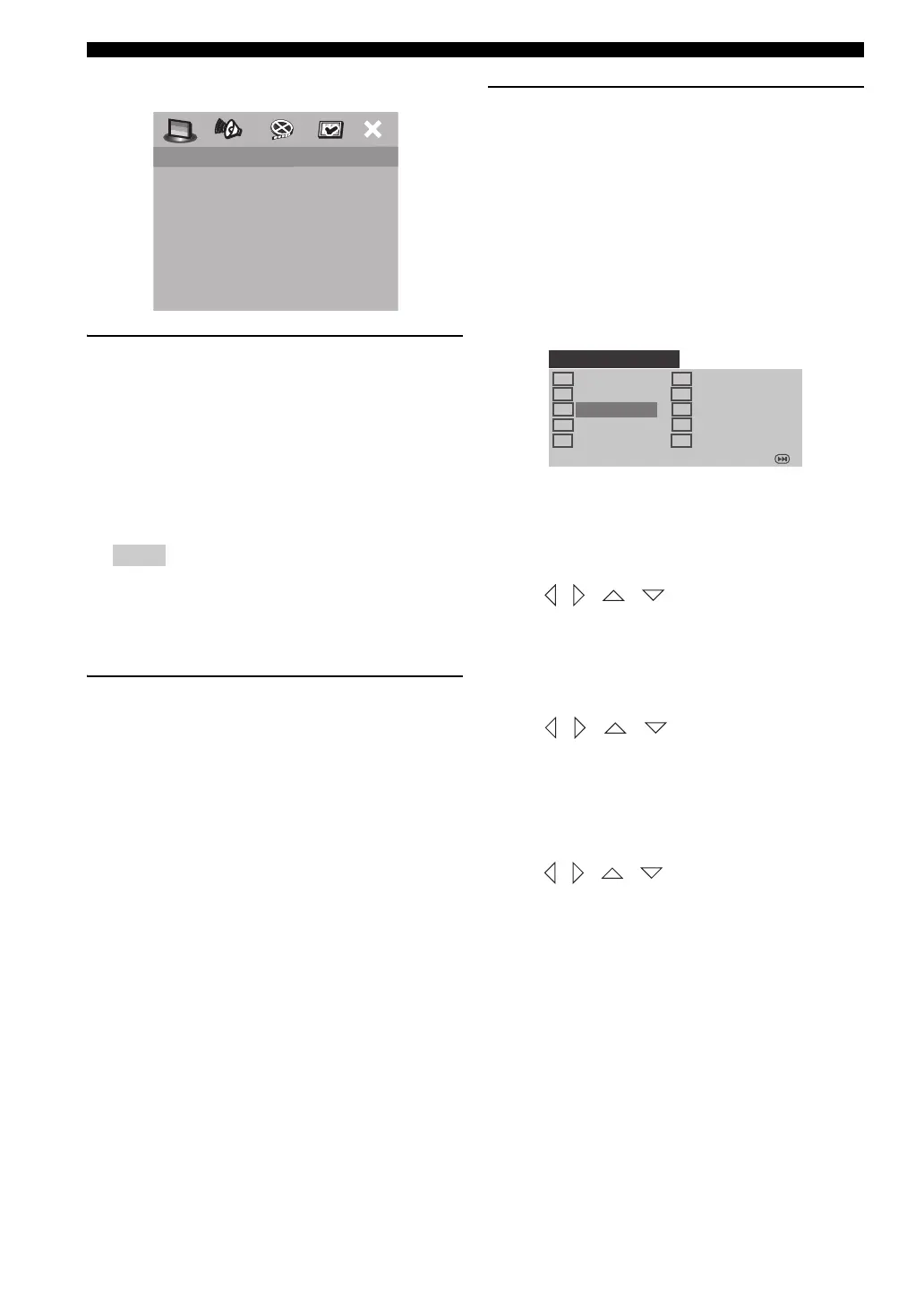
[GENERAL SETUP PAGE] - [PROGRAM] - [FTS]
To input your favorite tracks/chapters
2 Use the numeric keypad (0-9) to enter a valid track/
chapter number.
3 Use / / / to move the cursor to the next
position.
• If the track number has more than ten digits, press
a to move to the next page, and then proceed with
programming,
OR
•Use / / / to highlight [NEXT] on the
program menu, and then press ENTER (OK).
4 Repeat steps 2 and 3 to input another track/chapter
number.
To remove a track
5
Use
/ / /
to move the cursor to the track
you want to remove, and then press
ENTER (OK)
.
→ The track is removed from the program menu.
Notes
DVD AUDIO
DISC LOCK
PROGRAM
OSD LANGUAGE
SCREEN SAVER
DIVX(R) VOD CODE
GENERAL SETUP PAGE
1 04
2 10
3 _ _
4 _ _
5 _ _
6 _ _
7 _ _
8 _ _
9 _ _
10 _ _
PROGRAM: TR (01-17)
EXIT START NEXT
01EN_DVX-C310_UC.book Page 30 Monday, July 10, 2006 11:22 AM











 To Next Page