Set List Organizer Owner’s Manual 3
Controlling the Program Change settings of the MIDI instrument
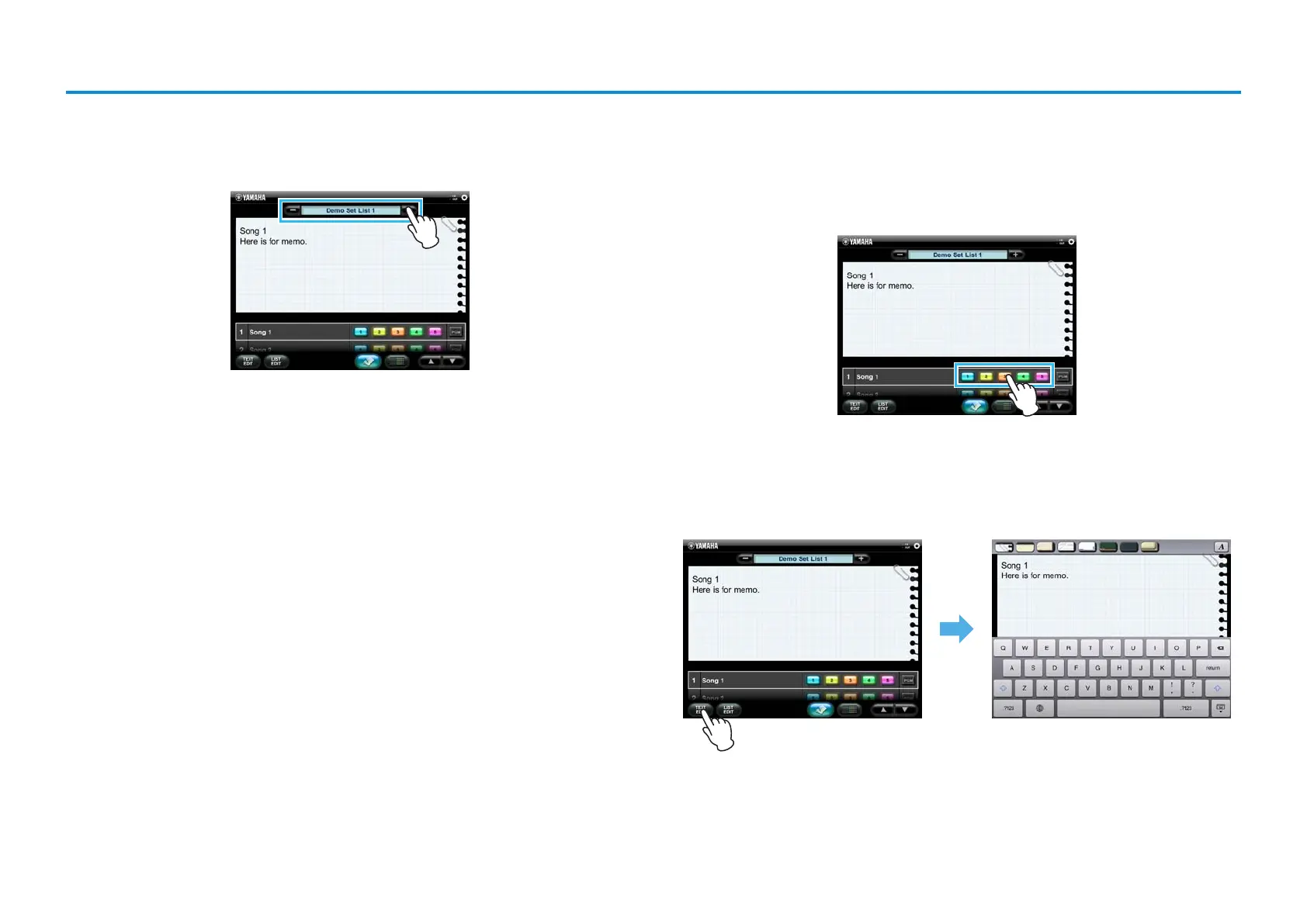
1. Select the desired Set.
On the Main display, select the Set List created in the previous page.
2. Control the Program Change settings from the iPad during
your Performance.
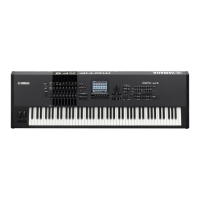
On the Main display, tap the desired Program Change button of the corresponding
Song to change the Voice of the MIDI instrument.
NOTE
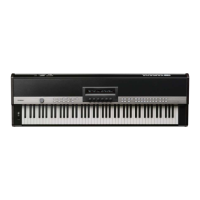
You can also conveniently make notes to help you remember which Voices were assigned to the
Program Change buttons.
To do this, select a Song on the Main display, and tap [TEXT EDIT] to call up the Text Edit display. For
details, refer to the Text Edit display.









 To Next Page