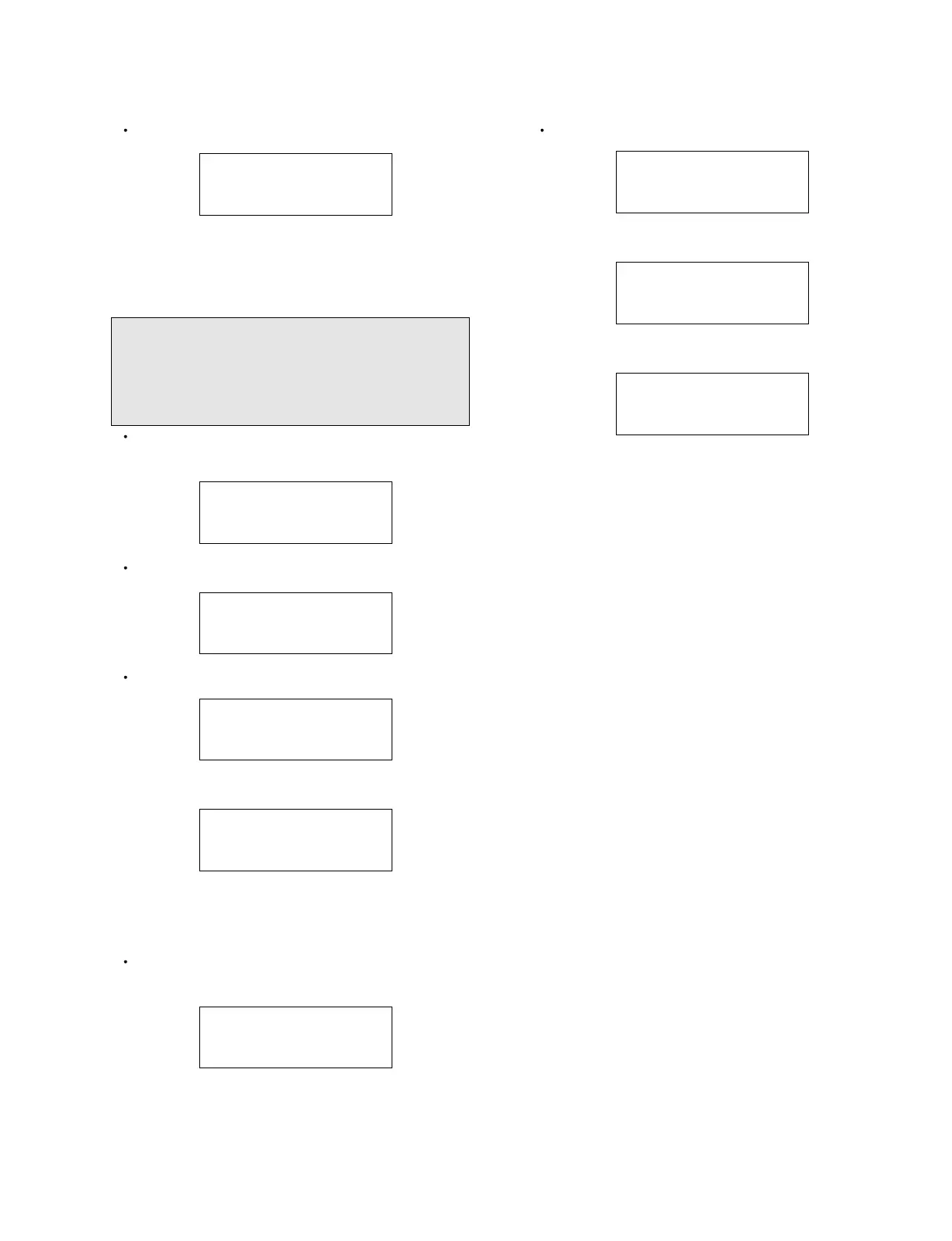
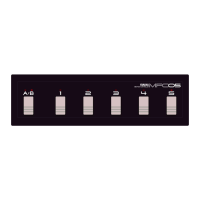
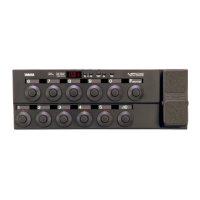
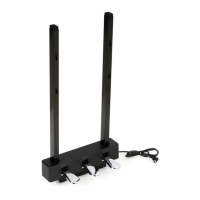
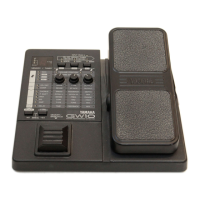
UB99
17
5. Opening MODE
In this mode, the following display appears.
Then, the display is changed as follows.
Finally, the display is changed as follows.
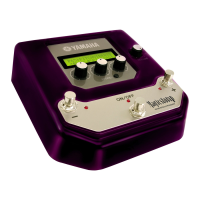
This picture shows an example.
Turn off power and finish the procedure.
3-1-25. END
Push [ON/OFF] SW. The following display appears.
Turn off power, and the inspection is now completed.
Finally, perform "4. Factory Set" as follows.
4. Factory Set MODE
Turn off power, and the inspection is now completed.
If you reset UB99 to the factory default setting, all of
the batch contents you saved are erased. Take notes
of the settings, or save the settings on your computer,
if necessary. (See page 22.)
Turn on power while pushing [ON/OFF] SW and
[STORE] SW. The following display appears.
Push [+] SW. The following display appears.
Push [STORE] SW. The following display appears.
Then, the display is changed as follows.
The SET is completed.
Then, "5: Opening" display will appear and operation
returns to a normal condition.
At the time of cancellation, the following display
appears.
UB99 DIAG ALL OK
PLEASE POWER OFF
FACTORY SET
NO: [-] YES: [+]
FACTORY SET
SURE? PUSH [STORE]
FACTORY SET
NOW FACTORY SET!
FACTORY SET
COMPLETE!!
FACTORY SET
CANCELLED!
MAGICSTOMP
V1.01
WAIT A MOMENT···
U01 △ TUBE DRIVE
-/+ ● GAIN ● MSTR ● TONE


 To Next Page