EasyManua.ls Logo

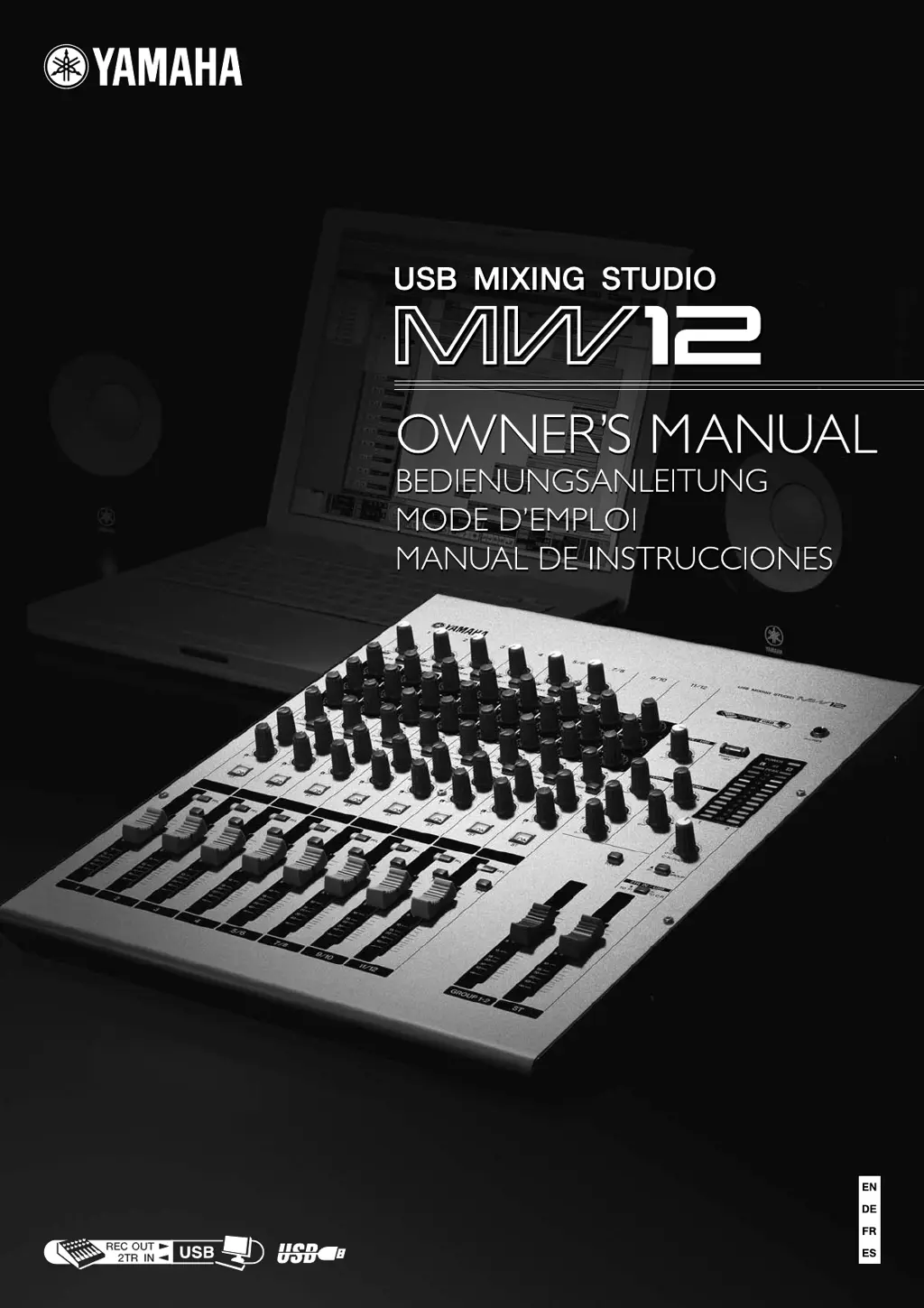
Yamaha MW12 - User Manual

Yamaha MW12
38 pages
Print Icon
To Next Page IconTo Next Page
Loading...

Other manuals for Yamaha MW12

Questions and Answers

  • I
    idunlapJul 26, 2025
    How to fix low recording levels on my Yamaha MW12 Music Mixer?
    • S
      smithcodyJul 26, 2025
      If your recorded sound levels are too low with your Yamaha Music Mixer, first ensure that your computer's output level is set high; it's recommended to set it to the maximum level and mute the computer's internal speaker. Also, if you've connected or disconnected the USB cable while Cubase AI 4 is running, the Windows output level might have been reset to its default level.
  • A
    Alec HodgesJul 31, 2025
    What to do if there is no sound from my Yamaha Music Mixer?
    • J
      Jeffrey CrosbyJul 31, 2025
      If you're not getting any sound from your Yamaha Music Mixer, there could be a few reasons. First, check your speaker cables to ensure they are properly connected and not shorted. Then, verify that the ON, ST, and REC switches for the channels you're using are turned on. Also, make sure the volume controls of your audio sources, devices, software, and computer operating system are set at appropriate levels and that your computer's output isn't muted. If you have many applications running, try closing the ones you don't need. Finally, check that the sound output of your computer and Cubase AI 4 application are correctly assigned.
  • R
    Richard MooreAug 5, 2025
    Why is the sound from my Yamaha Music Mixer intermittent or distorted?
    • T
      Thomas CardenasAug 5, 2025
      Sound issues like intermittence or distortion in your Yamaha Music Mixer can stem from several factors. Check if the PEAK indicator is flashing red, which means you may need to lower the GAIN control or channel fader levels. Also, ensure that the effects and compressor are appropriately leveled by adjusting the EFFECT RTN fader, EFFECT control, and COMP control levels. Verify that your computer meets the system requirements and close any unused applications, device drivers, or USB devices. If you're playing many audio tracks, remember that the number of playable tracks depends on your computer's performance. For long audio sections, consider adding more RAM to boost your computer's audio performance.
  • A
    angela20Aug 10, 2025
    What to do if my Yamaha MW12 system doesn’t work properly?
    • R
      Rachel HendersonAug 10, 2025
      If your Yamaha Music Mixer system isn't functioning correctly, start by checking that the USB cable and all necessary audio cables are properly connected. If you're using a USB hub, try connecting the mixer directly to a USB port on your computer, as USB hubs can sometimes interfere with operation. If your computer has multiple USB ports, try using a different one. Also, if you're using other USB devices simultaneously, try disconnecting them and only connecting the Yamaha USB device.
  • J
    James LunaAug 15, 2025
    How to turn on my Yamaha MW Music Mixer?
    • R
      Robert HolmesAug 15, 2025
      To turn on your Yamaha MW Music Mixer, ensure the included adapter is correctly plugged into both the mixer and a suitable AC wall outlet.
  • T
    Tyler RoachAug 20, 2025
    What to do if the level meter doesn’t show the output signal level on my Yamaha MW12 Music Mixer?
    • K
      kadkinsAug 20, 2025
      If the level meter on your Yamaha Music Mixer isn't showing the output signal level, check if the PFL switches for the channels you are not using are turned on.

Summary

Important Notice for the United Kingdom

Precautions

Warning

Lists essential safety warnings to avoid injury or death from electrical shock, fire, and other hazards.

Caution

Outlines precautions to prevent physical injury or damage to the device or property.

Quick Guide

Adjusting Level and Equalization

Covers setting input levels and using the mixer's 3-band equalizer and high-pass filter.

Recording with Cubase LE

Instructions on configuring Cubase LE and the MW12 for audio recording.

Quick Guide

Quick Guide

Front & Rear Panels

Channel Control Section

Details the controls for each input channel, including Gain, EQ, and routing switches.

Master Control Section

Explains the master faders and controls for overall mix output and monitoring.

Rear Input;Output Section

Details all input and output jacks located on the rear panel of the mixer.

Front & Rear Panels

Setting Up

Troubleshooting

The MW12 mixer wont turn on.

Addresses issues related to the mixer failing to power up, checking connections and power source.

No sound.

Guides users through diagnosing and resolving issues where no audio output is produced.

The sound is intermittent or distorted.

Helps identify causes of audio signal breakup or distortion and provides solutions.

Troubleshooting

Appendix

Yamaha MW12 Specifications

General IconGeneral
BrandYamaha
ModelMW12
CategoryMusic Mixer
LanguageEnglish

Related product manuals