6. Turn off the [ ] (Standby/On) switch of the instrument and remove the USB memory
from the instrument.
7. Confirm a version.
7-1. Start the test program. (Refer to page 30)
7-2. Press [ENTER] button once, and “001:Version” is displayed.
7-3. Press [ENTER] button again to have the version displayed, and check that the version was upgraded.
7-4. When executing Factory Set, press [ENTER] button to return to the item selection screen and select “038: Factory Set”.
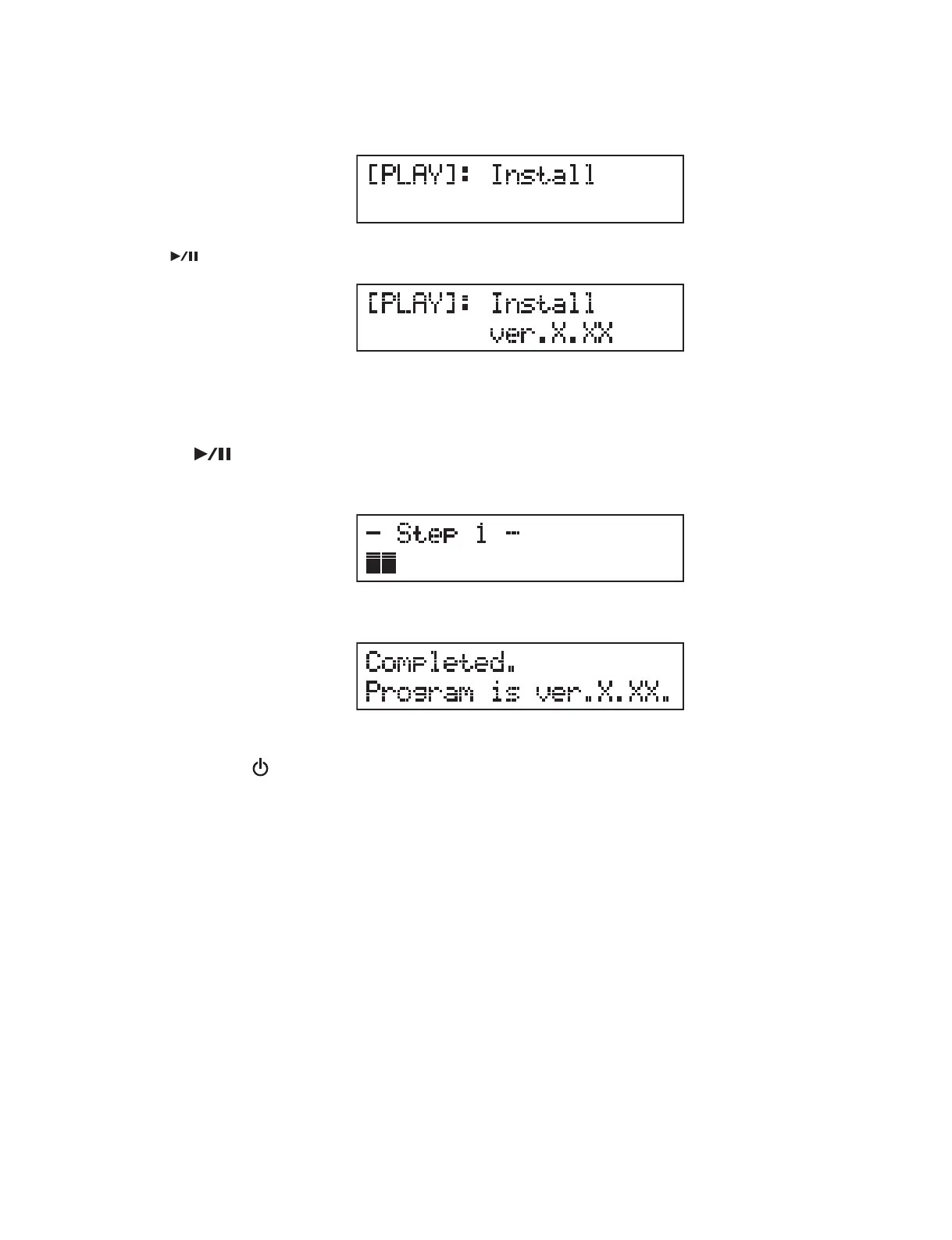
Press [
] (Play/Pause) button, and the version of the program to be installed is displayed.
When installation is completed, the screen appears as follows.
4. The installer is activated.
* “X.XX” represents the version, likewise hereafter.
5. Press [ ] (Play/Pause) button, and installation will start.
During installation, the progress of installation is displayed on the screen.
49
MX61/MX49



 To Next Page