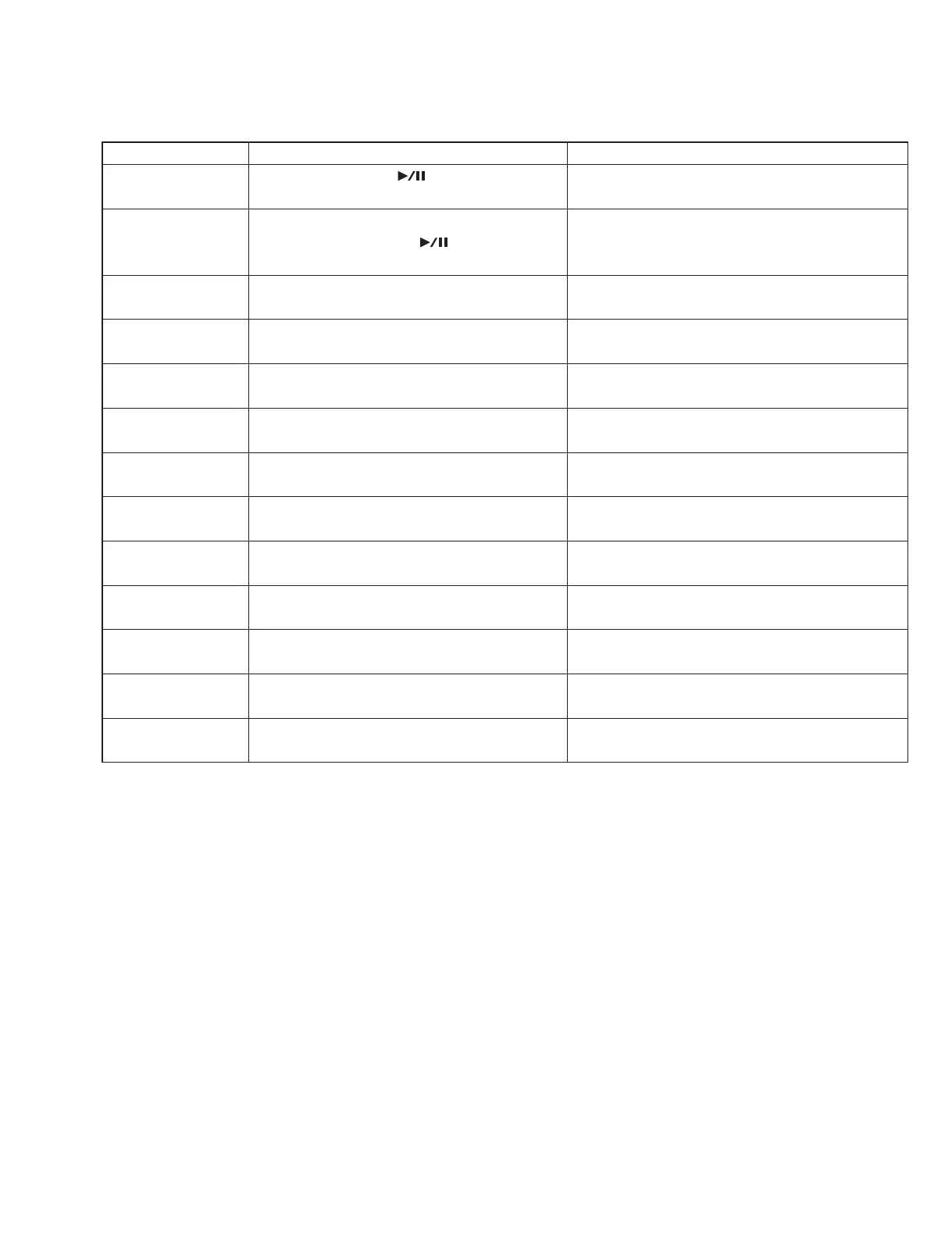
Messages after starting installation
Message Meaning This message is displayed when:
[PLAY]: Install Installation starts with the [
] (Play/Pause) button. The installer is activated.
(to the screen to confirm the program version)
[PLAY]: Install ver.X.XX Installation is executed Execution of installation is confirmed.
with the [
] (Play/Pause) button.
(X.XX: program version)
Completed. Installation is completed. Installation is completed.
Program is ver.X.XX. (X.XX: program version)
Data read error! Reading the data failed. Reading failed:
(The data is incorrect.)
Data checksum error! An error has occurred with the checksum of the data. Reading failed:
(The checksum of the data is incorrect.)
Data address error! An error has occurred with the data address. Reading failed:
(The address of the data is incorrect.)
Flash ID error! An error has occurred with the flash ID. Writing failed:
(The Flash ROM is not connected properly.)
Flash erase error! An error has occurred with the flash erase function. Writing failed:
(The Flash ROM cannot be erased.)
Flash write error! An error has occurred with writing Flash. Writing failed:
(The Flash ROM cannot be written.)
Flash verify error! An error has occurred with the flash verify function. Writing failed:
(The Flash ROM cannot be verified.)
Flash checksum error! An error has occurred with the flash checksum. Writing failed:
(The checksum of the Flash ROM is incorrect.)
Data ID error! An error has occurred with the data ID. Reading failed:
(The data is not applicable.)
Data does not exist! There is no data. Reading failed:
(There is no data in the media.)
51
MX61/MX49



 To Next Page