EasyManua.ls Logo

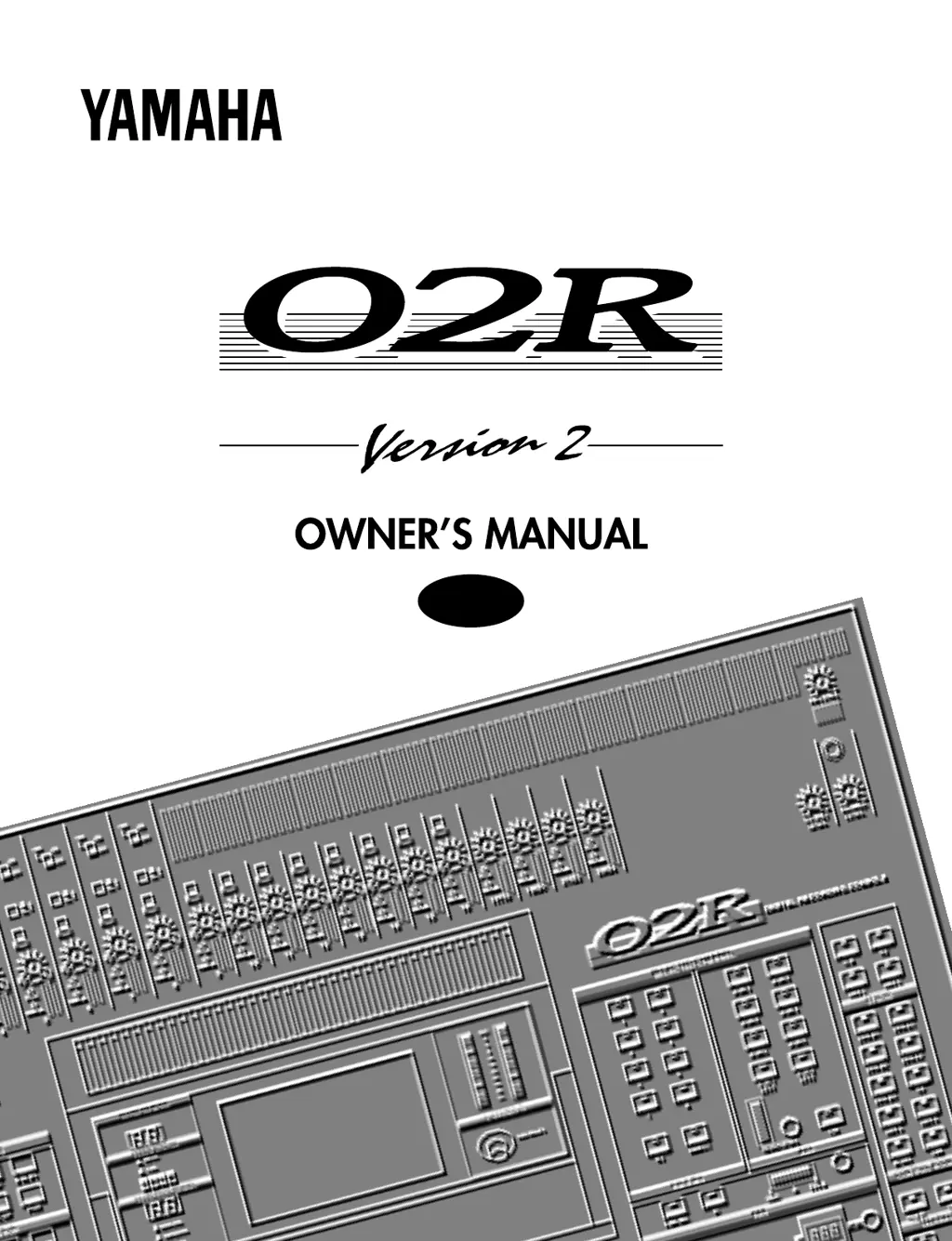
Yamaha O2R - User Manual

Yamaha O2R
414 pages
Print Icon
To Next Page IconTo Next Page
Loading...
YAMAHA CORPORATION
P.O. Box 1, Hamamatsu, Japan
DIGITAL RECORDING CONSOLE
E
VZ50230
R0 1
IP 416
° ° °
° ° °
E
DIGITAL RECORDING CONSOLE
Version 2
97 07 5000 AP Printed in Japan

Table of Contents

Questions and Answers

  • W
    William ZimmermanSep 3, 2025
    Why is there no sound coming from my Yamaha Recording Equipment?
    • C
      Cameron SmithSep 4, 2025
      If no sound is produced, check the following: * Ensure the signal is coming in from the external device. * Check if the input “ON” indicator is lit. * Verify the input fader is raised. * Confirm the stereo output “ON” indicator is lit. * Make sure the stereo output fader is raised. * Ensure the option board is securely inserted. * Verify the output bus is assigned correctly. * Check if the word clock is set correctly. * Confirm the output in the C-R monitor section is selected.
  • S
    Sarah JensenSep 18, 2025
    How to troubleshoot MIDI data transmission issues with Yamaha Recording Equipment?
    • H
      Hector DavisSep 18, 2025
      If MIDI data cannot be transmitted or received, verify that the MIDI transmit channel matches the receive channel. Also, confirm that the switch for the item to be transmitted/received (Program Change, Parameter Change) is turned on.
  • M
    Miss Michelle CastanedaSep 16, 2025
    Why does the volume level of certain channels go up and down on my Yamaha Recording Equipment?
    • J
      Jeremiah MullinsSep 16, 2025
      If the volume level of certain channels goes up and down, check if the dynamics processor ducking is set for those channels.
  • P
    Patricia RodriguezSep 14, 2025
    How to fix Yamaha Recording Equipment when scene data cannot be stored?
    • R
      Rachael BaileySep 14, 2025
      If scene data cannot be stored, check if memory protect is ON. Also, note that you cannot store scene data to Scene “0.”
  • L
    Lori DeleonSep 12, 2025
    What causes abnormal phase in Yamaha Recording Equipment?
    • J
      Jeremiah TrujilloSep 13, 2025
      If there is an abnormal phase, check if the phase on the input device is set correctly.
  • L
    leekathrynSep 12, 2025
    Why is the fader movement not consistent on my Yamaha Recording Equipment?
    • J
      Jennifer GentrySep 12, 2025
      If the fader movement is not consistent, calibrate the faders.
  • J
    jasonsloanSep 9, 2025
    What to do if the volume level is very low on my Yamaha Recording Equipment?
    • L
      Linda HendersonSep 9, 2025
      If the volume level is very low, check if the PAD switch and GAIN volume control are set correctly. Also, ensure the input fader is raised. Check that the gain isn't set too low in the equalizer section and that the threshold and ratio settings for the dynamics processor are correct. Finally, verify that the [DIM] key in the C-R monitor section is OFF.
  • M
    Mr. Andrew PottsSep 7, 2025
    How to fix Yamaha Recording Equipment when the power is not turned on?
    • S
      sherricoleSep 7, 2025
      If the power is not turning on, verify that the power cord is plugged into a correct AC outlet and that the POWER switch is ON.
  • G
    garciamelvinSep 5, 2025
    What to do if my Yamaha Recording Equipment sound is distorted?
    • A
      Austin HuntSep 5, 2025
      If the sound is distorted, verify that the PAD switch and GAIN volume control are set correctly. Also, check if the input fader and stereo output fader are raised too high. In addition, verify that the gain in the equalizer section is not set too high.
  • J
    Joseph ParkAug 21, 2025
    What to do if there is no sound from my Yamaha Recording Equipment?
    • J
      John PenaAug 21, 2025
      If no sound is coming from your Yamaha Recording Equipment, verify the following: * Ensure the signal is reaching the device from the external source. * Check if the input 'ON' indicator is illuminated. * Confirm the input fader is raised. * Verify the stereo output 'ON' indicator is lit. * Ensure the stereo output fader is raised. * Check that the option board is securely inserted. * Confirm the output bus is correctly assigned. * Verify the word clock is correctly configured. * Ensure the output in the C-R monitor section is selected.

Yamaha O2R Specifications

General IconGeneral
TypeDigital Mixing Console
Sampling Rate44.1kHz, 48kHz
EQ Bands4-band Parametric EQ per channel
Aux Sends8
DisplayLCD
Faders100mm Motorized Faders
Bus Structure8 Bus
Bit Depth20-bit
Inputs - Mic Preamps16 x XLR
Inputs - Line16
Inputs - OtherAES/EBU, S/PDIF
Outputs16
Outputs - Main2
Outputs - Other2 Stereo
MIDI I/OIn/Out/Thru
Digital I/OADAT optical, TDIF
Word ClockIn/Out
Dynamic ProcessorsCompressor, Gate per channel
Effects2 Internal Effects Processors
Analog I/O16 inputs, 16 outputs

Related product manuals