PSR-E263 YPT-260 Owner’s Manual
29
Reference
Recording Your Performance (Phrase Recording)
You can record your performance as a User Song (Song number 113), which can then be
played back on the instrument. The recorded User Song can be played back in the same
way as the preset Songs.
1
Select the desired Voice.
2
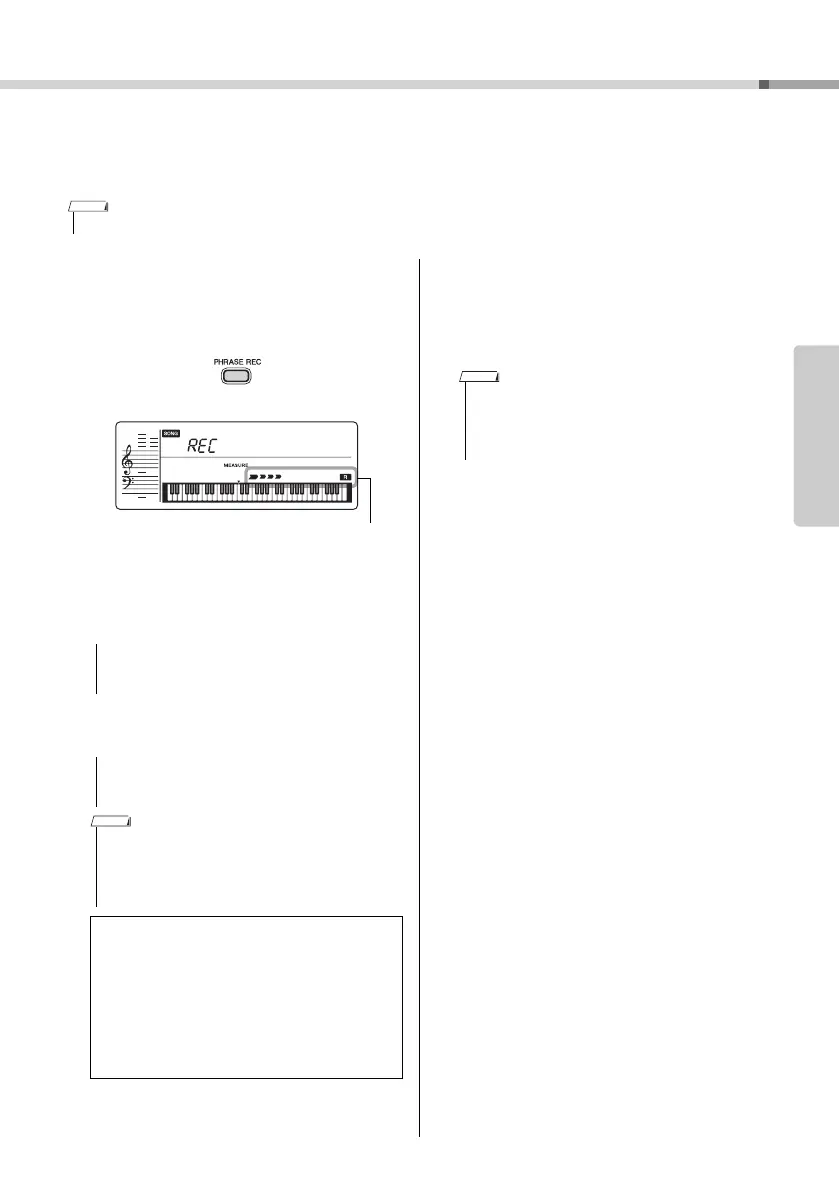
Press the [PHRASE REC] button to
enable the Record mode.
To exit from the Record mode, press the
[PHRASE REC] button again. (The display stops
flashing.)
3
Play the keyboard to start recording.
4
Press the [START/STOP] button to stop
recording.
5
To play back the recorded Song, press
the [START/STOP] button.
• A total of approximately 300 notes can be recorded to the User Song.
• If the User Song is recorded, the data will be recorded
over and erased (you will record over and erase previ-
ous data in “User Song”).
• Never attempt to turn the power off or connect or dis-
connect the AC adaptor. Doing so can result in a loss
of data.
• When recording capacity becomes full during recording,
a “Mem Full” message appears on the display, recording
is stopped, and the Song select display is shown.
• If you press the [START/STOP] button, even if you don’t
play the keyboard, recording starts.
Limitations while recording:
• The following settings/operations cannot be
recorded: Reverb Level, Style, metronome click,
Transpose, Tuning.
• The following settings and buttons are not avail-
able, or if operated, the new settings cannot be
recorded:
Split Point, Reverb Type, Chorus Type, [FUNC-
TION] button, [PORTABLE GRAND] button.
UserSong
001
• If you make a mistake or want to erase an existing Song,
you can delete the User Song. To do this, enable the
Record mode in step 2, and then press the [START/
STOP] button twice in succession (without playing the
keyboard).



 To Next Page