EasyManua.ls Logo

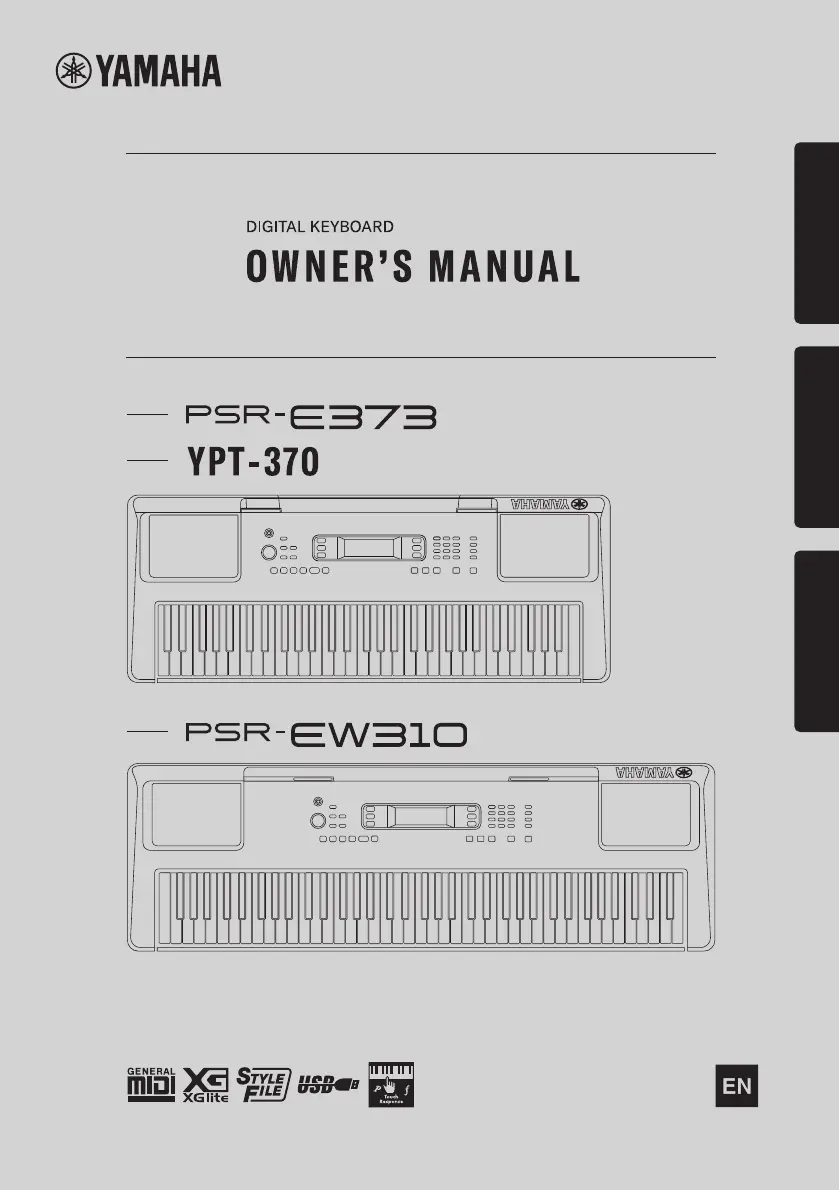
Yamaha PSR-EW310 - User Manual

Yamaha PSR-EW310
92 pages
Print Icon
To Next Page IconTo Next Page
Loading...
1
Setting UpReferenceAppendix
Before using the instrument, be sure to read
“PRECAUTIONS” on pages 5-7.

Table of Contents

Questions and Answers

Summary

Setting Up

Panel Controls and Terminals

Overview of front and rear panel buttons, jacks, and controls for instrument operation.

Power Supply and Battery Management

Instructions on using the AC adaptor and installing batteries for power.

Basic Operations and Settings

Covers turning the instrument on/off, auto power off, and battery type settings.

Connections and Accessories

Guide to connecting headphones, pedals, music rest, and external audio.

Display Items and Basic Operations

Explains the instrument's display indicators and fundamental operational controls.

Reference

Playing Instrument Voices

How to select and play main voices, use the metronome, and access voice lists.

Voice Layering, Splitting, and Effects

Techniques for using Dual/Split voices and applying DSP effects to enhance sound.

Keyboard Touch and Advanced Effects

Adjusting Touch Response and exploring various DSP effect types for sound modification.

Harmony, Arpeggio, and Pedal Functions

Using Articulation, Harmony/Arpeggio effects, and assigning functions to the pedal.

Duo Mode and Style Playback

Playing with two people (Duo Mode) and using Styles for rhythm accompaniment.

Chord Study and Progressions

Learning chords through songs and understanding chord progressions.

Song Playback and Lesson Features

How to play internal songs, use demo playback, and access lesson features.

Song Lesson Modes

Detailed explanation of Keys to Success, Phrase Repeat, and Listening/Timing/Waiting lessons.

Recording Your Performance

Instructions for recording performances, saving panel settings, and managing data.

Connectivity and System Functions

Connecting to computers/devices and exploring instrument functions via the Function button.

Appendix

Troubleshooting Common Issues

Solutions for potential problems and operational errors with the instrument.

Song Book Sample and Lists

Reference lists for songs, instrument voices, styles, and effect types.

Specifications and Warranty Information

Technical specifications, included accessories, warranty terms, and disposal guidelines.

Summary

Setting Up

Panel Controls and Terminals

Overview of front and rear panel buttons, jacks, and controls for instrument operation.

Power Supply and Battery Management

Instructions on using the AC adaptor and installing batteries for power.

Basic Operations and Settings

Covers turning the instrument on/off, auto power off, and battery type settings.

Connections and Accessories

Guide to connecting headphones, pedals, music rest, and external audio.

Display Items and Basic Operations

Explains the instrument's display indicators and fundamental operational controls.

Reference

Playing Instrument Voices

How to select and play main voices, use the metronome, and access voice lists.

Voice Layering, Splitting, and Effects

Techniques for using Dual/Split voices and applying DSP effects to enhance sound.

Keyboard Touch and Advanced Effects

Adjusting Touch Response and exploring various DSP effect types for sound modification.

Harmony, Arpeggio, and Pedal Functions

Using Articulation, Harmony/Arpeggio effects, and assigning functions to the pedal.

Duo Mode and Style Playback

Playing with two people (Duo Mode) and using Styles for rhythm accompaniment.

Chord Study and Progressions

Learning chords through songs and understanding chord progressions.

Song Playback and Lesson Features

How to play internal songs, use demo playback, and access lesson features.

Song Lesson Modes

Detailed explanation of Keys to Success, Phrase Repeat, and Listening/Timing/Waiting lessons.

Recording Your Performance

Instructions for recording performances, saving panel settings, and managing data.

Connectivity and System Functions

Connecting to computers/devices and exploring instrument functions via the Function button.

Appendix

Troubleshooting Common Issues

Solutions for potential problems and operational errors with the instrument.

Song Book Sample and Lists

Reference lists for songs, instrument voices, styles, and effect types.

Specifications and Warranty Information

Technical specifications, included accessories, warranty terms, and disposal guidelines.

Yamaha PSR-EW310 Specifications

General IconGeneral
Keyboard76 keys
Polyphony (Maximum)48
Number of Preset Styles205
EffectsReverb, Chorus, DSP
One Touch Setting (OTS)Yes
Number of Preset Songs30
Amplifiers6W + 6W
Speakers12 cm x 2
Touch ResponseYes
RecordingYes (5 songs)
ConnectivityUSB TO HOST, AUX IN
Power Supplybatteries
LCD DisplayYes
Number of Voices622

Related product manuals