Playing Rhythm and Accompaniment (Style)
PSR-E373, PSR-EW310, YPT-370 Owner’s Manual
30
Reference
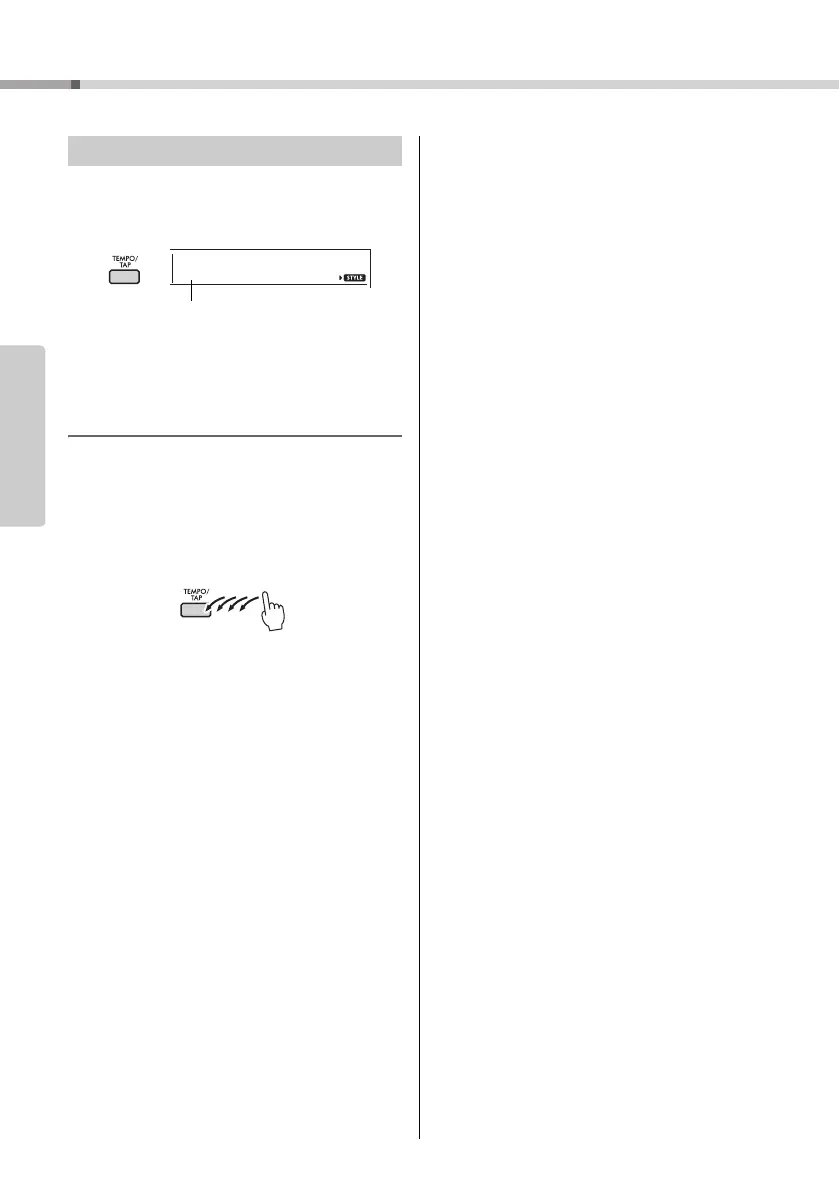
Press the [TEMPO/TAP] button to call up the Tempo
value, then use the number buttons, [-/NO] and [+/
YES] buttons to adjust the Tempo value.
Press the [+/YES] and [-/NO] buttons simultaneously
to reset the value to the default tempo of the current
Style or Song.
Using the Tap function
While a Song or Style is playing back, press the
[TEMPO/TAP] button just twice at the desired tempo
to change the tempo. While Song or Style playback
is stopped, tap the [TEMPO/TAP] button several
times to start playback at the tapped tempo—four
times for a 4-beat Song or Style or three times for a
3-beat Song or Style.
Changing the Tempo



 To Next Page