Playing a Variety of Instrument Voices
PSR-E353 Owner’s Manual
18
You can play the keyboard with a spacious, wider
sound effect that gives you the sensation of hearing
the sound outside of the speakers by turning on the
Ultra-Wide Stereo effect.
1
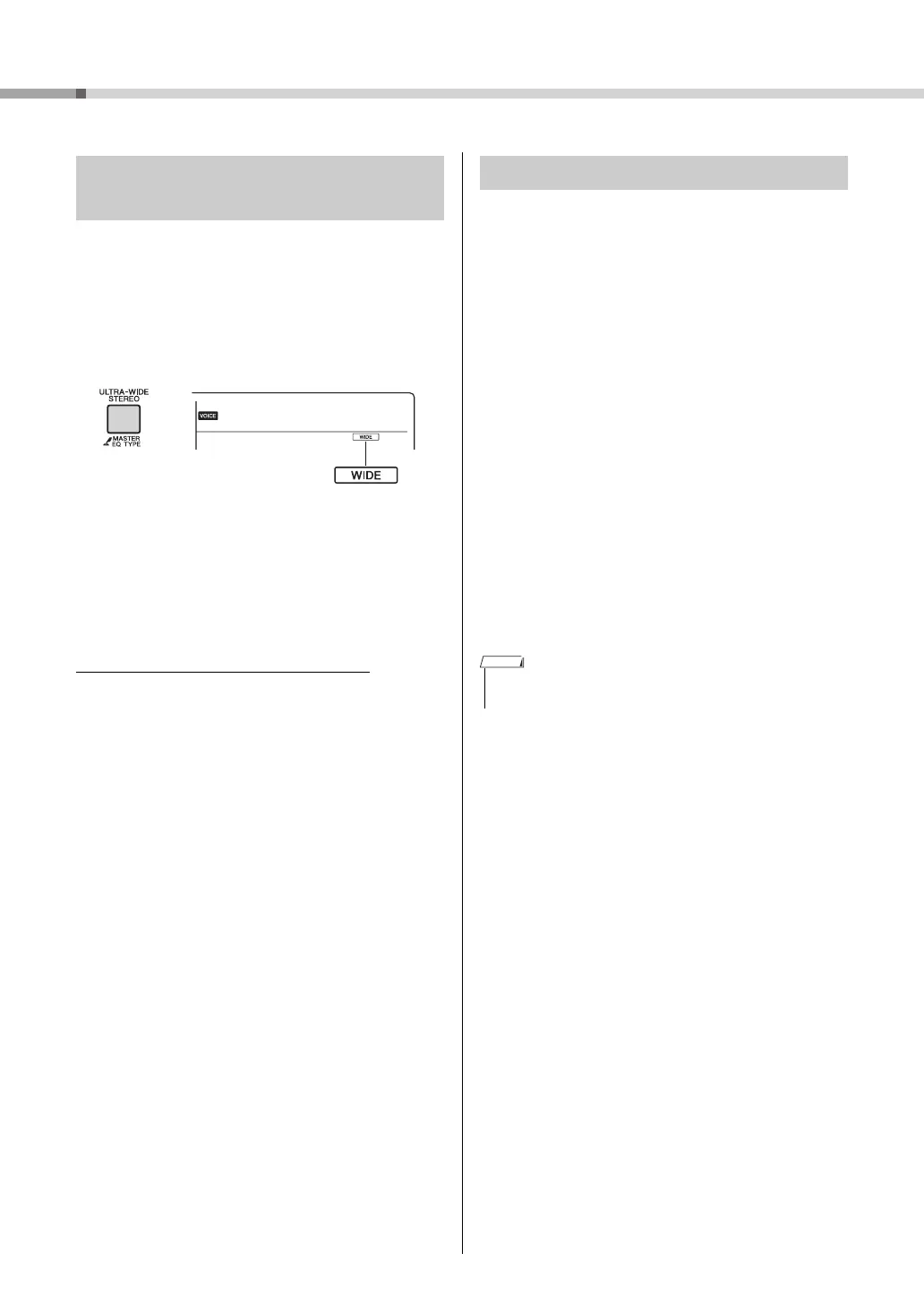
Press the [ULTRA-WIDE STEREO] but-
ton to turn it on.
The sound will expand around you—as if the
speaker position is outside of the instrument.
2
Press the [ULTRA-WIDE STEREO] but-
ton again to turn it off.
To select the Ultra-Wide Stereo type:
Press and hold the [ULTRA-WIDE STEREO] button
to call up “Wide” (Function 025;
page 41
), then use
the Number buttons.
This instrument can apply various Effects as listed
below to the instrument’s sound.
Reverb
Adds the ambience of a club or concert hall to the
sound. Although the best-suited Reverb type is called
up by selecting a Song or Style, you can select another
one via Function number 020 (
page 41
). You can also
set the Reverb depth via Function number 021 (
page
41
).
Chorus
Makes the Voice sound richer, warmer and more
spacious. Although the best-suited Chorus type is
called up by selecting a Song or Style, you can select
another one via Function number 022 (
page 41
).
Panel Sustain
By turning on the Sustain parameter of Function
number 023 (
page 41
), you can add a fixed, auto-
matic sustain to the keyboard Voices. Sustain can
also be applied as desired with the footswitch (sold
separately; page 13).
Playing with enhanced, more spa-
cious sound (Ultra-Wide Stereo)
Appears when Ultra-
Wide Stereo is on.
Applying Effects to the Sound
• Even if you turn on Panel Sustain, there are some Voices to
which sustain is not applied.
NOTE



 To Next Page