17
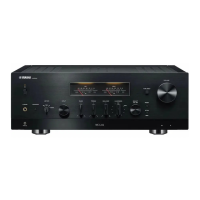
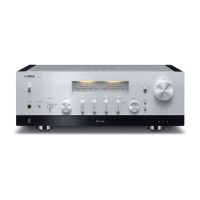
R-1330/NS-BP400
R-1330/NS-BP400
Serial port (RS232C)
RS232C cross cable /
RS232Cクロスケーブル
PC
This unit /
本機
RS232C conversion adapter /
RS232C変換アダプター
Flexible flat cable (9P) /
カード電線(9P)
Writing port /
書き込み用ポート
SW301
FLASH
UCOM
OTHER
● Connection
1. Set the switch (SW301) of RS232C conversion
adapter to the “FLASH UCOM” position. (Fig. 1)
2. Connect the writing port (CB9 of FRONT P.C.B.) of
this unit to the serial port (RS232C) of the PC with
RS232C cross cable, RS232C conversion adapter
and flexible flat cable as shown below. (Fig. 1)
● 接続
1. RS232C 変換アダプターのスイッチ(SW301)
“FLASHUCOM” 側に設定します。(Fig.1)
2. 本機の書き込み用ポート(FRONTP.C.B. の CB9)
と PC のシリアルポート(RS232C)を下記のよう
に接続します。(Fig.1)
Fig. 1


 To Next Page
 Loading...