RM-CR Reference Manual
11
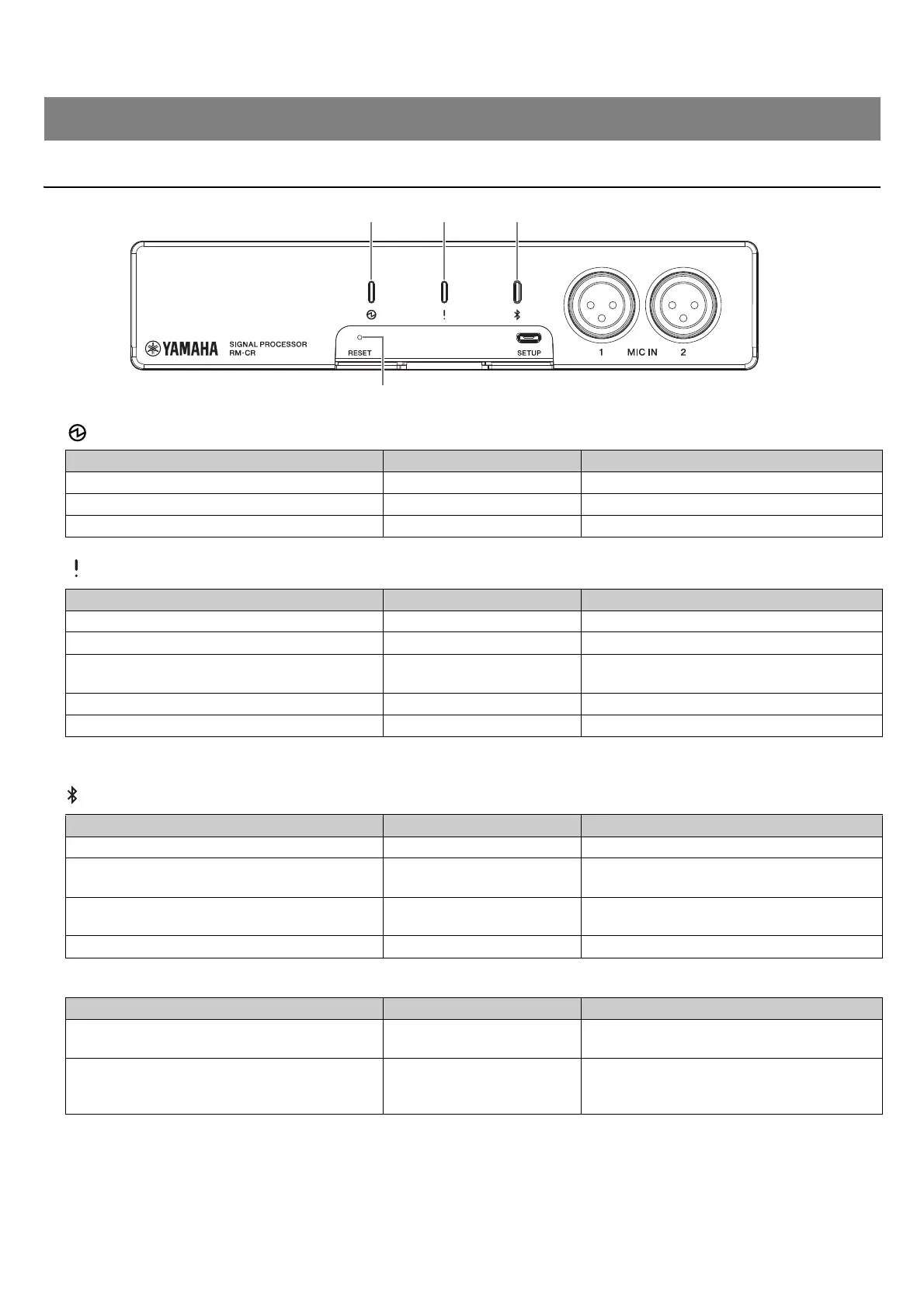
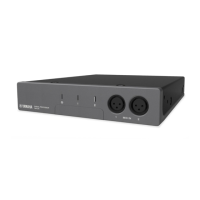
Front panel
1 (Power) indicator
2 (Status) indicator
NOTE: Occurrences of errors and severe errors are recorded in the alert log. For details, refer to page 51.
3 (Bluetooth
®
) button/indicator
4 [RESET] button
NOTE: Use a fine-tipped object such as an ejector pin to press the [RESET] button.
CONTROLS AND FUNCTIONS
Condition Power indicator Unit status
LAN cable plugged into Dante/PoE port Lit green Operating
LAN cable plugged into Dante/PoE port Flashes green Starting up
– Flashes green quickly Supplied power insufficient
Condition Status indicator Unit status
Identify icon in Web GUI clicked Flashes white Responding (to Identify function)
Updating firmware Flashes white quickly Firmware being updated
Updating firmware
(After flashing white quickly)
Flashes green quickly
Firmware updated successfully
– Flashes red Error occurring
– Flashes red quickly Severe error occurring
Condition
Bluetooth indicator
Unit status
Making Bluetooth connection Brightly lit blue Bluetooth connection being made
Bluetooth in Web GUI enabled Dimly lit blue
Not connected
(although Bluetooth can be used)
Long-pressing the Bluetooth button (with
Bluetooth enabled) for 4 seconds or more
Flashes blue quickly Waiting for pairing/Pairing
Bluetooth in Web GUI not enabled Unlit Bluetooth cannot be used
Condition Status indicator Unit status
[RESET] button long-pressed for 4 seconds to
less than 8 seconds, then released
Flashes blue twice per second
(during long-pressing/resetting)
Network-related settings
Waiting for resetting/Resetting
[RESET] button long-pressed for 8 seconds to
less than 12 seconds, then released
Flashes blue three times per
second
(during long-pressing/resetting)
All settings
Waiting for resetting/Resetting


 To Next Page