RM-CR Reference Manual
21
The following icons/buttons are used in RM-CR Device Manager.
(Information icon): Move the pointer over this icon to see more information about the item.
(Identify button): Click to cause the indicator of the corresponding device to flash.
(Link button): Click to go to another window for the item.
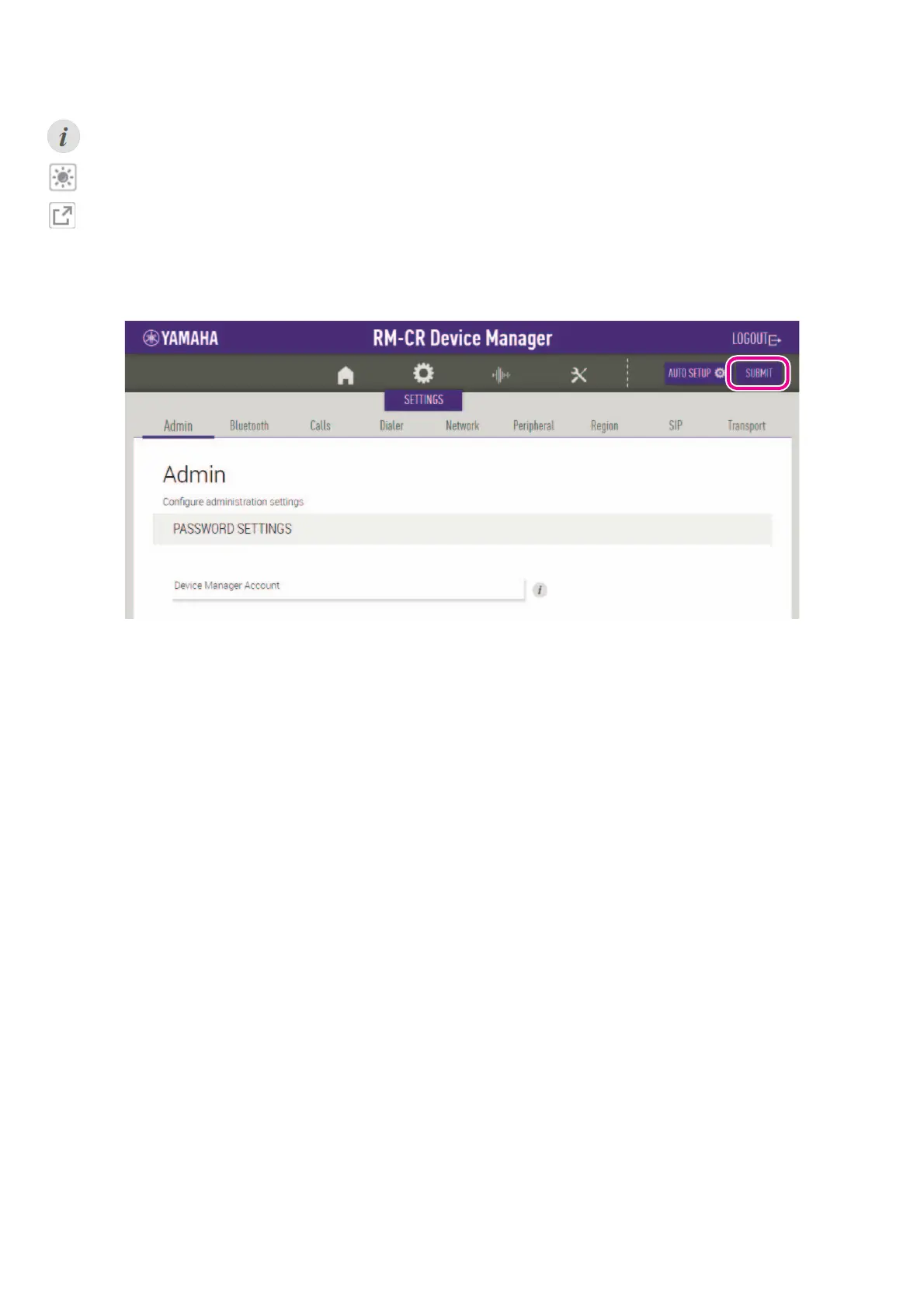
IMPORTANT: Be sure to click the [SUBMIT] button after changing settings in RM-CR Device Manager. The [SUBMIT] button always
appears in the upper-right corner of the window.


 To Next Page