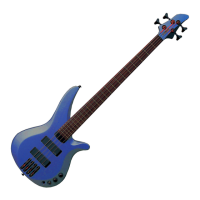
■ SETTING THE BASIC PITCH - You can set the basic pitch of the guitar
tuner between “440” and “445”. From within the Tuner function, press
[+1] and [-1] to set the basic pitch.
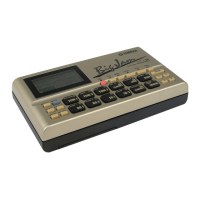
The basic pitch setting determines the overall system tuning for the RY9.
ENTER
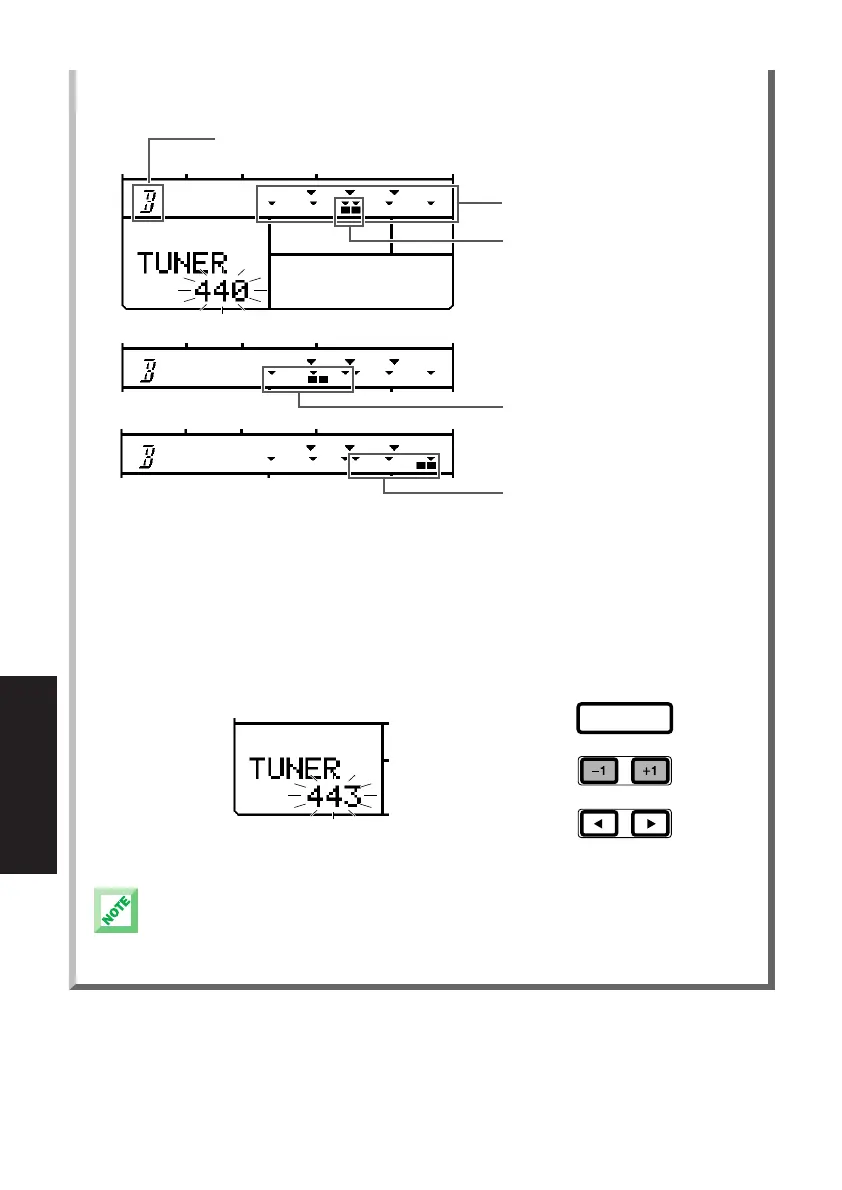
This area displays the name of the note,
or pitch, when you play a string
This area displays whether the pitch is
in tune, or sharp or flat.
IN TUNE - If the pitch is in tune, two
black squares willl appear and stabilize
in the center of the scale.
FLAT - If the pitch is flat, black square
will appear on the left side of the scale.
SHARP - If the pitch is sharp, black
square will appear on the left side of
the scale.
66
MODES & FUNCTIONS
PDF03_E.qx 6/2/99 5:51 PM Page 66


 To Next Page