Turning on the power
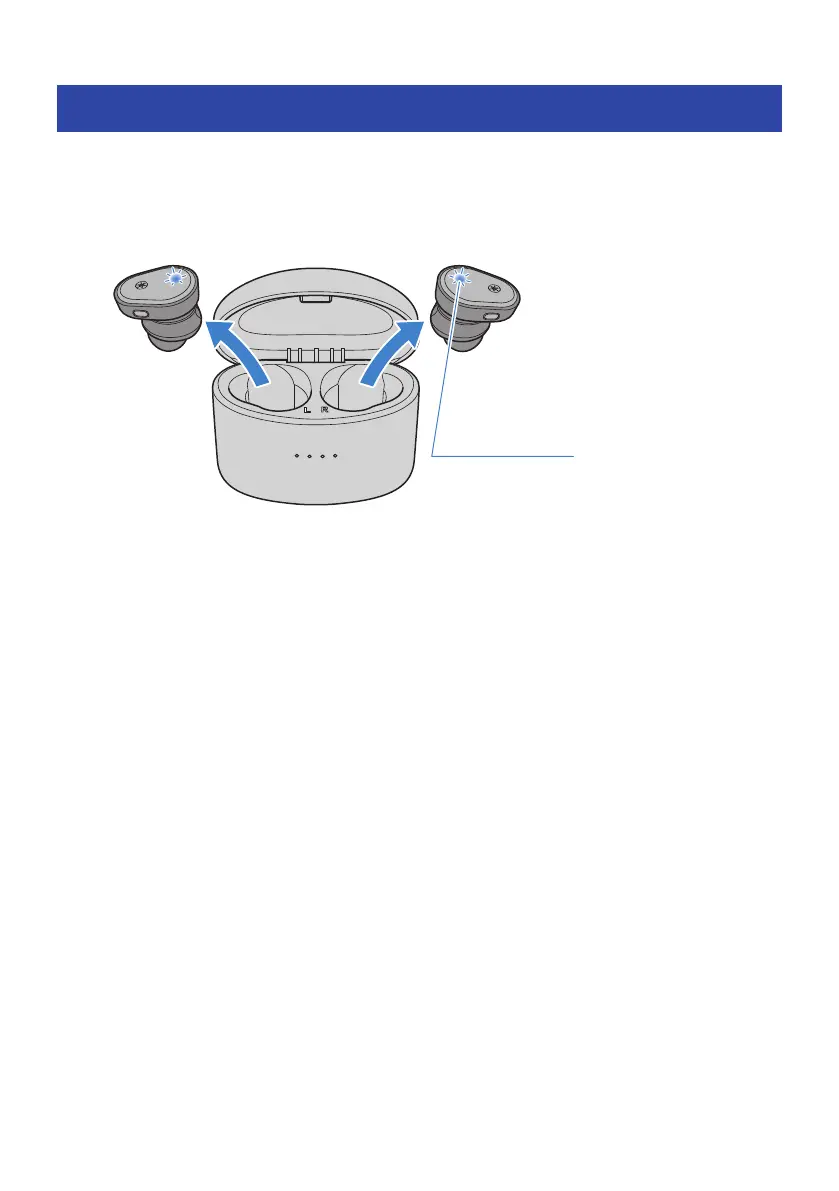
Once you remove the earbuds from the charging case, the earbuds will turn on.
1 Remove the earbuds from the charging case.
The indicators light up as shown below, and the power turns on.
NOTE
(
When an earbud is low on battery power, its indicator will flash red three times when the power is turned on. If this happens,
charge the earbud.
(
If the earbuds have been removed from the charging case or if they do not turn on when removed from the charging case, hold
down the function key on earbud (L) and the + (plus) key on earbud (R) until the indicators light up blue to turn the earbuds on.
Related links
“Remaining Battery Power”(p.16)
14
Charging and Powering > Turning on the power



 To Next Page