App settings
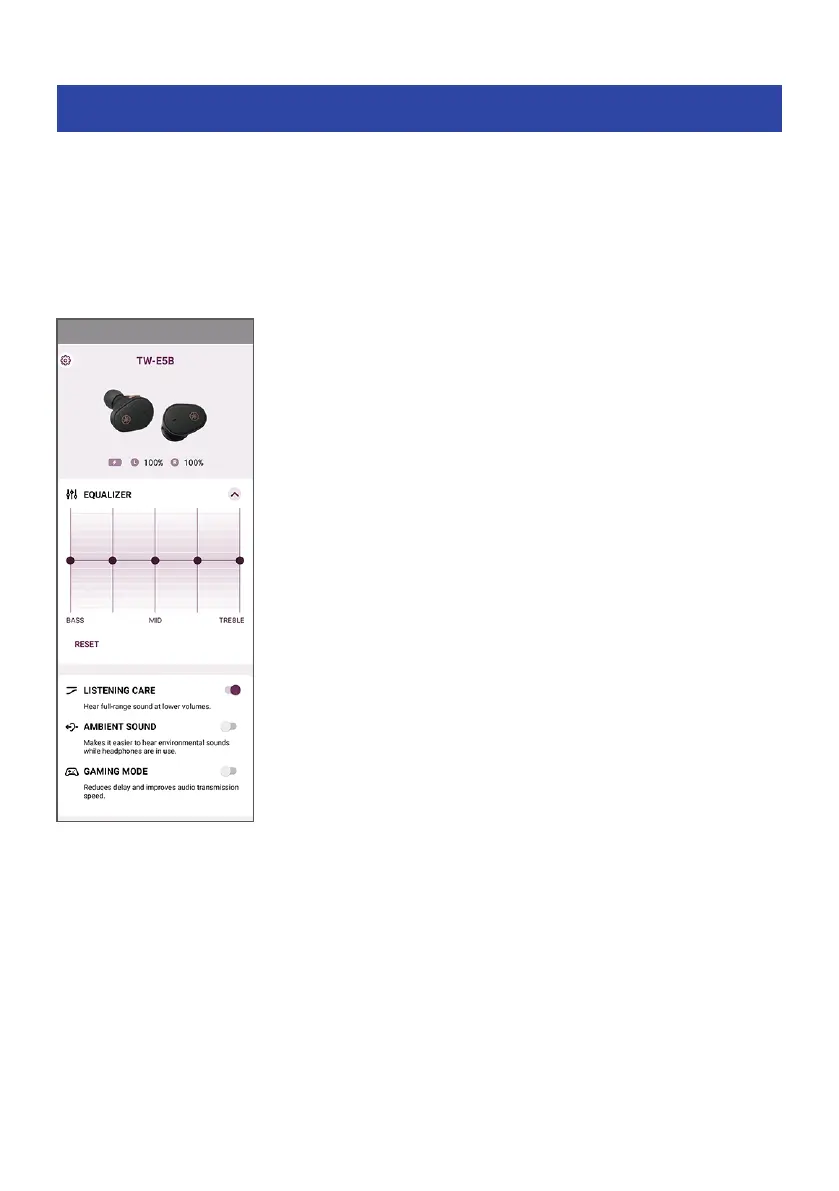
This explains the settings and items you can check using the Headphone Control app.
[Search tag] #Q03 App
NOTE
The app screen and items may differ, depending on your product.
Main screen
(
AMBIENT SOUND
This function makes it easier to hear the sounds around you, such as announcements made on public
transportation, the sounds of passing cars and so on.
Settings
(
ON: enables AMBIENT SOUND
(
OFF (default setting): AMBIENT SOUND disabled (normal playback mode)
29
Dedicated Application > App settings



 To Next Page