Starting the voice assistant
You can use this product to control a voice assistance feature such as Siri or Google Assistant. This feature is
available when you connect this product to a Bluetooth device that supports voice assistance.
(
Start voice assistant
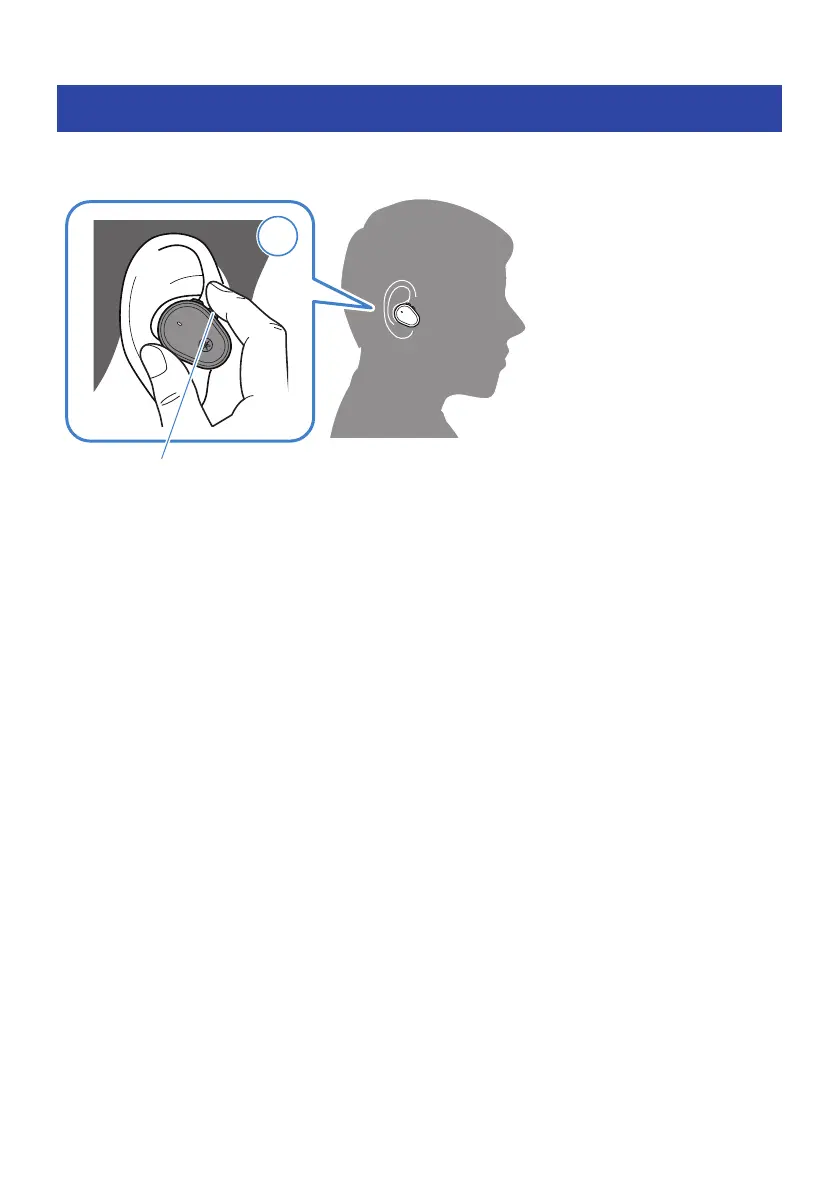
Hold down the − (minus) key (about one second).
(
Stop voice assistant
(
When using Siri
Hold down the − (minus) key (about one second).
(
When using Google Assistant
Operate using your Bluetooth device.
NOTE
The operations for the voice assistant feature will vary depending on your Bluetooth device. See the user’s manual of your Bluetooth
device for details.
27
Operation (Audio Playback and Phone Calls) > Starting the voice assistant



 To Next Page