Talking on the phone
You can use this product to talk on the phone when connecting to a Bluetooth device such as a smartphone.
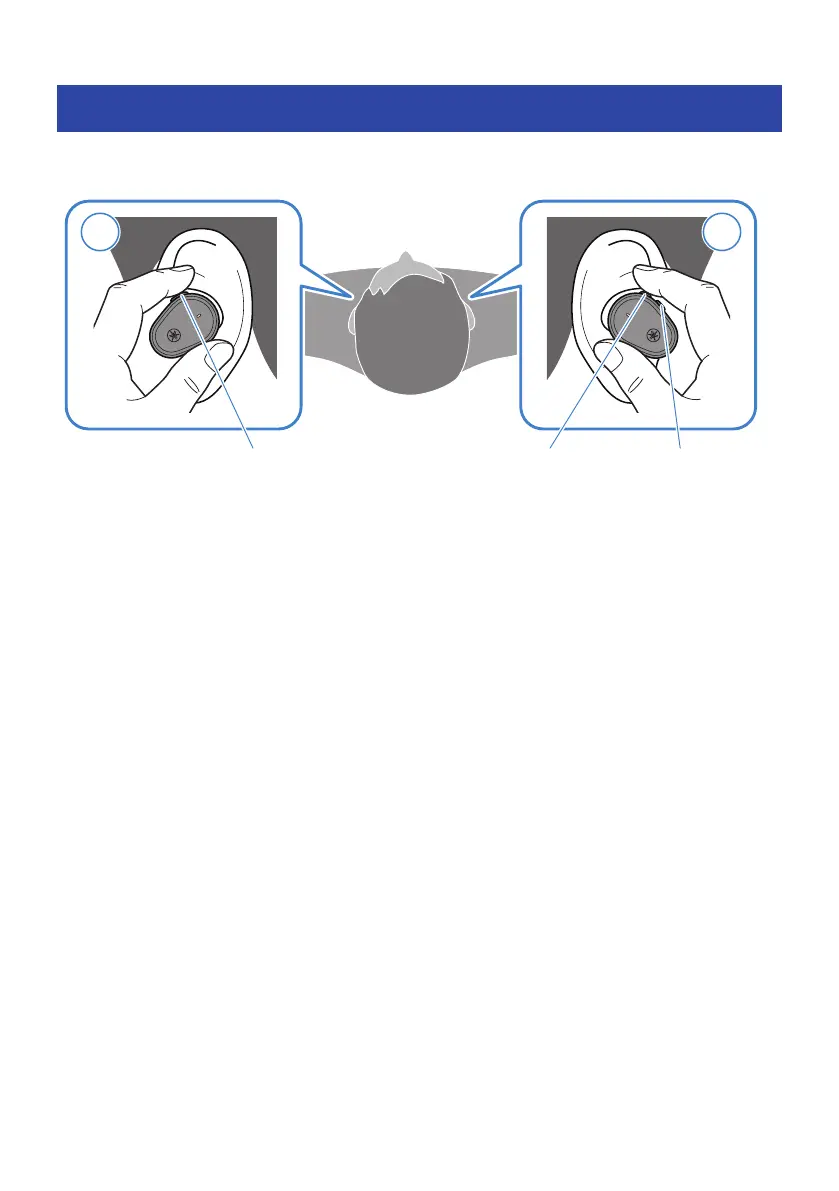
Operate this product as follows.
Function key + (plus) key − (minus) key
(
Receive a phone call
When a phone call comes in, press the function key.
(
End a phone call
During the phone call, press the function key for about one second.
(
Ignore a call
When a phone call comes in, press the function key for about one second.
(
Turn the volume up
During the phone call, press the + (plus) key.
(
Turn the volume down
During the phone call, press the − (minus) key.
NOTE
When a call is coming in, any audio being played will be paused. Audio playback will automatically resume when the call ends or you
ignore the call.
26
Operation (Audio Playback and Phone Calls) > Talking on the phone



 To Next Page