20
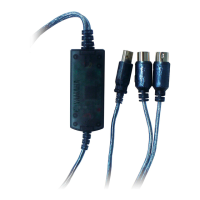
1. Is the power indicator lit?
If the USB cable is connected correctly, the power indicator will light.
2. Does the MIDI OUT indicator blink?
Use your sequence software to play back MIDI data. Alternatively, click [Send
All Note On] in the MIDI Patch screen (page 21). The MIDI OUT indicator will
light when MIDI messages pass through the cable.
3. Does the MIDI IN indicator blink?
Use the MIDI IN cable to connect your MIDI keyboard etc., and play it. The
MIDI IN indicator will light when MIDI messages pass through the cable.
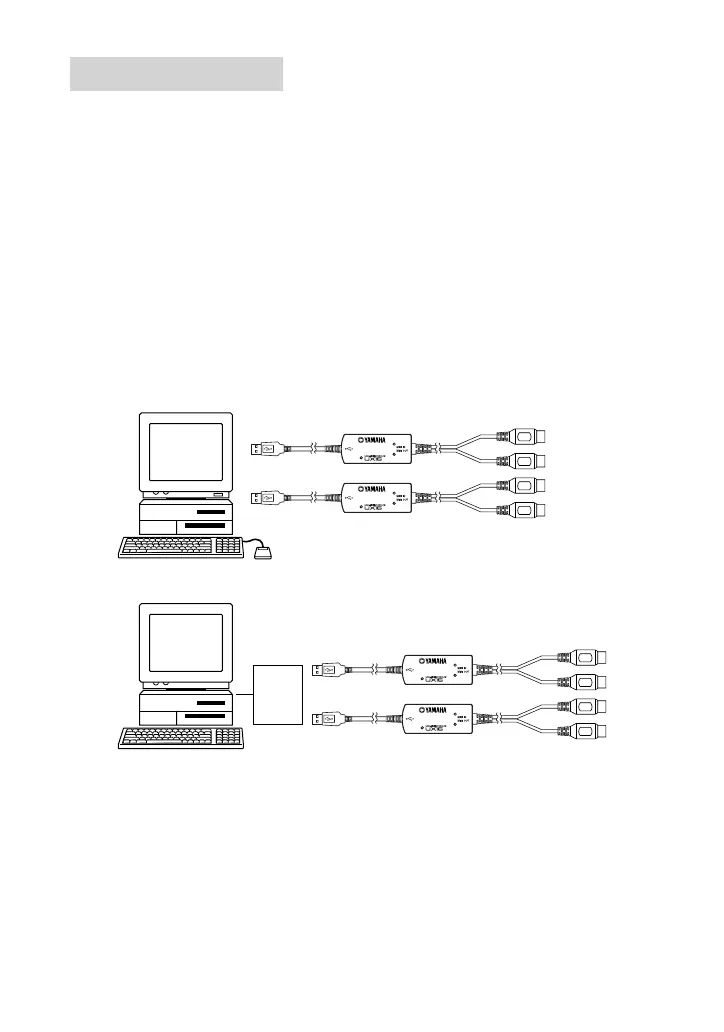
● Using two or more UX16s
First connect multiple UX16s, then proceed to the OMS setup procedure
(page 18).
Checking operation
IN
OUT
IN
OUT
IN
OUT
IN
OUT
Computer
or
USB
hub
Computer


 To Next Page