EasyManua.ls Logo

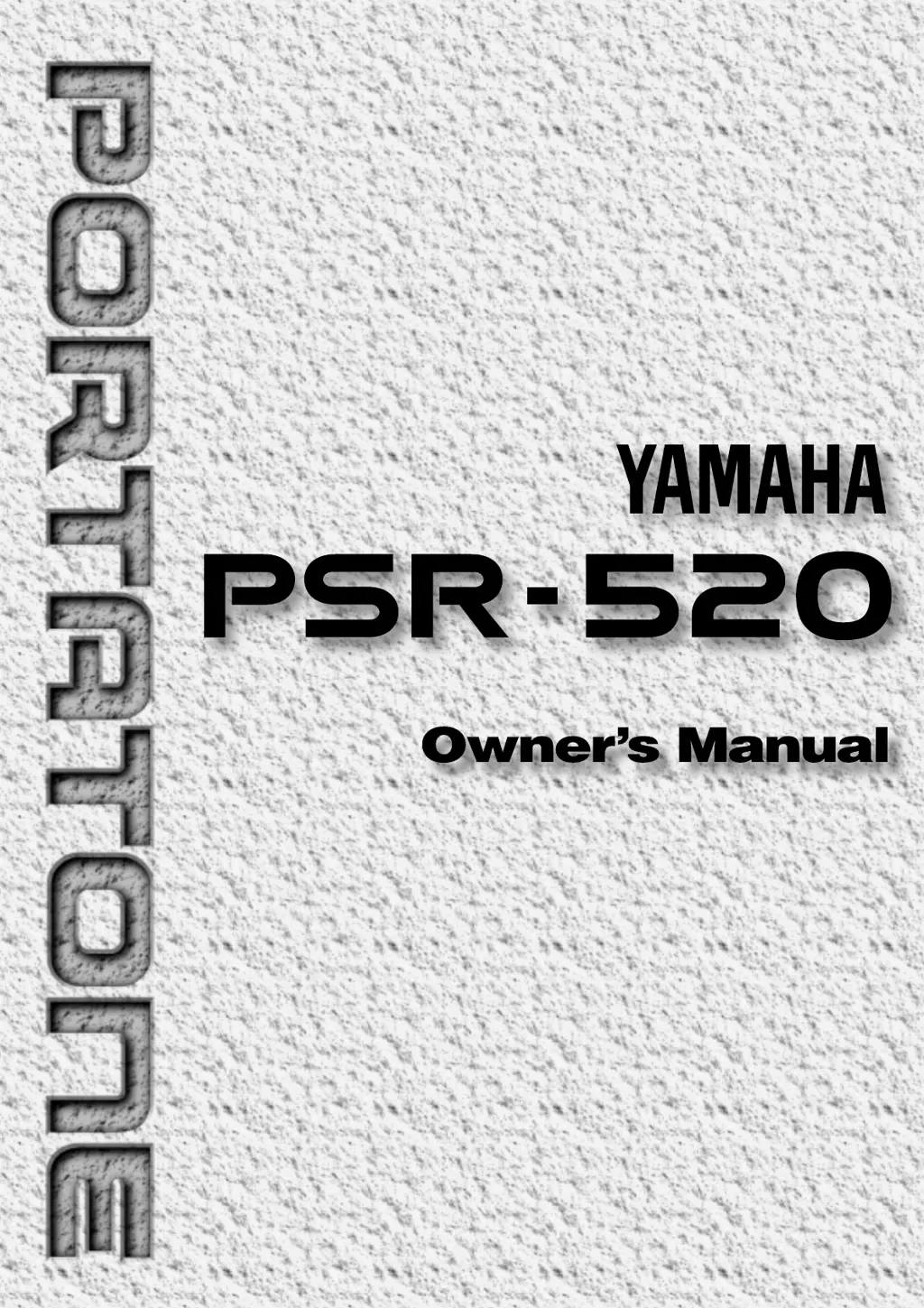
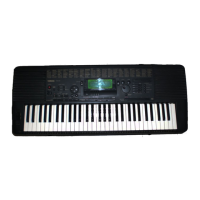
Yamaha yahama PSR - 520 - User Manual

Yamaha yahama PSR - 520
102 pages
Print Icon
To Next Page IconTo Next Page
Loading...

Table of Contents

Questions and Answers

  • A
    Alan GordonAug 12, 2025
    What to do if there is no sound when playing my Yamaha yahama PSR - 520 Electronic Keyboard?
    • B
      Billy RodriguezAug 12, 2025
      If your Yamaha Electronic Keyboard isn't producing any sound, try turning the power off, then on again to ensure the default “Local ON” setting is selected. Also, verify that the Local Control function is turned ON.
  • A
    andrewsmichaelAug 16, 2025
    What to do if the selected voice does not sound when playing my Yamaha yahama PSR - 520?
    • S
      Shelia FloresAug 16, 2025
      If the selected voice on your Yamaha Electronic Keyboard isn't sounding, make sure the Keyboard Volume, Split Voice Volume, and Dual Voice Volume parameters are set appropriately. Alternatively, turn the power off and on again to automatically select the default volume setting for the voice.
  • C
    Chad WhiteAug 19, 2025
    Why is the sustain pedal reversed on my Yamaha Electronic Keyboard?
    • K
      kristengonzalezAug 20, 2025
      If the sustain pedal on your Yamaha Electronic Keyboard is operating in reverse, it's likely because the power was turned on or the pedal was plugged in while the pedal was pressed. To fix this, turn the power off and then back on while ensuring the pedal is not pressed.
  • Y
    yblackAug 25, 2025
    Why is the accompaniment not playing properly on my Yamaha yahama PSR - 520?
    • C
      Craig SimmonsAug 25, 2025
      If the accompaniment on your Yamaha Electronic Keyboard isn't playing correctly, ensure that the accompaniment tracks you want to hear are not muted and that the Accomp Volume parameter is at an audible level. You can also try turning the power off and on again to restore the default track settings and accompaniment volume.
  • R
    Regina EvansAug 27, 2025
    Why do some notes not sound when playing simultaneously on my Yamaha Electronic Keyboard PSR-520?
    • M
      Michele DyerAug 28, 2025
      If some notes aren't sounding when you play many at once on your Yamaha Electronic Keyboard PSR-520, it's likely that you're exceeding the maximum polyphony. The PSR-520 can play up to 32 notes simultaneously, including split, dual, auto-accompaniment, song memory, and multi pad notes. Notes exceeding this limit will not be audible.
  • E
    eallenAug 31, 2025
    Why won't the Harmony/Echo and/or Dual Voice function turn on my Yamaha yahama PSR - 520?
    • J
      Jimmy FlemingAug 31, 2025
      The Harmony/Echo and Dual Voice functions on your Yamaha Electronic Keyboard will not activate if a percussion kit voice is selected. Ensure that a voice between number 01 and 141 is selected. Also, the Harmony/Echo effect cannot be turned ON when the FINGERED FULL mode is in use.
  • T
    tracywarnerSep 4, 2025
    Why doesn’t the rhythm sound when started on my Yamaha yahama PSR - 520?
    • T
      Taylor SummersSep 4, 2025
      Some sections of some styles on your Yamaha Electronic Keyboard do not use the accompaniment rhythm track.
  • C
    Caitlin EdwardsSep 8, 2025
    Why do the speakers produce a “pop” sound when turning on or off my Yamaha Electronic Keyboard?
    • J
      Jodi HolmesSep 8, 2025
      The “pop” sound from the speakers of your Yamaha Electronic Keyboard when turning the power on or off is normal and should not cause concern.

Summary

Congratulations!

Important Features Overview

Lists key features of the Yamaha PSR-520 PortaTone, highlighting its advanced technology and user-friendly interface.

Taking Care of Your PortaTone

Panel Controls Overview

Setting Up Your PSR-520

Connections Guide

Basic Display and Controls

Understanding PSR-520 Modes

Playing the PSR-520

Selecting and Playing Voices

How to select and play individual voices on the keyboard.

Voice Selection Methods

How to use the data dial for voice selection and adjust volume.

The Split Mode Functionality

Explains playing different voices with left and right hands.

Configuring Split Voice Parameters

Details on Split Voice volume, octave, reverb, chorus, pan, and split point settings.

Touch Response and Dual Voice

How to enable touch response and play two voices simultaneously.

Dual Voice Parameter Configuration

Details on Dual Voice volume, octave, reverb, chorus, and pan settings.

Harmony and Echo Effects

Explains harmony effect for melody and echo effect for right-hand parts.

Harmony and Echo Type Selection

Lists and describes available Harmony (01-10) and Echo (11-22) types.

Sustain Effect Control

How to turn the sustain feature ON/OFF for longer note sustain.

Pitch and Transposition Control

How to transpose pitch and use the pitch bend wheel.

Configuring Split Voice and Parameters

How to change split voice and its related parameters.

Selecting Harmony;Echo Types

How to select different harmony/echo types.

Digital Effects

Using Auto Accompaniment

Selecting Accompaniment Modes

How to select SINGLE or FINGERED modes for accompaniment.

Accompaniment Fingering Modes

Explains single-finger chord input and fingering modes (Normal, Bass, Full).

Accompaniment Fingering Modes Explained

Details on NORMAL, BASS, and FULL fingering modes for accompaniment.

Style Selection

How to select an accompaniment style for playback.

Style and Tempo Settings

How to select accompaniment styles and set the tempo for playback.

Starting Accompaniment Playback

Various methods to start accompaniment playback, including straight and intro starts.

Accompaniment Start Methods

Details on straight, intro, and synchronized start methods for accompaniment.

Accompaniment Section Control

How to select Main A/B sections and stop accompaniment playback.

Accompaniment Track Control Overview

Overview of controlling accompaniment tracks (RHYTHM, BASS, CHORD, PAD, PHRASE).

Accompaniment Track Details

Explains the role and function of each accompaniment track type.

Accompaniment Arrangement Control

How to switch between large/small arrangements and mute individual tracks.

Customizing Accompaniment Tracks

How to change voices and adjust volumes for each accompaniment track.

Adjusting Accompaniment Split Point

How to set the split point for the auto accompaniment.

One Touch Setting

Registration Memory

Song Recording

Recording Melody Tracks

Details on what data is recorded for a melody track during song recording.

Melody Track Recording Process

Steps for engaging melody track record ready mode, starting, and stopping recording.

Recording Accompaniment Tracks

Explains data recorded for the song accompaniment track.

Recording Accompaniment and Melody

How to start and stop recording accompaniment and name user songs.

Accompaniment and Melody Playback

How to start/stop playback and play along with songs.

Playback Control and Data Editing

Steps to play from a specified measure, rewrite voice/volume, and clear song tracks.

The Multi Pads

Using Music Cartridges

Practice Features

Overall Functions Overview

Overall Functions

MIDI Functions

Appendix: About Digital Effect

Appendix: Troubleshooting

Appendix: Troubleshooting & Data Management

Percussion Kit List

MIDI Implementation Chart

Yamaha yahama PSR - 520 Specifications

General IconGeneral
Number of Keys61
Styles64
MIDIYes
Weight6.8 kg (15 lbs)
TypeArranger Keyboard
DisplayLCD
EffectsReverb, Chorus
Tones128
ConnectionsMIDI In/Out
Power SupplyAC Adapter

Related product manuals