EasyManua.ls Logo

Yamato DSR-400 - User Manual

Yamato DSR-400
6 pages
Print Icon
To Next Page IconTo Next Page
Loading...
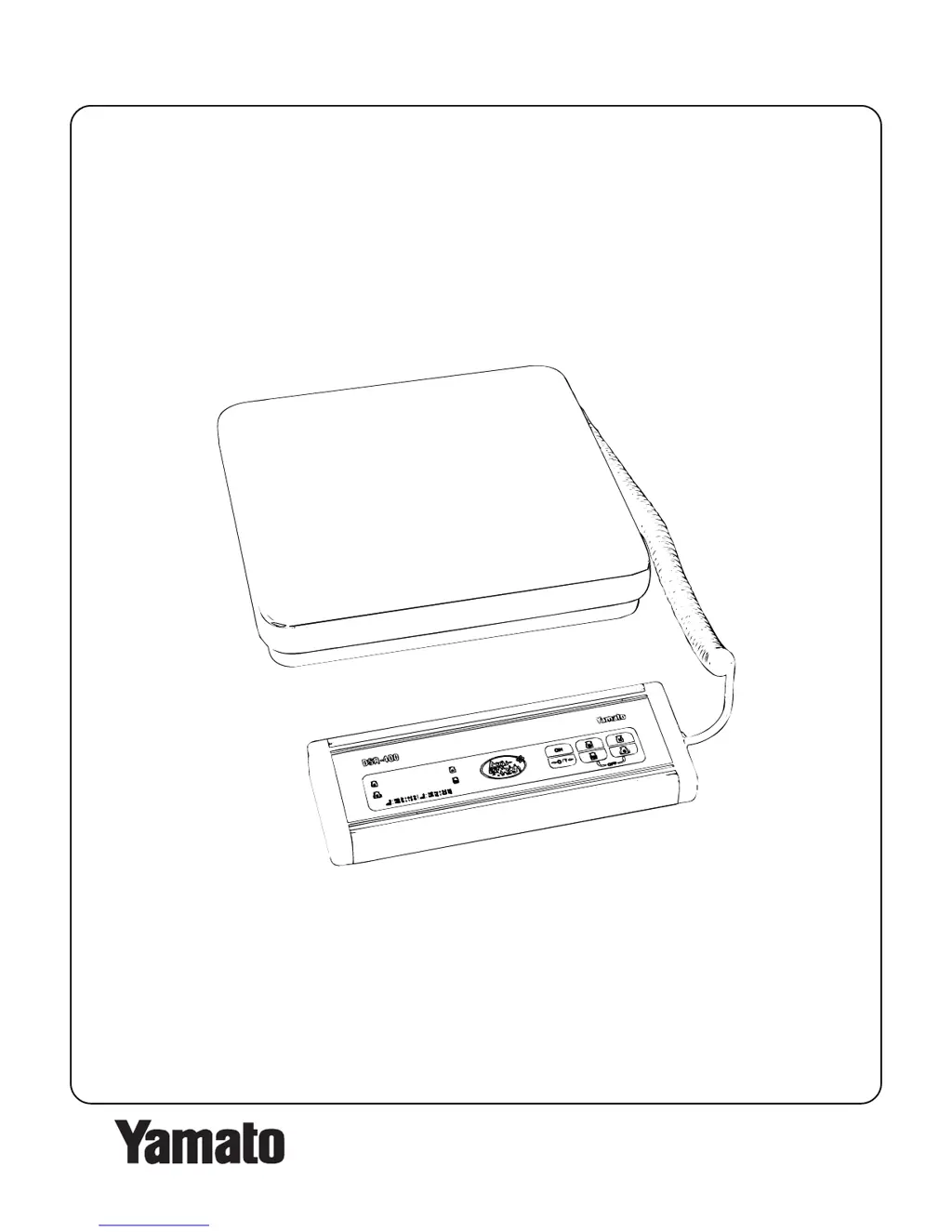
DSR-400 Operation Manual
YCO-1105-06-02
YAMATO CORPORATION
1775 S. Murray Blvd.
Colorado Springs, CO 80916 USA
Tel (719) 591-1500 Fax (719) 591-1045
YAMATO TECH CORPORATION
#112-19425 Langley By-Pass
Surrey, B.C. V3S 6K1 Canada
Tel (604) 533-2338 Fax (604) 533-0827

Other manuals for Yamato DSR-400

Questions and Answers

  • R
    rstuartAug 1, 2025
    How to resolve a Yamato Scales display showing all 8s after turning on?
    • E
      Ethan WallaceAug 1, 2025
      If your Yamato Scales display shows all 8s after being turned on, this is often due to vibration or an unstable position or platform. To resolve this, remove any source of vibration or place the scale on a stable platform.
  • E
    elizabetharnoldAug 9, 2025
    What to do if my Yamato DSR-400 will not power on?
    • C
      Cynthia RiveraAug 9, 2025
      If your Yamato Scales won't power on, it could be due to a few reasons. First, the AC adapter might be malfunctioning, in which case you should replace it. Alternatively, there could be a power board malfunction, requiring you to replace the power board. Lastly, a CPU board malfunction could be the cause, and replacing the CPU board would be the solution.
  • M
    Mary SanchezAug 16, 2025
    How to fix a Yamato DSR-400 Scales keyboard that is not functioning?
    • F
      freemanjeffreyAug 16, 2025
      If the keyboard on your Yamato Scales isn't working, there are several potential causes. The keyboard connector might be loose, so ensure it is firmly inserted. The connector could also be damaged, requiring a replacement. The keyboard itself might be damaged, necessitating a replacement. In some cases, a CPU board malfunction could be the cause, which would require replacing the CPU board.
  • M
    Martha MullinsAug 23, 2025
    Why does the displayed weight fluctuate excessively on my Yamato Scales?
    • S
      sherri43Aug 25, 2025
      Excessive weight fluctuation on your Yamato Scales can stem from several issues. The weighing assembly might be in contact with wires or the case; repositioning these could solve the problem. A loose or damaged load cell connector could also be the cause; try reconnecting or replacing it. Additionally, a power board or CPU board malfunction could lead to this issue, requiring their respective replacements.

Summary

Introduction

Specifications

Operation

Control Panel Overview

Overview of the scale's control panel, including display, keys, and indicators.

Power Options

Details on using AC adapter or AA batteries for powering the scale.

Turning the Scale On and Off

Instructions for powering the scale on, off, and auto-off features.

Zeroing the Display

How to zero the scale display, especially after initial power-on or zero-range.

Unit Selection

How to switch between decimal pound (lb) and kilogram (kg) display modes.

Basic Weighing

Step-by-step guide for performing basic weighing operations.

Net Weighing

Instructions for net weighing using the automatic tare function.

Batch Weighing

Guide to weighing multiple items sequentially, including tare adjustments.

Troubleshooting and Error Messages

Yamato DSR-400 Specifications

General IconGeneral
BrandYamato
ModelDSR-400
CategoryScales
LanguageEnglish

Related product manuals