EasyManua.ls Logo

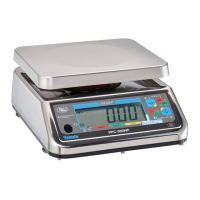
Yamato PPC-300WP - User Manual

Yamato PPC-300WP
30 pages
Print Icon
To Next Page IconTo Next Page
Loading...
YCO-1127-12-08
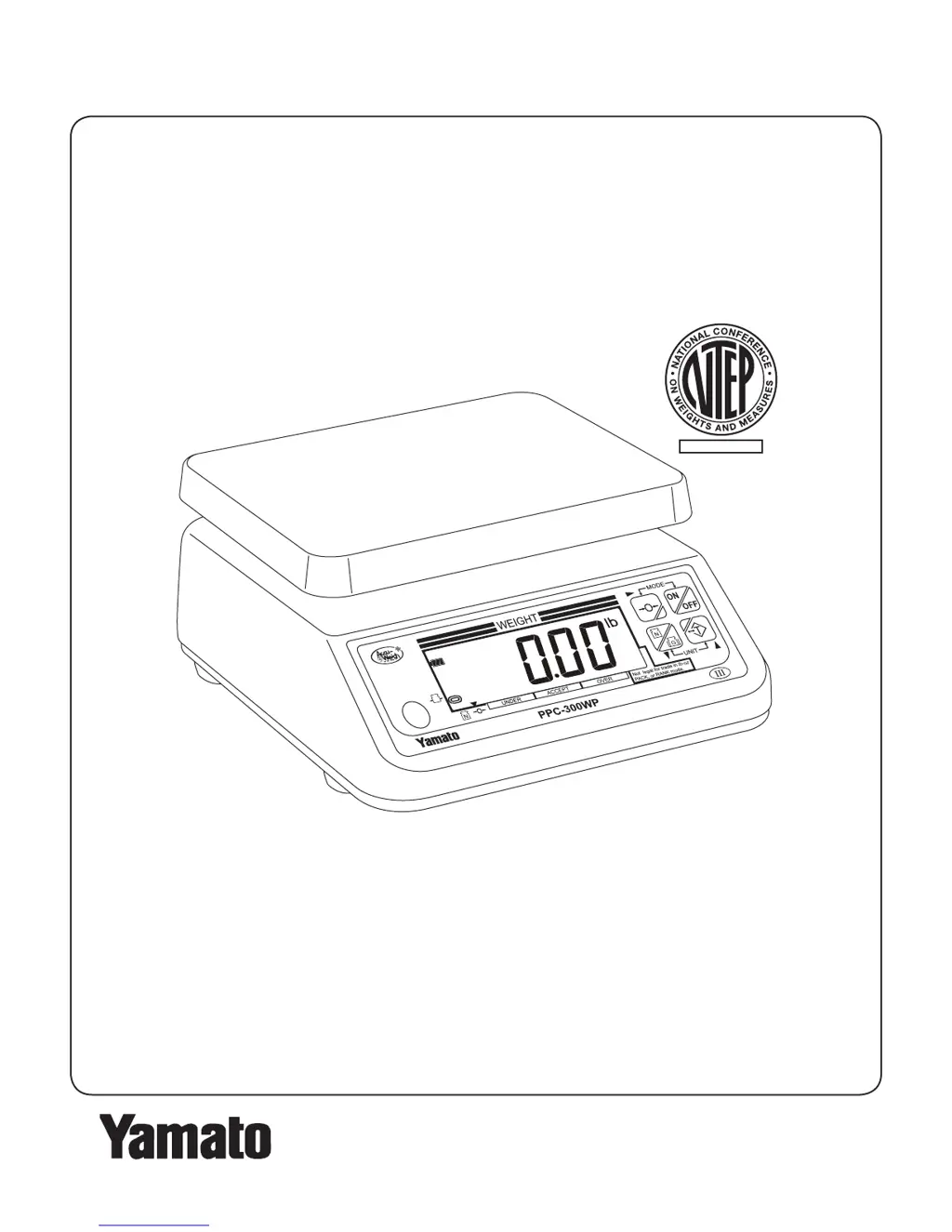
PPC-300WP Operation Manual
YAMATO CORPORATION
1775 S. Murray Blvd.
Colorado Springs, CO 80916 USA
Tel (719) 591-1500 Fax (719) 591-1045
YAMATO TECH CORPORATION
#112-19425 Langley By-Pass
Surrey, B.C. V3S 6K1 Canada
Tel (604) 533-2338 Fax (604) 533-0827
www.YamatoCorp.com
NTEP CC 08-041

Other manuals for Yamato PPC-300WP

Questions and Answers

  • D
    David CalderonAug 19, 2025
    What to do if my Yamato Scales will not turn on?
    • C
      collinsnancySep 12, 2025
      If your Yamato Scales won't turn on, first ensure that the batteries are installed with the correct polarity. If they are, try replacing all four batteries with fresh ones. Also, check that the adapter is properly connected to both the scale and a working power outlet.
  • B
    Brittney OliverAug 21, 2025
    How to fix low battery on Yamato PPC-300WP Scales?
    • C
      Carl DillonAug 21, 2025
      If your Yamato Scales show a low battery warning, replace all four batteries with fresh ones.
  • M
    Michael GreenAug 23, 2025
    What to do if Yamato PPC-300WP Scales show load over limit at start up?
    • M
      Maria GarrisonAug 23, 2025
      If your Yamato Scales show a load over the allowable limit at start up, remove all items from the scale platform and press the key. If the issue persists, power the scale off and back on. If problems continue, calibrate the scale.
  • M
    Melissa SullivanAug 26, 2025
    What to do if Yamato PPC-300WP show load under limit at start up?
    • Y
      yreedAug 26, 2025
      If your Yamato Scales show a load under the allowable limit at start up, remove any items wedged under the scale platform and press the key. If the issue persists, power the scale off and back on. If problems continue, calibrate the scale.
  • J
    Jermaine ThompsonAug 28, 2025
    What to do if I tried to zero a load greater than allowed on Yamato PPC-300WP?
    • T
      Tanya ClarkeAug 28, 2025
      If you attempted to zero a load greater than allowed on your Yamato Scales, remove all items from the scale platform and press the key. Power the scale off and back on. If problems continue, calibrate the scale.
  • J
    josephpearsonAug 30, 2025
    What happens if I zeroed Yamato PPC-300WP with a load on the platform?
    • F
      Felicia HughesAug 30, 2025
      If you zeroed the Yamato Scales with a load on the platform and then removed the load, remove all items from the scale platform and press the key. Power the scale off and back on. Calibrate the scale.
  • T
    Tony KleinSep 2, 2025
    What to do if Yamato PPC-300WP will not turn on?
    • S
      sara34Sep 2, 2025
      If your Yamato Scales won't turn on, the batteries might be dead, or the AC/DC adapter may not be properly connected. Try replacing all four batteries with fresh ones. Also, check that the adapter is correctly connected to the scale and plugged into a working outlet.
  • A
    amyrussellSep 4, 2025
    What to do if Yamato PPC-300WP Scales shows load over allowable limit at start up?
    • B
      Beth EspinozaSep 4, 2025
      If your Yamato Scales indicates a load exceeding the allowable limit upon startup, remove all items from the scale platform and then press the key.
  • C
    Christopher AcevedoSep 6, 2025
    What to do if Yamato PPC-300WP Scales shows low battery?
    • M
      Matthew GomezSep 6, 2025
      If your Yamato Scales indicates low batteries, replace all four batteries with fresh ones.
  • S
    Scott FergusonSep 8, 2025
    What to do if Yamato PPC-300WP shuts off due to exhausted batteries?
    • K
      Kevin DonaldsonSep 9, 2025
      If your Yamato Scales shuts off because of exhausted batteries, replace all four batteries with fresh ones.

Summary

Introduction

Conventions

Defines the conventions used in the manual for warnings and notes.

Safety Precautions

Lists dangers related to electric shock and explosion/fire.

Efficient Operation and Maintenance

Guidelines for scale performance, disposal, and cleaning procedures.

Description

Name and Function of Parts

Identifies and explains the purpose of each key control and indicator on the scale.

Specifications

Details the technical specifications, capacities, dimensions, and operating conditions of the scale.

Dimensions

Provides detailed diagrams with measurements of the scale's physical dimensions.

Setup

Battery and AC Adapter Installation

Guides for installing batteries and connecting the AC adapter.

Leveling the Scale

Procedure for ensuring the scale is level for accurate measurements.

Cleaning the Lower Diaphragm

Steps to clean the lower diaphragm chamber to maintain scale accuracy.

Using the Scale

Basic Operations

Covers turning on/off, zeroing, changing units, battery check, and basic weighing.

Tare Operation

How to weigh an item excluding the container's weight.

Batch Weighing

Guide for weighing multiple ingredients sequentially.

Selectable Functions Overview

Overview of available functions: Packing, Checkweighing, and Grading.

Packing Function

Details on enabling and using the packing function for filling containers.

Checkweighing Function

Details on enabling and using the checkweighing function for quality control.

Grading Function

Details on enabling and using the grading function for sorting by weight.

User Parameters

Parameter Settings and Descriptions

Details the nine functional user parameters, their default values, and brief descriptions.

Troubleshooting

Error Displays and Corrective Actions

Lists common error displays and user-level corrective actions.

Yamato PPC-300WP Specifications

General IconGeneral
Capacity300 kg
WaterproofYes
MaterialStainless steel
Protection RatingIP65
Readability100g
PowerAC Adapter or Rechargeable Battery
DisplayLCD

Related product manuals