YCO-1127-12-08
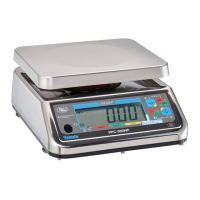
PPC-300WP Operation Manual
Net Weighing - Tare Operation
Net weighing displays the weight of an item without the weight of its container. The weight of the con-
tainer is tared off.
Caution
The total gross weight should never exceed the capacity of the scale. This can damage the load
cell.
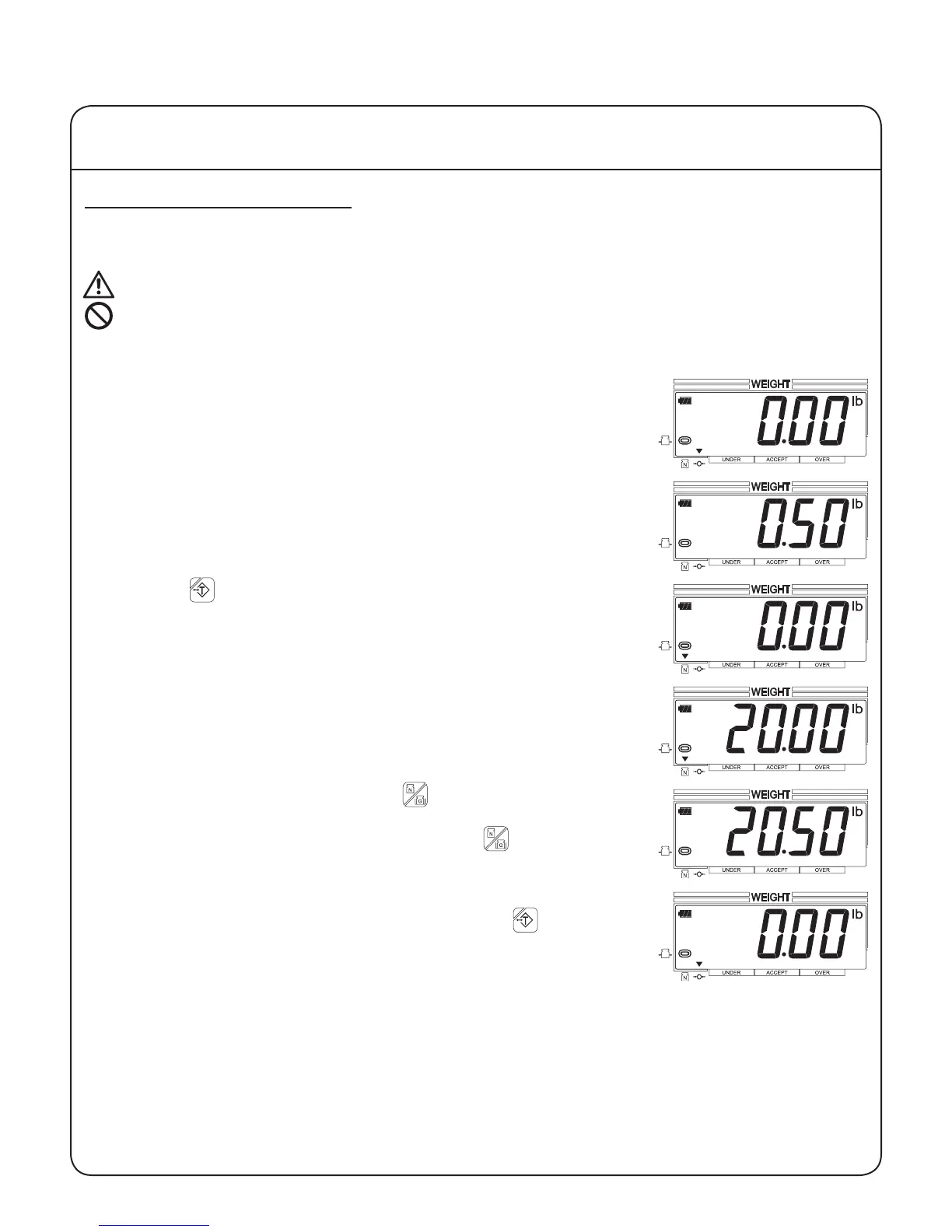
1. Begin with nothing on the weighing platform, the display reading zero,
and the center of zero and stable indicators lit.
2. Place an empty container on the weighing platform and wait for the
stable indication.
3. Press the key. The weight of the container will be subtracted au-
tomatically and the net weight indicator will display.
4. Place the items to be weighed in the container. The weight displayed
will be the net weight of the items.
5. To display the gross weight, press the key. The net weight indica-
tor will no longer display, and the displayed weight will be the gross
weight of the container and the items. Press the key again to
return to the net weight.
6. To return to gross weighing mode, remove all items from the weighing
platform, wait for the stable indication, and press the key.
IV Using the Scale
10


 To Next Page