YCO-1127-12-08
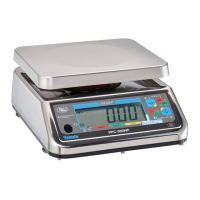
PPC-300WP Operation Manual
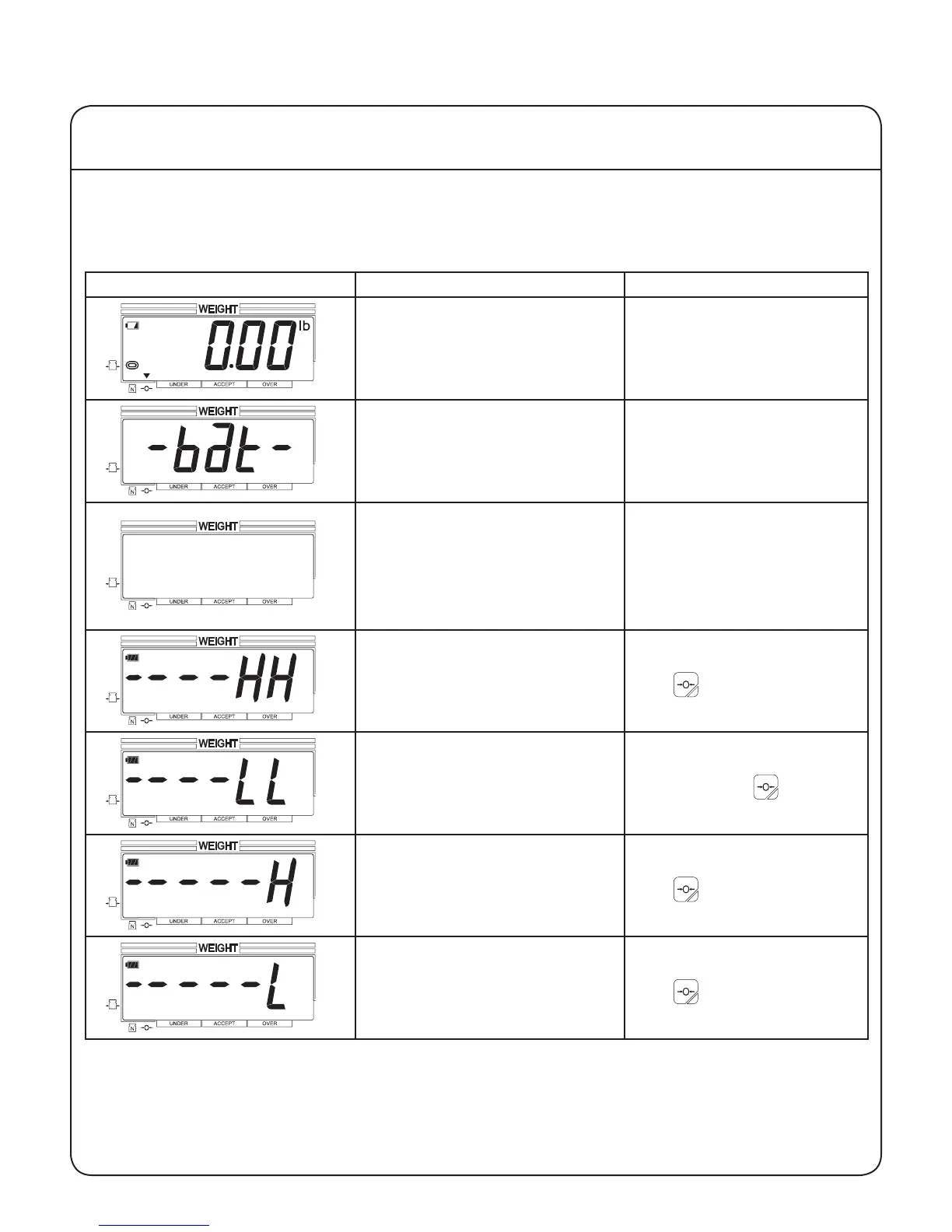
The scale automatically detects several errors. The following table describes the various errors that
can be encountered, and provide user-level corrective actions. If these actions fail to correct the error,
please contact a qualied scale technician.
Display Condition Action
Low batteries. Replace all four batteries
with fresh batteries.
Exhausted batteries, scale will
shut off.
Replace all four batteries
with fresh batteries.
Scale will not turn on.
Dead batteries or AC/DC
adapter not connected.
Replace all four batter-
ies with fresh batteries,
or verify proper adapter
is connected to the scale
and plugged into a pow-
ered outlet.
Load over allowable limit at
start up.
Remove all items from the
scale platform and press
the key.
Load under allowable limit at
start up.
Remove items wedged
under the scale platform
and press the key.
Attempted to zero a load
greater than allowed.
Remove all items from the
scale platform and press
the key.
Zeroed the scale with a load
on the platform, and then
removed the load.
Remove all items from the
scale platform and press
the key.
VI Troubleshooting
24


 To Next Page