YCO-1127-12-08
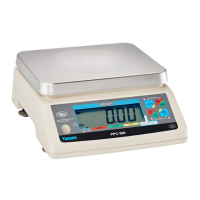
PPC-300WP Operation Manual
Grading Function
The grading function allows you to dened up to 15 continuous weight grades and displays the grade
of the current load. This facilitates quick, error free sorting by the operator without a need to consult
or memorize grade charts. Anywhere from 12 to 66 different setups can be store for later recall, de-
pending on the number of grades within each setup. Available options include a ashing indication to
announce an acceptable weight grade, and a stability function that lets you choose to have a real time
grade display or to require a stable reading before the grade is displayed. The grading function is not
legal for trade.
Enable
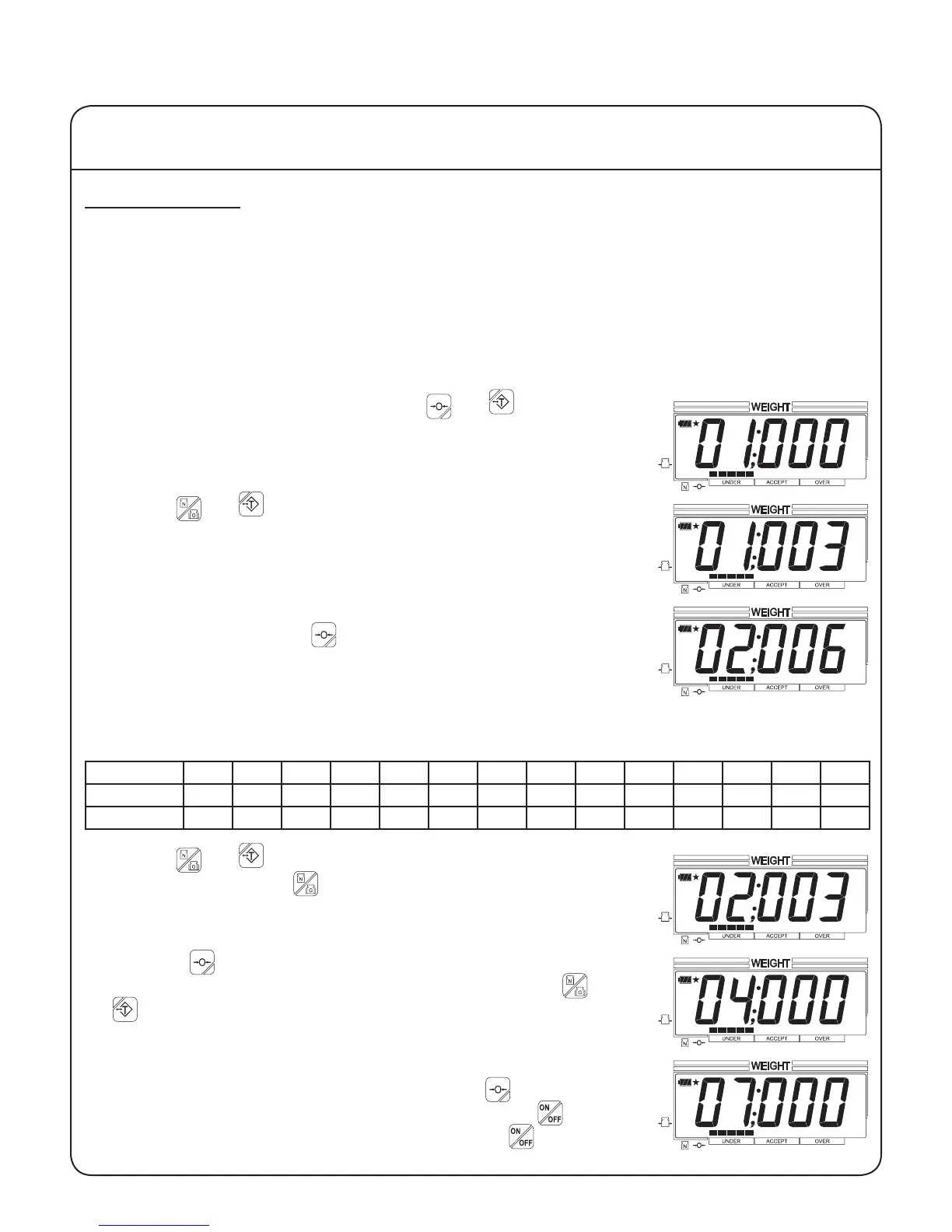
1. To enable the grading function, press the and keys at the
same time. The yellow tabs on these keys are reminders of how to
enter user setup mode. You are now in user setup mode with param-
eter 01 displayed.
2. Use the and keys to change the parameter value to 003. The
down and up arrows next to these keys indicate that they decrease
and increase, respectively, the displayed value.
3. To store any changes made to this parameter and to advance to the
next parameter, press the key. The right arrow next to this key
indicates that it advances the display to the next parameter.
4. The second parameter determines the number of grades for all setups. The greater the number of
grades, the fewer setups that can be stored in the scale's memory.
Setting 002 003 004 005 006 007 008 009 010 011 012 013 014 015
# of grades 2 3 4 5 6 7 8 9 10 11 12 13 14 15
# of setups 66 49 39 33 28 24 22 19 18 16 15 14 13 12
5. Use the and keys to set the desired value. Example: For
three grades, press the key three times to change the setting from
006 to 003.
6. Press the key twice to advance to parameter 04. If a real time-
grade display is desired, set parameter 04 to 000 using the and
keys. If a stable weight reading is required before displaying the
grade, set parameter 04 to 000.
7. If you wish to set a ashing grade display, advance to parameter 07
and set it to any value other than 000. Press the key to save any
changes and advance to the next parameter. Press the key for
about three seconds to turn the scale off. Press the to turn the
scale on. The grading function is now enabled.
IV Using the Scale
19


 To Next Page