YCO-1127-12-08
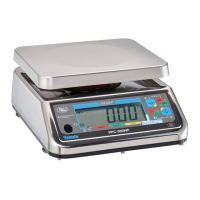
PPC-300WP Operation Manual
Packing Function
The packing function is ideal for lling containers. The numeric display indicates the weight that needs
to be added or removed from the platform to reach the target weight. The bar chart gives a graphical
representation of the loaded weight in relationship to the target weight for quick reference. Up to 99 dif-
ferent setups can be stored for later recall. Available options include a ashing indication to announce
an acceptable, unacceptable, under, or over weight condition; and an auto-tare feature that automati-
cally tares off the container weight at the beginning of each weighment. The packing function is not
legal for trade.
Enable
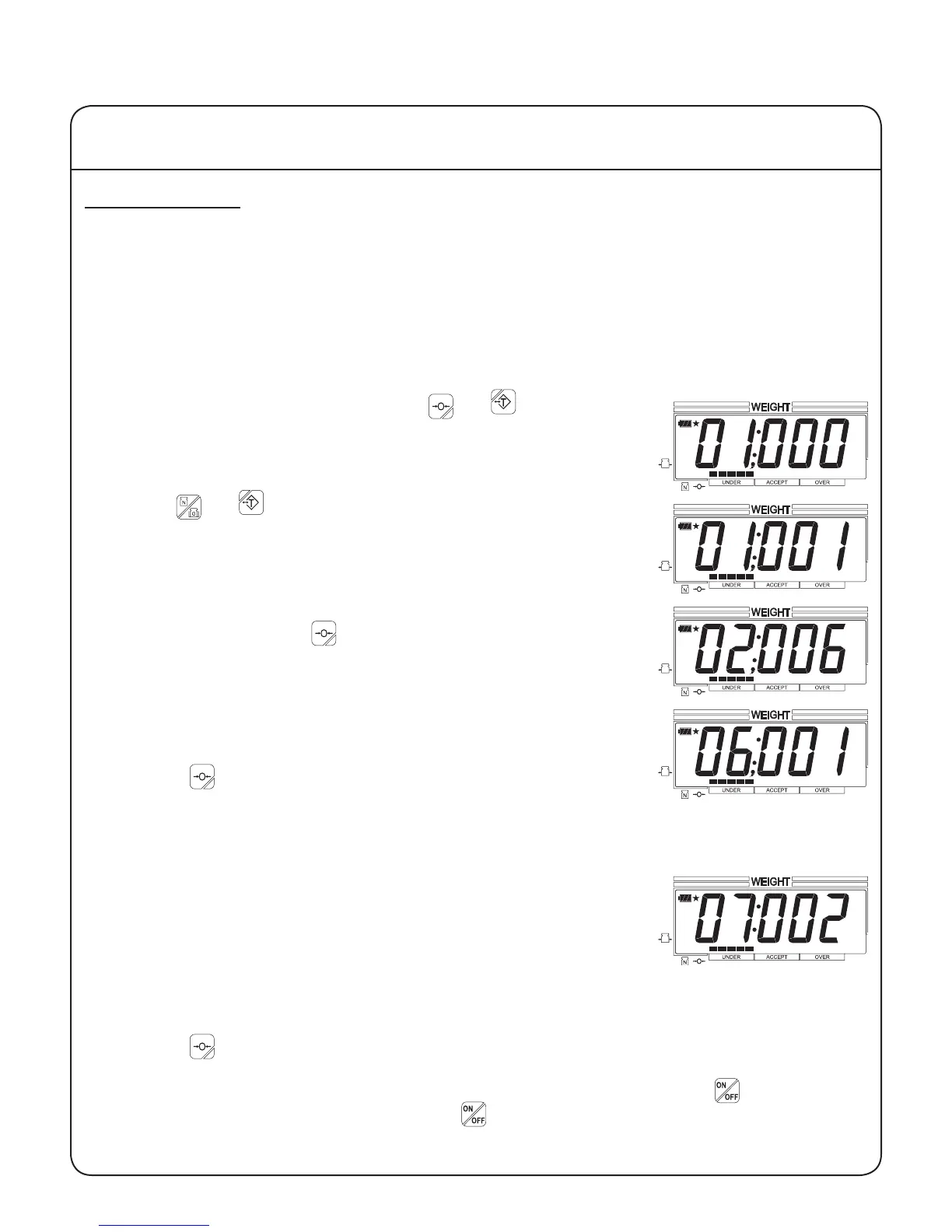
1. To enable the packing function, press the and keys at the
same time. The yellow tabs on these keys are reminders of how to
enter user setup mode. You are now in user setup mode with param-
eter 01 displayed.
2. Use the and keys to change the parameter value to 001. The
down and up arrows next to these keys indicate that they decrease
and increase, respectively, the displayed value.
3. To store any changes made to this parameter and to advance to the
next parameter, press the key. The right arrow next to this key
indicates that it advances the display to the next parameter.
4. If you wish to set the automatic tare, advance to parameter 06.
000 disables the automatic tare.
001 enables the automatic tare.
Press the key to save any changes and advance to the next pa-
rameter.
When enabled, this feature automatically tares off the rst stable reading after zero. This tare is
automatically cleared when the scale returns to zero.
5. If you wish to set a ashing weight reading, advance to parameter 07.
000 disables the ashing feature.
001 ashes when a stable weight under the acceptable weight
range is loaded.
002 ashes when a stable weight in the acceptable weight range is
loaded.
003 ashes when a stable weight over the acceptable weight range is loaded.
004 ashes when a stable weight outside the acceptable weight range is loaded.
Press the key to save any changes and advance to the next parameter.
6. When all the parameters in user setup mode are properly congured, press the key for about
three seconds to turn the scale off. Press the to turn the scale on. The packing function is now
enabled.
IV Using the Scale
13


 To Next Page