YCO-1127-12-08
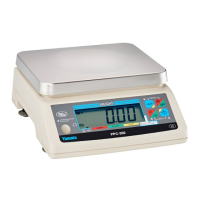
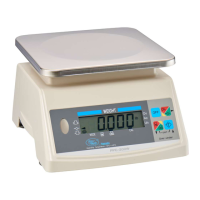
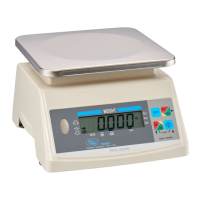
PPC-300WP Operation Manual
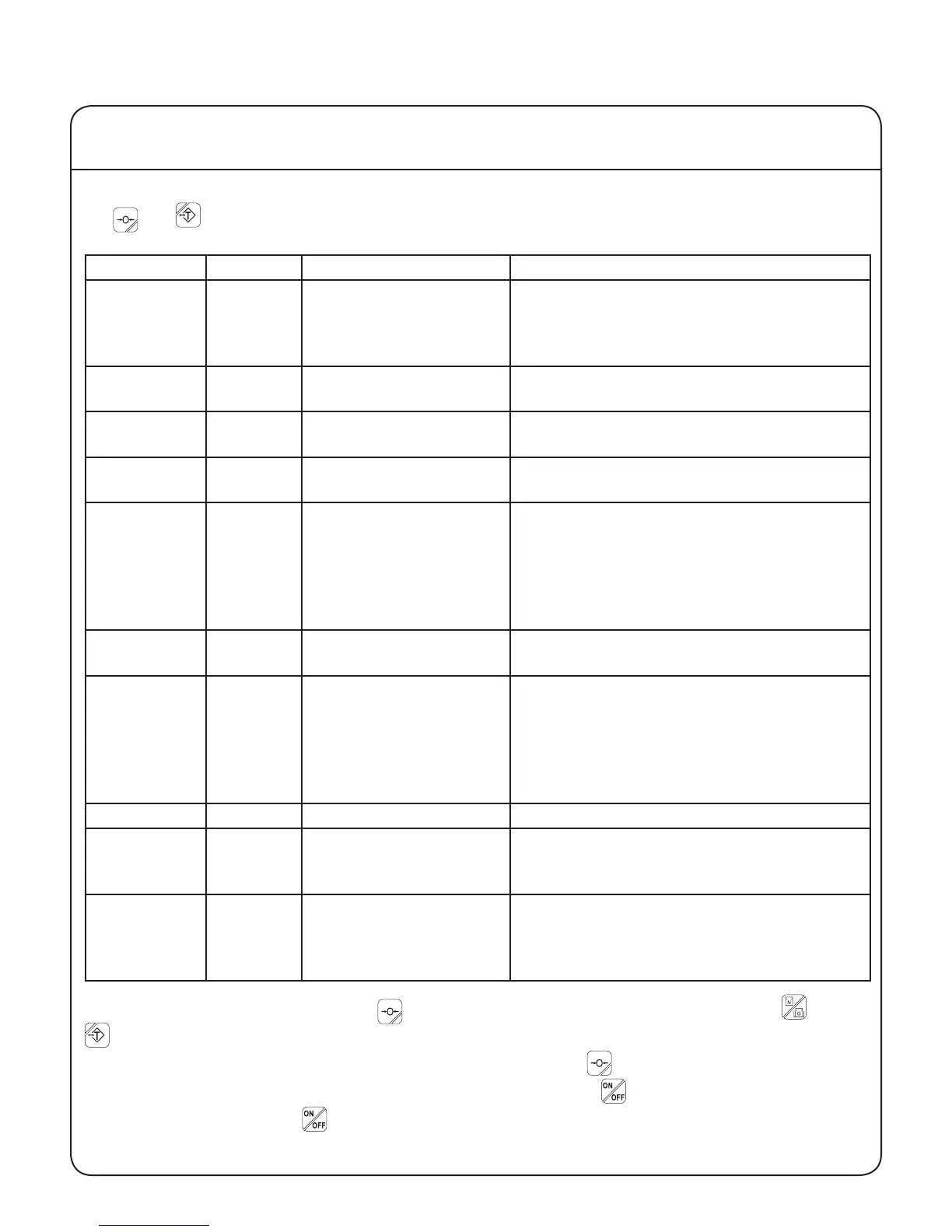
The PPC-300 family of scales have nine functional user parameters that can be accessed by pressing
the and keys at the same time.
Parameter Default Description Settings
01 000 Function selection 000: Functions disabled.
001: Packing enabled.
002: Checkweighing enabled.
003: Grading enabled.
02 006 Number of grades 000: Grading suspended.
001 - 0015: 1 - 15 grades.
03 000 Buzzer 000: Disabled.
001 - 004: PPC-300WP only.
04 000 Grade stability 000: Real time grade display.
001: Grade displayed at stable reading.
05 003 Auto-off timer 000: Disabled.
001: After idle for 5 minutes.
002: After idle for 10 minutes.
003: After idle for 15 minutes.
004: After idle for 30 minutes.
005: After idle for 60 minutes.
06 000 Automatic Tare 000: Disabled.
001: Enabled (packing function only).
07 000 Flashing display 000: Disabled.
001: Flash when under weight.
002: Flash for acceptable weight.
003: Flash when over weight.
004: Flash when under or over weight.
005: Flash when buzzer sounds.
08 - 19 000 Inactive 000: Do not adjust these settings
22 000 Vibration
compensation
000: Standard, highest response speed.
001: Increased, slower response speed.
002: Maximum, slowest response speed.
23 001 Units at power on 000: kg
001: lb
002: oz
003: lb-oz
Once in user parameter mode use the key to select the desired parameter, then use the and
keys to change the set value to the desired value. The arrows next to these keys indicate their
function. Once the parameter value has been changed, press the key again to save the change.
After all the desired parameter changes have been made, press the key for about three seconds to
turn the scale off. Press the to turn the scale back on. It is now ready for use with the changes in
effect. Please see the following page for a more detailed explanation of each parameter.
V User Parameters
22


 To Next Page