YCO-1127-12-08
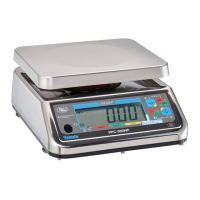
PPC-300WP Operation Manual
Grading Function
This is an example of how the grading function operates once it has been enabled and setup. The
setup for this example has grades of 8.00 to 9.99 lb, 10.00 to 11.99 lb, and 12.00 to 18.00 lb. The
scale is set to display real time grade values. The ashing display is not enabled.
Operation
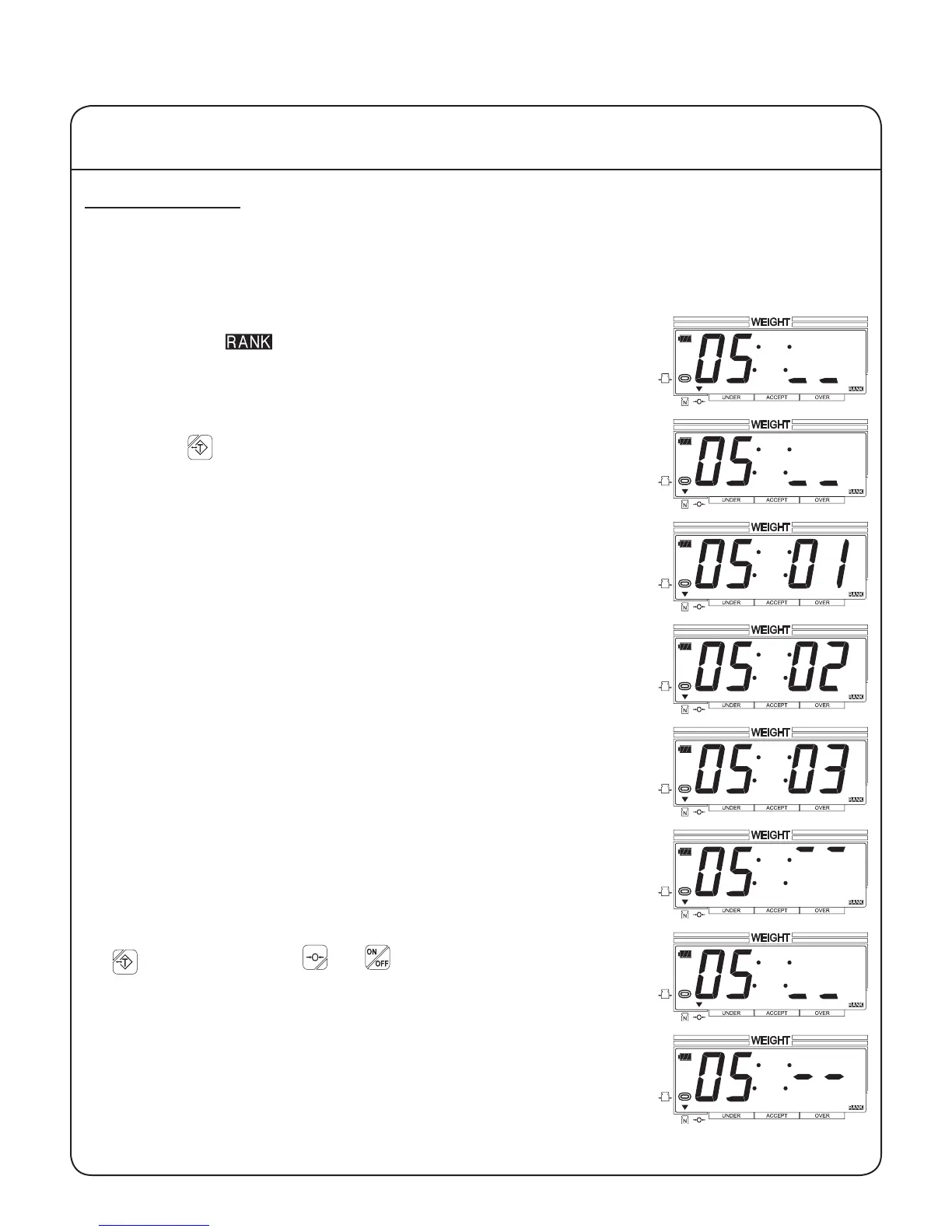
1. The scale should display the grading setup that is active, 05 in this
example. The , stable and center-of-zero indicators should be
displayed. The rightmost two digits should display underscores. This
indicates that the current load is below the lowest grade.
2. If you wish to enter a tare, place the item on the scale platform and
press the key. The net weight indicator should be displayed, and
the center-of-zero indicator should not.
3. Load the scale with the product to be graded. If the product falls at or
above the rst grade setpoint, and below the second grade setpoint,
then grade 01 will be displayed.
4. If the product falls at or above the second grade setpoint, and below
the third grade setpoint, then grade 02 will be displayed.
5. If the product falls at or above the third grade setpoint, and below the
nal grade setpoint, then grade 03 will be displayed.
6. If the product falls at or above the nal grade setpoint, then two over-
scores will be displayed.
7. Remove the product and any tared item. If a tare was entered, press
to clear it. Press the and keys to toggle between the
checkweighing function and the normal weighing mode.
If parameter 04 is set to 001 (stable weight reading required), then the
scale will display two dashes on the right until the weight reading is
stable.
IV Using the Scale
21


 To Next Page