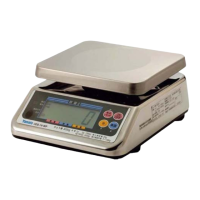
YCO-1047-03-13
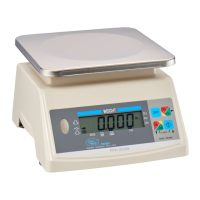
PPC-200(W) Operation Manual
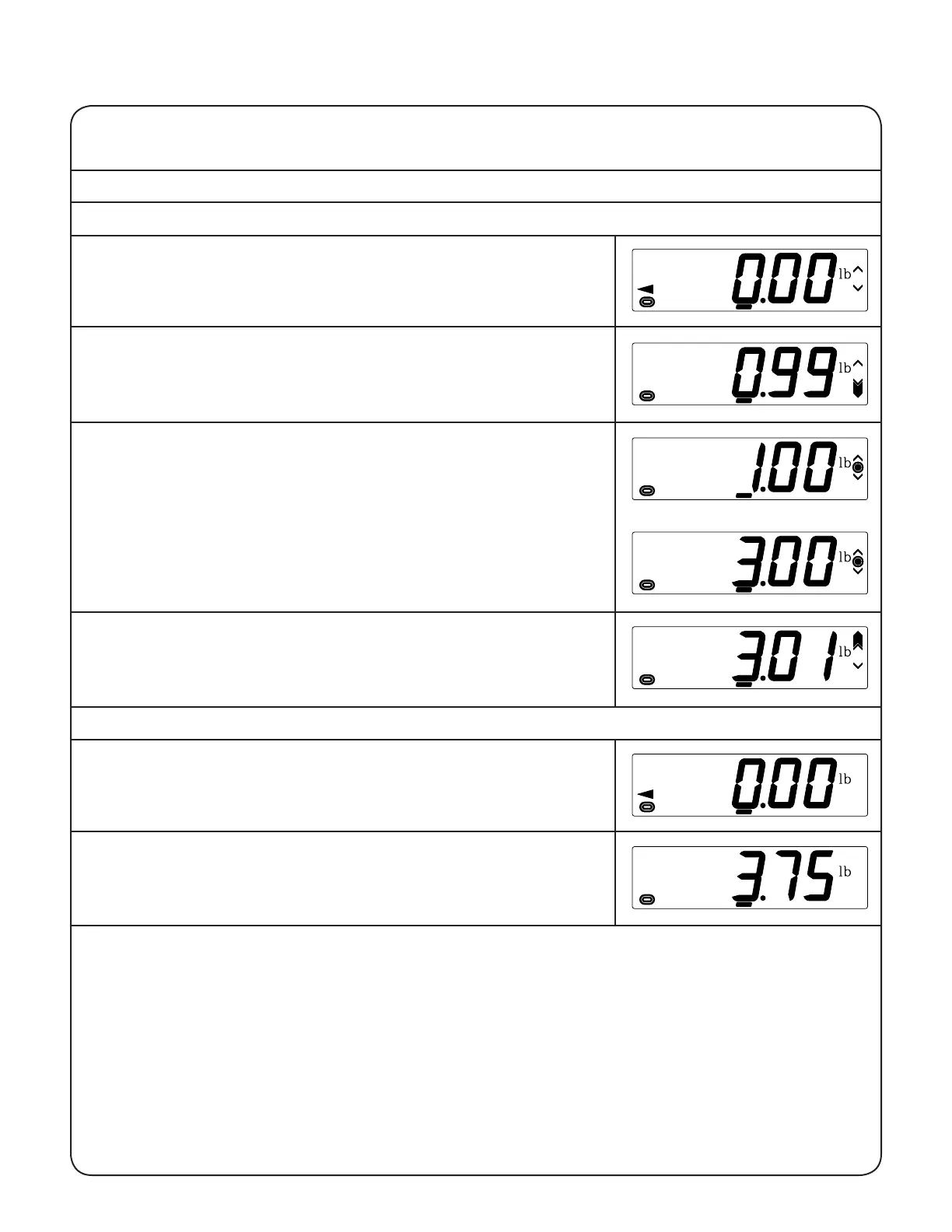
1) Begin with no load on the scale, the display reading zero, and
the center zero and stable indicators lit. The small up and down
arrowheads on the right side of the display indicate that the over
and under setpoints, respectively, have been set.
2) Place the item(s) to be weighed on the scale platform. If the item
weighs less than the under setpoint, the large under arrow will
appear.
3) If the item weighs from the lower setpoint to the upper setpoint,
inclusive, the accept bullseye will appear.
4) If the item weighs more than the upper setpoint, the large over
arrow will appear.
4
III.H.2 Gross Weighing
1) Begin with no load on the scale, the display reading zero, and the
center zero and stable indicators lit.
2) Place the item(s) to weighed on the scale platform. The weight
displayed will be the gross weight.
III Directions for Use
III.H Weighing
III.H.1 Using the Under/Over Indicator


 To Next Page