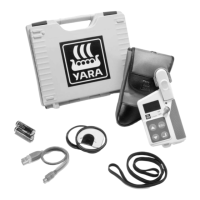
Yara N-Sensor V3.10 Operation Manual
Map products: Checkmark the pdf products that you want to get processed out of the
log files.
Additional information: Check the desired options for the layout of the printouts.
Additional options: Check this option if you want the field size to be taken from the
file header instead of being processed from the GPS data.
4.1.2 Using batch processing
The Tasks page displays a list of all tasks which have been used and where data files
are available. For each task the task number, the field name and the task status (i. e.
the recording time) are displayed:
Last revised: 28.01.2009 14:39 Page 26 of 64



 To Next Page