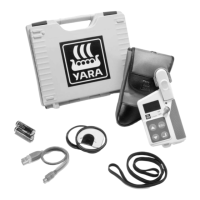
Yara N-Sensor V3.10 Operation Manual
New records (i. e. fields) can be created through the + button. To erase records, se-
lect the record and press – . The total number of records that can be entered is unlim-
ited.
7.2.2 Tasks
Once a set of master data has been entered, switch to the Tasks tab to prepare the in-
dividual tasks. Up to 99 fields can be selected from the master data entered before and
assigned to the 99 available tasks. To assign a field to a task, simply select that field
out of the drop-down list in the Field name column. Use the Customer drop down box to
filter the list for individual customers.
Last revised: 28.01.2009 14:39 Page 58 of 64



 To Next Page