To Next Page
J
James Mccullough MDSep 9, 2025
Why can't I hear the ring tone on my Yealink Conference System?
- JJacob WiseSep 9, 2025
If you cannot hear the ring tone when receiving a call on your Yealink Conference System, adjust the volume.

Why can't I hear the ring tone on my Yealink Conference System?
If you cannot hear the ring tone when receiving a call on your Yealink Conference System, adjust the volume.
Why do I fail to call far site on my Yealink Conference System?
If you fail to call the far site using your Yealink Conference System, the far site may have enabled Do Not Disturb (DND) mode. Contact the far site and ask them to disable DND.
Why can't I adjust the camera on my Yealink Conference System?
If you cannot adjust the camera angle and focus on your Yealink Conference System, select the local image using your remote control before attempting to adjust the camera. Ensure the system is idle or during a call, and check the remote control.
Why does the far site see a black screen when I share content on my Yealink Conference System?
If the far site displays a black screen when you share content on your Yealink Conference System, configure the network address adapter to send content to the actual public IP address. You can do this in the web user interface under Setting > Call Features > Outbound Call Settings. Select the desired value from the drop-down menu of Network Address Adapter: Disabled, IP Adapter, Port Adapter, or IP & Port Adapter.
How to correct the time and date on my Yealink Conference System?
If the time and date are wrong on your Yealink Conference System, contact the network administrator, as the system may be failing to obtain the time and date from the SNTP server automatically. You can also manually configure the time and date.
 General
| Operating System | Android |
|---|---|
| Bluetooth | Bluetooth 4.2 |
| Touch Technology | Capacitive |
| Connectivity | Wired / Wireless |
| Ethernet | 10/100/1000 Mbps |
| Wi-Fi | 802.11 a/b/g/n/ac |
| Power Input | 12V DC |
| Processor | Quad-core |
| Memory | 2GB RAM |
| Ports | USB |
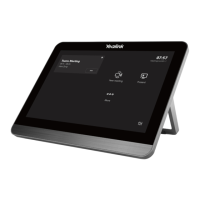
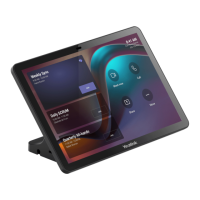
| Supported Devices | Yealink video conferencing systems |
| Display Size | 8 inches |
| Resolution | 1280 x 800 |