EasyManua.ls Logo

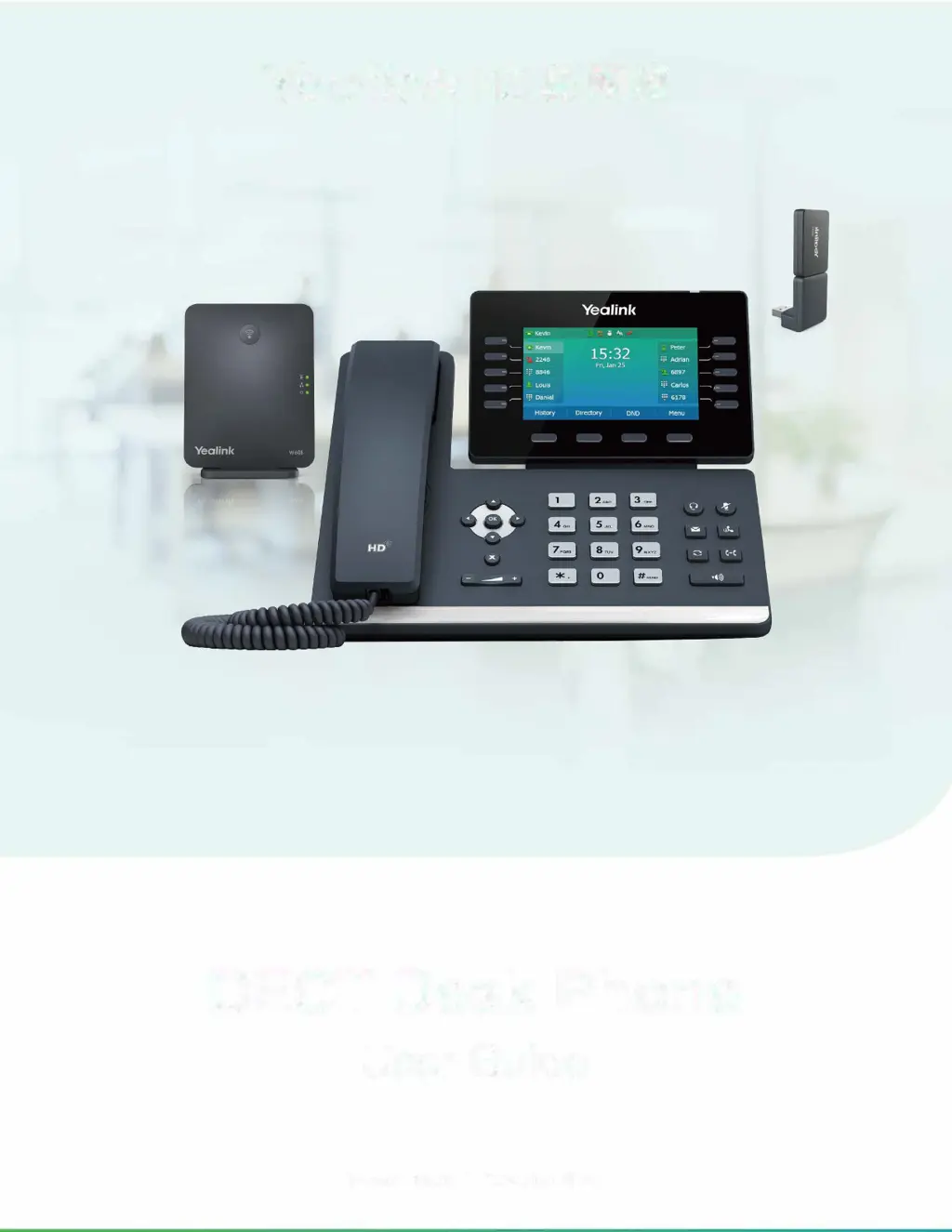
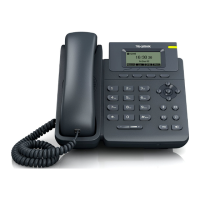
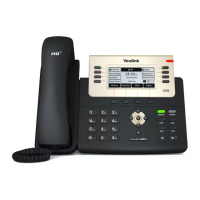
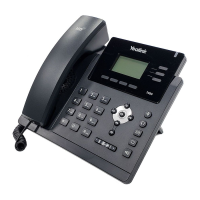
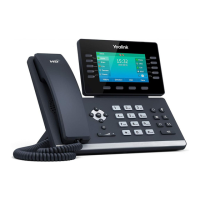
Yealink DD Phone - User Manual

Yealink DD Phone
32 pages
Print Icon
To Next Page IconTo Next Page
Loading...

 

Version: 85.65 I Date: Sep. 2020

Table of Contents

Questions and Answers

  • C
    Cameron HarrisAug 18, 2025
    Why doesn't my Yealink Telephone get an IP address?
    • H
      Heidi SimmonsAug 18, 2025
      If your Yealink Telephone isn't getting an IP address, check the following: * Ensure the Ethernet cable is securely plugged into the internet port and is not loose. * Verify the Ethernet cable is not damaged. * Confirm that the IP address and related network parameters are set correctly. * Make sure your network switch or hub is working. * Ensure the Wi-Fi feature is disabled.
  • S
    srandolphAug 20, 2025
    Why does my Yealink Telephone display “No Service”?
    • J
      judy87Aug 21, 2025
      If your Yealink Telephone displays “No Service”, ensure that an account is actively registered on the IP phone at Menu->Status->More->Accounts.
  • A
    Andrew AdkinsAug 23, 2025
    Why does my Yealink Telephone have no power?
    • D
      Diana SmithAug 23, 2025
      If your Yealink Telephone has no power: * Reboot your IP phone. * Replace the power adapter.
  • J
    Joseph AndersonAug 26, 2025
    What to do if the LCD screen is blank on my Yealink Telephone?
    • G
      Garrett BoothAug 26, 2025
      If the LCD screen on your Yealink Telephone is blank, verify the following: * Ensure the phone is properly plugged into a functional AC outlet. * Confirm the phone is plugged into a socket controlled by a switch that is on. * If plugged into a power strip, try plugging it directly into a wall outlet. * If your phone is PoE powered, ensure you are using a PoE-compliant switch or hub.
  • M
    millertravisAug 28, 2025
    How to solve IP conflict problem on Yealink Telephone?
    • A
      Amanda StewartAug 28, 2025
      To resolve an IP conflict on your Yealink Telephone, you can: * Reset another available IP address for the IP phone. * Check network configuration via the phone's user interface at Menu->Settings->Advanced Settings (default password: admin)->Network->WAN Port->IPv4 (or IPv6). If Static IP is selected, choose DHCP instead.
  • J
    James SmithAug 30, 2025
    Why doesn’t my Yealink Telephone upgrade firmware successfully?
    • M
      Michelle BryantAug 30, 2025
      If your Yealink Telephone isn’t upgrading firmware successfully, check the following: * Ensure that the target firmware is not the same as the current firmware. * Ensure that the target firmware is applicable to the IP phone model. * Ensure that the current or the target firmware is not protected. * Ensure that the power is on and the network is available during the upgrade. * Ensure that the web browser is not closed or refreshed when upgrading firmware via the web user interface.
  • L
    Lindsey MorrowSep 2, 2025
    Why do I get poor sound quality during a call on my Yealink Telephone?
    • A
      Aaron MartinezSep 2, 2025
      Poor sound quality during a call on your Yealink Telephone can be due to several factors: * Users being too far from the microphone or too close to sensitive microphones. * Packet loss and jitter due to network congestion. * Noisy equipment causing interference. Turn off any noisy equipment. * Line issues. Try disconnecting the old line and redialing to see if another line provides a better connection.
  • M
    Mike ValenciaSep 4, 2025
    Why doesn’t my Yealink Telephone display time and date correctly?
    • C
      Cassandra StewartSep 5, 2025
      If your Yealink Telephone doesn’t display the correct time and date: * Check if the IP phone is configured to obtain the time and date from the NTP server automatically. * If your phone is unable to access the NTP server, configure the time and date manually.
  • C
    Charlotte Humphrey DVMSep 7, 2025
    Why doesn’t my Yealink Telephone update the configuration?
    • S
      Samantha NavarroSep 7, 2025
      If your Yealink Telephone isn’t updating its configuration: * Ensure that the configuration is set correctly. * Reboot the phone, as some configurations require a reboot to take effect. * Ensure that the configuration is applicable to the IP phone model. * Be aware that the configuration may depend on support from a server.
  • J
    Joseph JacksonSep 9, 2025
    Why does the Bluetooth headset affect Yealink Telephone’s voice quality?
    • A
      Amber PriceSep 10, 2025
      Your Yealink Telephone's voice quality may be affected if you use a Bluetooth headset while the 2.4 GHz band is enabled or in an environment with many other Bluetooth devices.

Yealink DD Phone Specifications

General IconGeneral
CategoryIP Phone
Supported ProtocolsSIP
HD AudioYes
Headset PortYes
Wall MountableYes
Power SupplyPoE
Supported CodecsG.722, Opus

Related product manuals