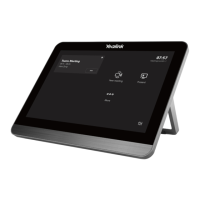
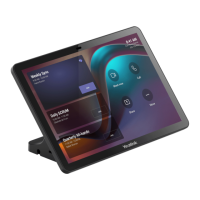
- Pair your MTouchPlus-EXT with endpoint- Pair your MTouchPlus-EXT with endpoint
For MVC endpoints:For MVC endpoints:
Enter the MTouch Plus IP address and PIN code according to the on-screen
prompts in the MTouchPlus-EXT, then the system will be automatically paired
with the MTouchPlus-EXT
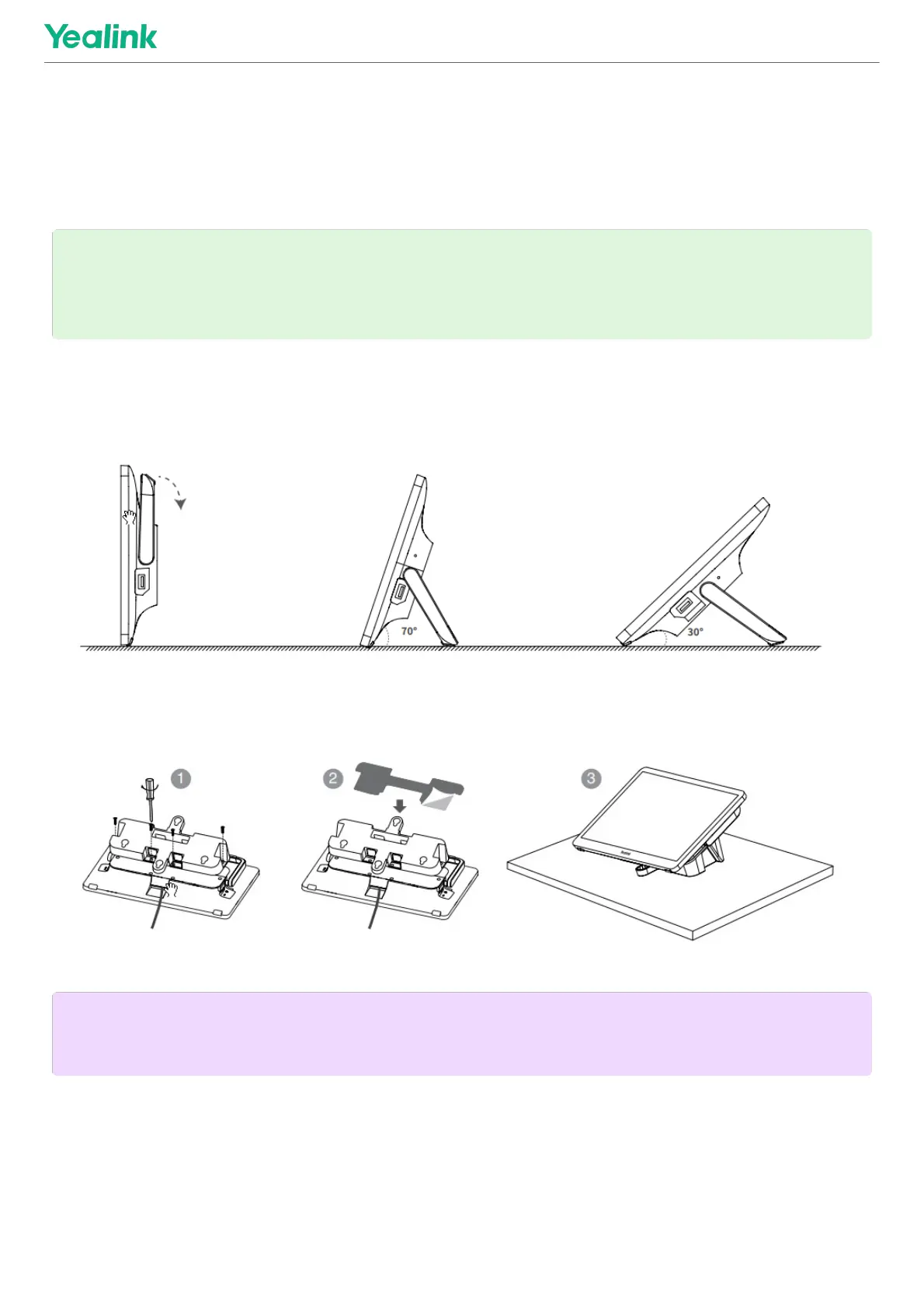
Table InstallationTable Installation
- Put on the table- Put on the table
- Paste on the table- Paste on the table
- Fixed on a table- Fixed on a table
TIPTIP
Go to Device Status > IP in Yealink RoomConnect, you can obtain the IP of
MTouch Plus.
NOTENOTE
Please select the outlet hole according to your needs.



 To Next Page